Fluxx Tech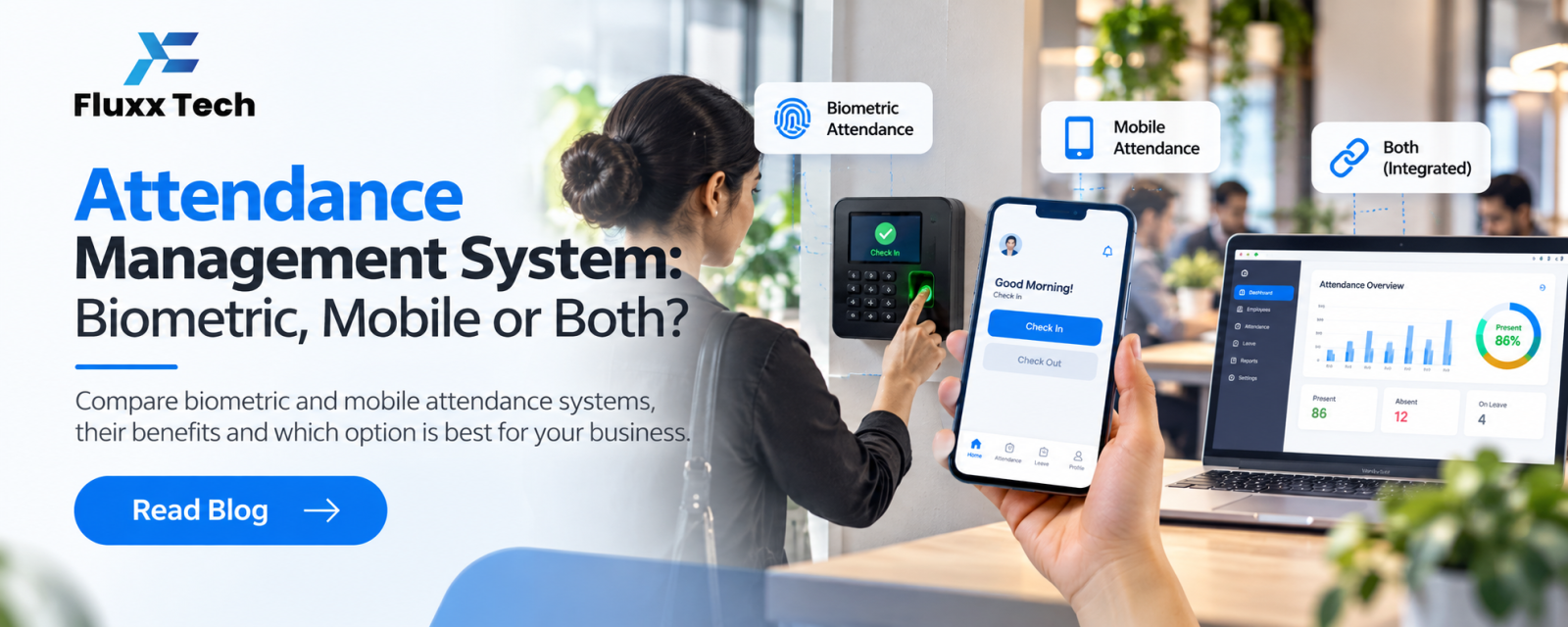
Attendance is the starting point of payroll. If attendance is wrong, salaries, overtime, leave balances and statutory deductions are wrong too. Yet many businesses still rely on paper registers, a standalone biometric machine and a supervisor’s WhatsApp messages, all reconciled by hand at month end.
An attendance management system collects attendance automatically, applies your shift and leave rules, and passes clean data to payroll. This guide helps you choose the right type.
The main ways to capture attendance
Method | How it works | Best for | Watch out for |
Biometric (fingerprint) | Staff punch on a device at the entrance | Factories, offices, retail stores | Device must sync automatically; worn fingerprints fail |
Face recognition | Device or tablet recognises faces | Hygiene-sensitive sites, large teams | Lighting and camera quality |
Mobile app with GPS | Staff check in on their phone within a location radius | Field sales, technicians, multiple sites | Phones must allow location; prevent proxy check-ins |
Mobile app with selfie | Check-in with a photo and location | Field teams, remote sites | Storage and privacy settings |
QR code at site | Staff scan a code at the location | Construction, events, temporary sites | Codes must rotate to stop sharing |
Many businesses use a mix: biometric at the head office and factory, mobile check-in for field staff.
Features that matter
• Shift management: general, rotating and night shifts, with grace periods and break rules
• Overtime rules: automatic calculation based on your policy
• Leave integration: approved leave, holidays and week-offs reflected automatically
• Late marks and short hours: configurable rules and alerts
• Regularisation: employees request corrections for missed punches; managers approve
• Multiple locations: each site with its own devices, shifts and holidays
• Reports: daily attendance, late arrivals, absentees, overtime and monthly summaries
• Payroll integration: attendance flows straight into salary calculation
Questions to ask vendors
1. Does it work with our existing biometric devices, or do we need new ones?
2. How does it prevent buddy punching or fake GPS check-ins?
3. Can employees see their own attendance and request corrections on mobile?
4. Can we set different shift rules for different departments?
5. Does it connect to payroll, and how?
6. What happens when the internet is down at a site?
Common mistakes to avoid
• Buying a biometric device that does not sync to software automatically
• Ignoring field staff, who end up on a separate WhatsApp process
• Not defining shift, grace and overtime rules before setup
• Skipping a trial month with parallel records
What does it cost?
Cloud attendance systems are usually priced per employee per month, sometimes bundled with HRMS and payroll. Biometric or face devices are a one-time hardware cost. Ask for a combined quote covering software, devices, installation and support. FluxxHR pricing: [add plans and prices].
Frequently asked questions
Is mobile attendance reliable? Yes, when it uses GPS geo-fencing, selfie verification or both, and managers review exceptions.
Can attendance software work with payroll? The best systems pass attendance directly to payroll, avoiding manual entry.
Do small businesses need an attendance system? If you have shifts, overtime, multiple sites or frequent attendance disputes, it saves time from as few as 15–20 employees.