 Fluxx Tech
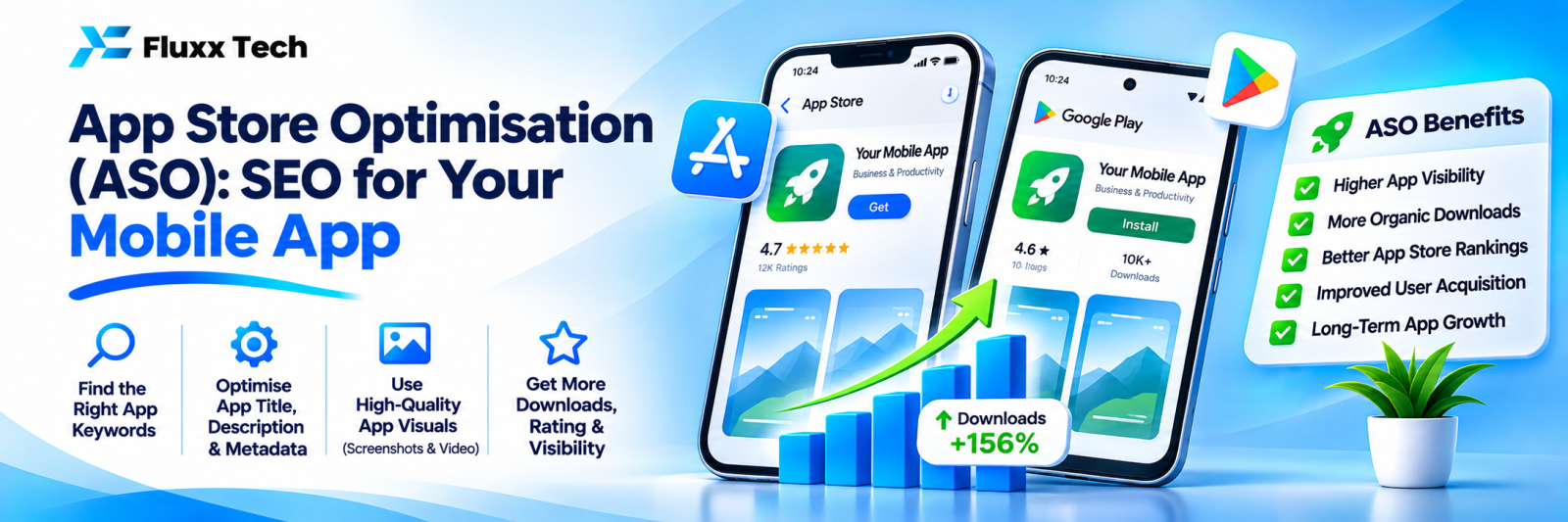
Launching an app is only the start. People find most apps by searching inside the Google Play Store and Apple App Store. App Store Optimisation (ASO) is SEO for those stores: improving your listing so it appears in searches and convinces people to install.
Key listing elements
Element | Google Play | Apple App Store |
App name / title | Up to 30 characters | Up to 30 characters |
Short text | Short description (up to 80 characters) | Subtitle (up to 30 characters) |
Long description | Up to 4,000 characters, used for search | Not used for search ranking |
Keyword field | No separate field | Up to 100 characters, hidden |
Visuals | Icon, screenshots, feature graphic, video | Icon, screenshots, app preview video |
Check each store’s current limits before publishing.
1. Keyword research
• List the words users would search: “clinic booking”, “attendance app”, “grocery delivery Coimbatore”
• Check store search suggestions as you type
• Look at competitor listings
• Include local terms if your app serves a specific city
2. Title and short text
Combine your brand with the main function: “FluxxHR: Attendance & Payroll”. Keep it readable, not stuffed.
3. Description
• On Google Play, use important keywords naturally in the description
• Lead with the main benefit in the first lines
• List key features clearly
• Mention who the app is for
4. Screenshots and video
Visuals decide whether people install:
• Show the main benefit in the first two screenshots
• Add short captions on screenshots
• Use real app screens, not just marketing graphics
• A short demo video helps explain the app
5. Ratings and reviews
• Prompt satisfied users to rate the app at a positive moment
• Reply to reviews, especially complaints
• Fix bugs mentioned in reviews quickly
6. Updates and performance
Regular updates, low crash rates and good performance support visibility and ratings.
7. Drive installs from outside the store
Link to your app from your website, Google Business Profile, WhatsApp messages, social media and email. Use deep links where useful.
8. Track results
Use Google Play Console and App Store Connect to track impressions, store visits, conversion to installs and keyword performance.
Frequently asked questions
How long does ASO take? Changes can show within weeks; testing and improving is ongoing.
Should I change my app name often? No. Frequent changes confuse users. Test improvements carefully.
Do reviews affect ranking? Ratings and reviews influence conversions and visibility in stores.


