Fluxx Tech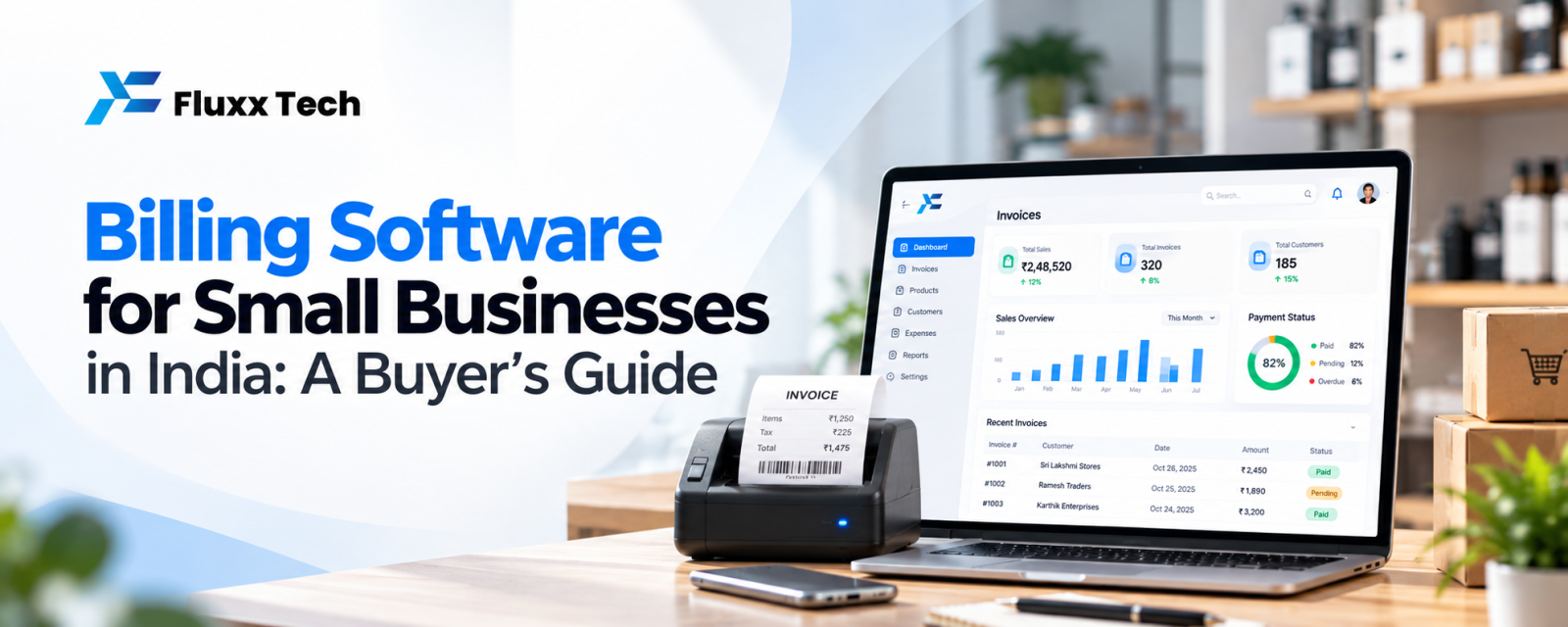
Billing software is the most-used tool in many Indian shops, distributors and service businesses. A good one makes invoicing fast and accurate, keeps stock up to date and shows you what is selling. A poor fit slows down the counter, creates GST errors and forces double entry into accounts.
This guide explains what to look for and when a custom solution makes sense.
Core features to look for
Feature | Why it matters |
GST-compliant invoices | Correct tax rates, HSN/SAC codes and invoice formats |
Fast billing screen | Barcode scanning, keyboard shortcuts and quick search at the counter |
Inventory tracking | Stock updates with every sale and purchase; low-stock alerts |
Customer and supplier records | Outstanding balances, credit limits and history |
Payments | Cash, UPI, cards and credit, with payment reminders |
Reports | Sales, profit, tax, stock and outstanding reports |
Accounting integration | Export or sync to your accounting software |
Multi-user access | Different permissions for cashier, manager and owner |
Features by business type
• Retail shops and supermarkets: barcode billing, thermal printing, offers and loyalty points
• Distributors and wholesalers: price lists by customer, credit tracking, e-way bill support, route-wise collections
• Restaurants: table and KOT management, online order integration
• Service businesses: recurring invoices, quotations, job cards
• Manufacturers: batch and expiry tracking, raw material consumption
Cloud, desktop or mobile?
Type | Pros | Cons |
Desktop | Works offline, one-time purchase options | Data on one computer; backups are your job |
Cloud | Access anywhere, multiple branches, automatic backups | Needs internet; usually a subscription |
Mobile app | Billing from a phone; good for small shops and field sales | Limited for high-volume counters |
Many businesses choose cloud software with an offline mode for the counter.
GST and compliance
Billing software should handle GST rates, invoice numbering and tax reports correctly. Depending on your turnover and business type, you may also need e-invoicing or e-way bills. Rules and thresholds change, so confirm current requirements with your accountant and check that the software supports them.
When does custom billing software make sense?
Ready-made billing software suits most shops. Consider custom software or a custom integration when:
• Your pricing is complex: contract rates, slabs, schemes or rental billing
• Billing must connect to your own app, website, dealer portal or ERP
• You run several branches with central stock and approvals
• You need workflows no off-the-shelf tool supports
Questions to ask before you buy
1. Can I try it free with my own products and tax rates?
2. How fast is billing at a busy counter?
3. Does it support my printer and barcode scanner?
4. How are backups handled, and can I export all my data?
5. What support is available on weekends and festival seasons?
Frequently asked questions
What is the best billing software for small shops? The one that fits your business type, is fast at the counter and produces correct GST invoices. Try two or three with your own data.
Can billing software manage stock? Most do. Check that stock updates automatically with purchases and sales.
Is cloud billing safe? Reputable providers use encryption and automatic backups. Keep admin access restricted.