 Fluxx Tech
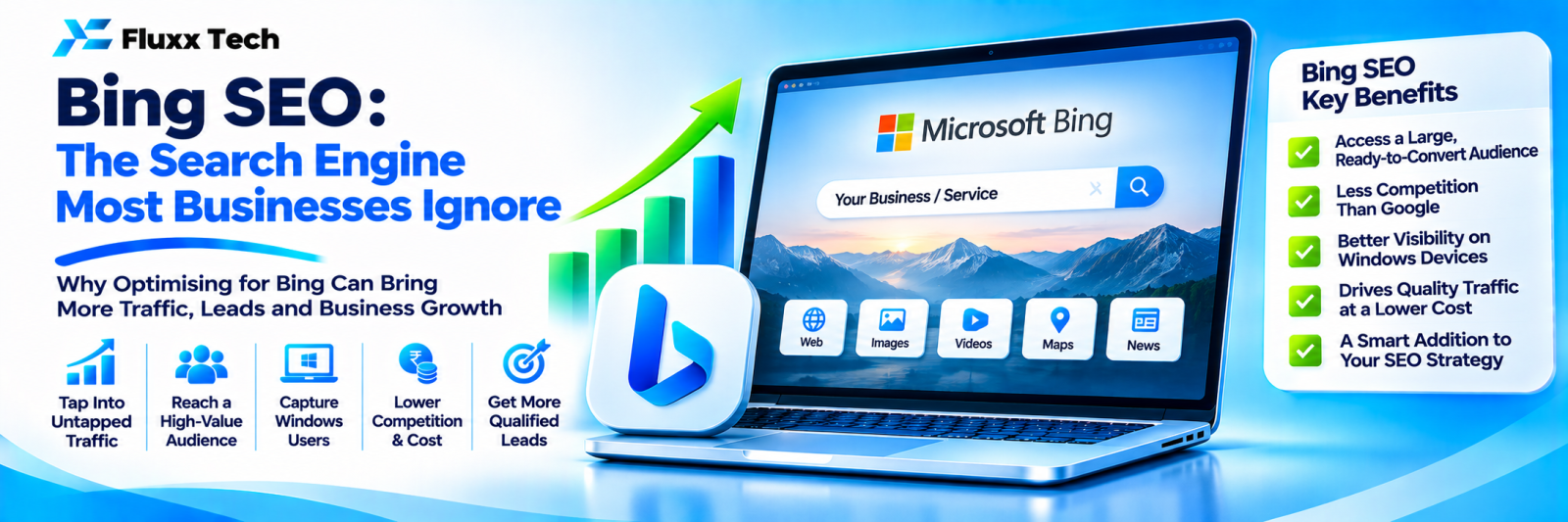
Google dominates search in India, but Bing still has users, especially on Windows computers, the Edge browser and in many offices. Bing’s results also feed other services, including some AI assistants. Setting up Bing takes little effort and can bring extra visibility, particularly for B2B searches made at work.
Step 1: Set up Bing Webmaster Tools
• Sign up at Bing Webmaster Tools
• Import your site directly from Google Search Console (the quickest option)
• Submit your XML sitemap
• Check for crawl errors and SEO reports
Step 2: Claim Bing Places for Business
Bing Places is Bing’s version of Google Business Profile. You can often import your Google Business Profile details. Keep name, address, phone and hours consistent.
Step 3: Use IndexNow
IndexNow lets you notify participating search engines, including Bing, instantly when pages are added or updated. Many SEO plugins and platforms support it.
How Bing differs from Google
Area | Bing tendencies |
Keywords | Can give more weight to clear keyword matches in titles and headings |
Social signals | May consider social engagement as a signal |
Domain age and authority | Established sites can have an edge |
Multimedia | Strong image and video search features |
Technical clarity | Clean HTML, clear metadata and sitemaps help |
The fundamentals are the same: helpful content, clear structure, fast pages and trusted links.
Who benefits most
• B2B companies whose buyers search from office computers
• Businesses targeting international markets
• Sites wanting extra traffic with little extra work
Frequently asked questions
Is Bing worth the effort? Setup takes under an hour and the ongoing work overlaps with Google SEO, so yes.
Will optimising for Bing hurt Google rankings? No. Good practices help both.
How do I track Bing traffic? Use Bing Webmaster Tools and filter Google Analytics 4 by source.


