 Fluxx Tech
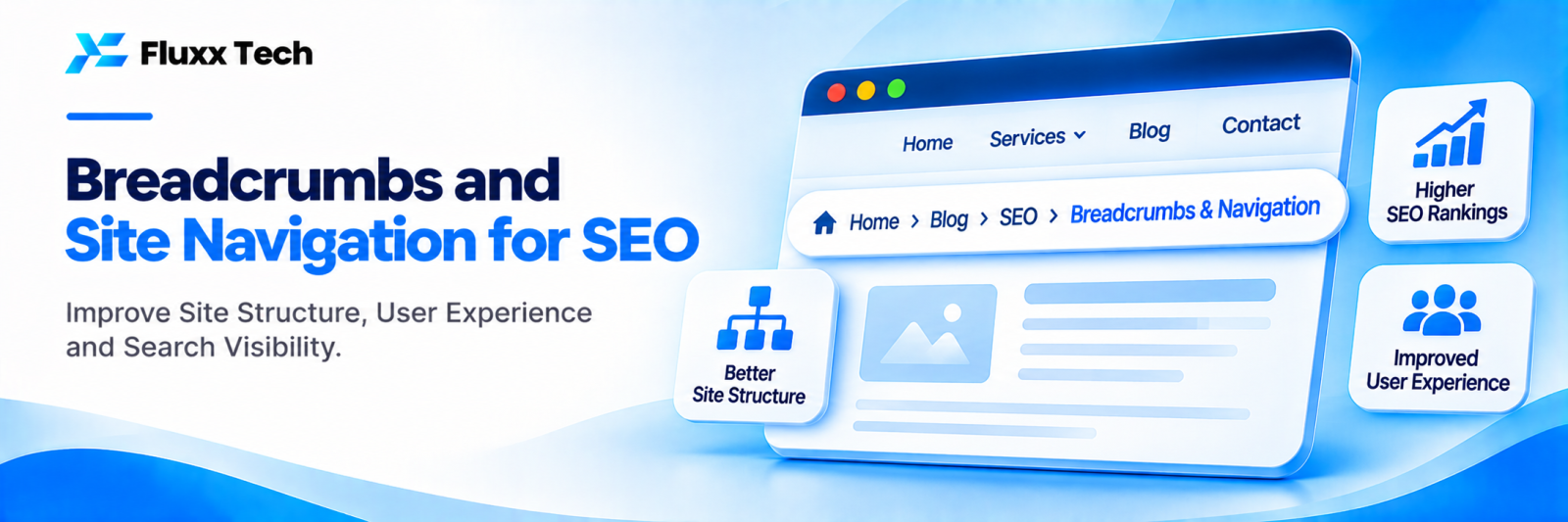
Navigation is how visitors and search engines move around your site. Clear menus and breadcrumbs help people find services quickly and help Google understand which pages are most important.
Main menu
• Keep it simple: Home, Services (dropdown), Industries or Products, About, Blog, Contact
• Use clear words customers understand, not internal jargon
• Link to your most important pages from the menu
• Make sure it works smoothly on mobile
Breadcrumbs
Breadcrumbs show a page’s position in the site hierarchy:
Home › Services › SEO › Local SEO
Benefits:
• Help visitors go back to broader sections
• Add internal links to parent pages
• Help Google understand structure
• Can appear in search results instead of a long URL
Add BreadcrumbList schema so search engines read them correctly.
Footer links
Use the footer for:
• Key services
• Locations
• Contact details and address
• Policies (privacy, terms, refunds)
Avoid stuffing the footer with dozens of keyword links.
Site structure
Level | Example |
Homepage | Overview of the business |
Category | /services, /products, /locations |
Detail | /services/seo, /products/fluxxhr |
Supporting | /blog posts linking to detail pages |
Important pages should be reachable within a few clicks from the homepage.
Navigation for online stores
• Clear category hierarchy
• Filters that don’t create endless indexable URLs
• Breadcrumbs on every product page
• Related products and categories
Frequently asked questions
Do breadcrumbs help rankings? They help structure and usability, which supports SEO, and can improve how your result looks.
How many items should be in the main menu? Usually five to seven top-level items, with dropdowns for services or categories.
Should every page be in the menu? No. Key pages in the menu; others linked from relevant pages.


