Fluxx Tech
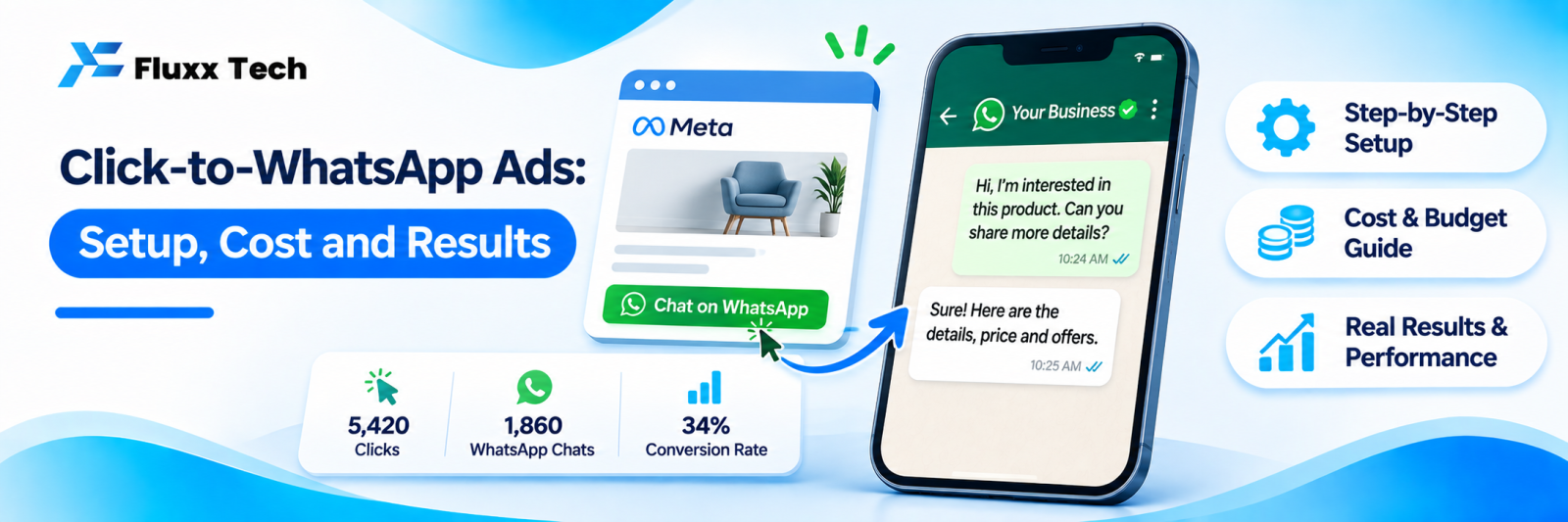
A click-to-WhatsApp ad does one thing: instead of sending the click to a website, it opens a WhatsApp chat with your business, often with a pre-filled message. For businesses that sell through conversation, which in India is most of them, this is usually the highest-converting ad objective available.
Why they work here
| Landing page | Lead form | Click-to-WhatsApp |
What the user does | Reads, then fills a form | Fills a form in-app | Sends a message |
Friction | Highest | Medium | Lowest |
Response time | Whenever you call back | Whenever you call back | Immediate, if automated |
Contact quality | Variable | Often low intent, easy to submit | Usually higher; they chose to talk |
What you get | A form entry | Name and number | A live conversation |
Follow-up | Phone call, often unanswered | Phone call, often unanswered | In a channel they already read |
The decisive difference is that an unanswered phone call ends the lead, while a WhatsApp message sits in their chat list until they look.
When to use them
Good fit
• Products or services people ask questions about before buying
• Price-dependent purchases: custom work, sizes, specifications
• Local services: clinics, salons, repairs, coaching
• Boutiques, jewellery, interiors, real estate
• Anything where a catalogue or quotation needs to be sent
Poorer fit
• Simple low-value ecommerce where checkout is faster
• Businesses with nobody available to reply
• Categories where messaging is restricted by policy
That middle point matters: these ads create conversations. If nobody is on the other end within minutes, you are paying for leads and letting them go cold.
Setting them up
1. Connect your WhatsApp number to your Meta Business account
2. Create a campaign with a messaging objective in Ads Manager
3. Choose WhatsApp as the destination
4. Select audience and placements
5. Build the creative
6. Set the pre-filled message
7. Prepare your automated greeting and keyword replies before the ad goes live
8. Confirm tracking is set up
9. Launch with a small budget, then scale what works
Meta’s campaign objectives, placements and features change. Check current Ads Manager documentation while setting up.
The pre-filled message
The text that appears in the user’s chat box when the ad opens WhatsApp. Make it do work:
Weak: “Hi”
Better: “Hi, I’d like to know the price for [product]”
Better still, per ad set: “Hi, I saw your Instagram ad about the Diwali offer on silk sarees”
A specific pre-filled message tells you which ad produced the conversation without any other tracking. Use a different one for each ad set and you have free attribution.
The greeting that follows
The first automated reply decides whether the conversation continues:
Hi! 👋 Thanks for messaging about [product/offer]. Here’s what you asked for: [price range / key detail] Which one are you looking at? I’ll check availability.
Give the information in the first message. A greeting that only asks “how can I help?” when they already said what they want wastes the click you paid for.
See our auto reply guide for building the keyword rules behind this.
Creative
• Show the product or result, not a text-heavy graphic
• Put the price or price range on screen where you can; it filters out mismatched clicks and raises conversation quality
• Make the action explicit: “Message us for the rate list”
• Video and carousel both work; test both
• Keep the offer in the first line of the primary text
Budget and bidding
• Start small, with one audience and two or three creatives
• Run for at least a week before judging; early cost per conversation is volatile
• Let the campaign exit the learning phase before making changes
• Scale the winner gradually rather than tripling the budget overnight
Costs vary enormously by category, location and competition, so take anyone’s quoted “cost per lead” with caution. Measure your own.
Tracking
Cost per conversation is not the number that matters. Cost per customer is.
Record for every conversation:
• Which ad or ad set it came from, via the pre-filled message or campaign parameter
• Whether it became a qualified enquiry
• Whether it became a customer
• The order value
Then calculate cost per qualified enquiry and cost per customer per ad set. Very often the ad with the cheapest conversations produces the worst customers.
See our revenue tracking guide.
Mistakes that waste budget
• Launching before the automated replies exist
• Running ads outside the hours anyone can reply
• A generic pre-filled message, so you cannot attribute anything
• Judging on cost per conversation alone
• Treating every message as a lead; many are browsers, so qualify them
• No follow-up on conversations that went quiet. See our follow-up guide
• Sending marketing broadcasts later to people who only enquired, without opt-in
Frequently asked questions
Do click-to-WhatsApp ads cost more than regular ads? Costs depend on category and competition, not the objective alone. Compare cost per customer, not cost per click.
Can I run them on Instagram too? Messaging ads can be placed across Meta’s surfaces. Check which placements currently support WhatsApp as a destination.
What if nobody is available to reply? Use automation for the first reply and an away message with a realistic response time. Better still, do not run the ads during hours nobody can follow up.