Fluxx Tech
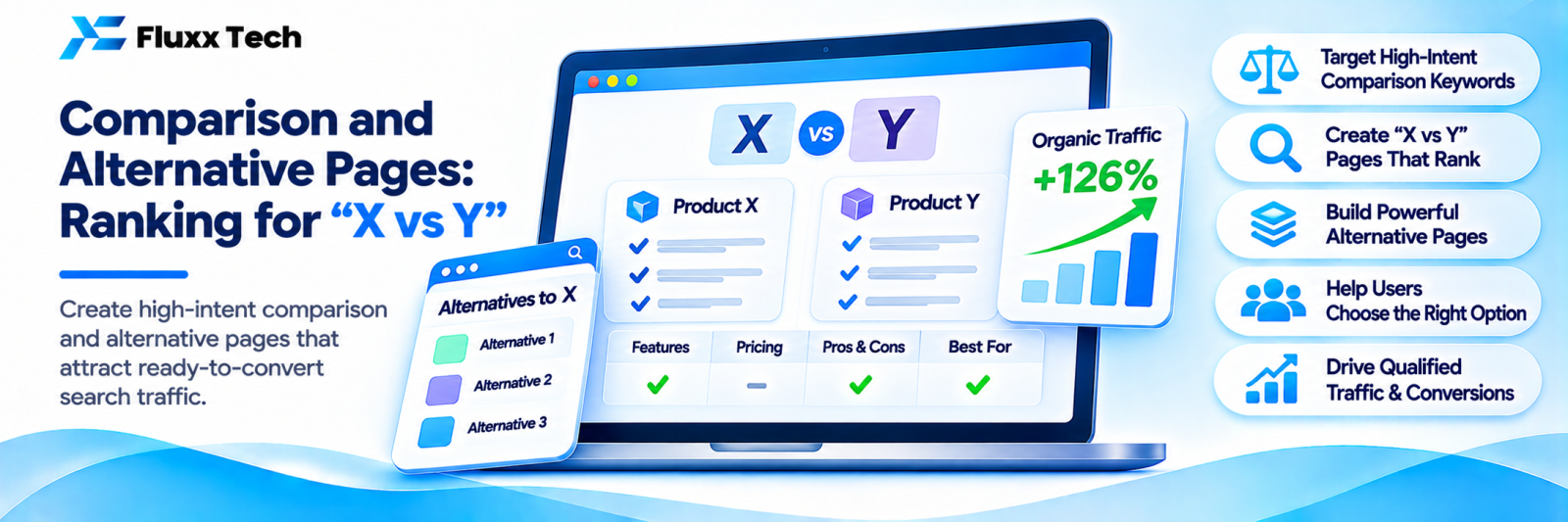
Someone searching “Razorpay vs Cashfree” or “best alternative to [software]” has already decided to buy something. They are choosing between options. That is the highest-intent moment in the whole search journey, and most businesses have no page for it.
Comparison pages typically convert several times better than general informational content, because the reader is at the decision point.
The three types
1. Product A vs Product B — comparing two things you do not own.
Example: “Shopify vs WooCommerce”. You rank by being the most useful comparison, and you convert by offering to help with whichever they choose.
2. Alternatives to X — “alternatives to [popular tool]”.
People searching this are unhappy with something. They are actively looking to switch.
3. Us vs them — your product against a named competitor.
Highest intent, hardest to write honestly, and only appropriate for product businesses. Services firms usually should not do this.
Why they work
• Decision-stage intent
• Lower competition than head terms; “payment gateway” is brutal, “Razorpay vs Cashfree” is winnable
• Many variations: every pair of competitors in your category is a potential page
• They answer the question your sales team already answers daily
• They age well, with periodic updates
Structure that ranks
H1: [A] vs [B]: Which Should You Choose?
The quick answer (2–3 sentences, before anything else)
→ "Choose A if ___. Choose B if ___."
Comparison table (the thing most people scroll to)
Section per dimension:
- Pricing
- Features that actually differ
- Ease of use
- Support
- Integration
- Who each suits
Who should choose A
Who should choose B
Who should choose neither
How to decide: a short checklist
FAQs
Put the answer at the top. The reader wants a recommendation, not a 2,000-word journey. Giving it immediately builds trust and keeps them reading.
Be genuinely balanced
The temptation on an “us vs them” page is to list your strengths and their weaknesses. Readers recognise this instantly and leave.
Rules that make comparison pages credible:
• Say where the competitor is better. Every product is better at something. Naming it is what makes the rest of your page believable.
• Use their current pricing, and date it. Out-of-date pricing is the most common error and the most damaging.
• Do not misrepresent. It is unfair, and it invites legal trouble.
• State the situations where you are not the right choice. This converts better than claiming to be right for everyone.
• Update regularly. Both products change.
A comparison that says “if your main need is X, choose them” earns more trust, and more business, than one that claims total superiority.
Comparison tables
The table is often the most-read element and can win a featured snippet.
• Keep rows to the dimensions that actually differ
• Use specific values, not “Yes/Excellent/Good”
• Mark anything you are unsure about rather than guessing
• Date the table
• Keep it readable on a phone, which usually means fewer columns
| Option A | Option B |
Starting price | ₹[X]/month | ₹[Y]/month |
Setup time | [days] | [days] |
Best for | [specific] | [specific] |
Weakness | [honest] | [honest] |
Legal and ethical care
Comparative advertising is permitted in India within limits, but there are real constraints around disparagement and misleading claims.
• Keep every claim factual and verifiable
• Do not use a competitor’s logo or trademark in a way that implies endorsement
• Avoid derogatory language
• Keep records of when you captured their pricing and features
• Correct errors promptly if a competitor points one out
If you are unsure, have a lawyer review your “us vs them” pages. This article is not legal advice.
Finding which comparisons to write
1. Search Console: filter queries containing “vs”, “versus”, “alternative”, “or”
2. Google autocomplete: type “[your category] vs” and see what completes
3. People Also Ask on your category terms
4. Your sales team: which competitors come up in every call?
5. Keyword tools: filter for comparison modifiers
6. Competitors’ comparison pages: which pairs do they cover?
Start with the three comparisons your sales team answers most often. Those are proven questions.
Alternatives pages
“Alternatives to [X]” pages work slightly differently:
• List five to eight genuine alternatives, not one
• Be fair about each
• Include yourself, positioned honestly, not at the top by default
• Say clearly who each alternative suits
• Explain why someone might leave X in the first place, which is the actual search intent
A list that includes only you and four bad options fools nobody.
Converting
• A clear next step after the recommendation: a demo, a quote, a call
• Offer help with either choice where honest: “we implement both”
• A comparison checklist as a download, if that suits your audience
• Internal links to your relevant service page
• Avoid a hard sell mid-article; it undoes the credibility the balance earned
Maintenance
Set a review date. Prices and features change, and an outdated comparison is worse than none: it makes you look careless and can mislead a buyer.
Review every six months, and update the date shown on the page.
Frequently asked questions
Should I name competitors? For product businesses, usually yes; those searches exist either way. For services firms, comparing categories or approaches is often more appropriate than naming local rivals.
Will competitors respond? Sometimes. Keep everything factual and you are on solid ground.
Do comparison pages rank quickly? Often faster than head terms, because competition is lower. They still need internal links and time.