Fluxx Tech
An interior or construction project goes wrong in predictable ways: material reaches site late, a contractor’s bill does not match the work done, the client changes something and nobody records the cost, and the final numbers are reconstructed from memory two months after handover.
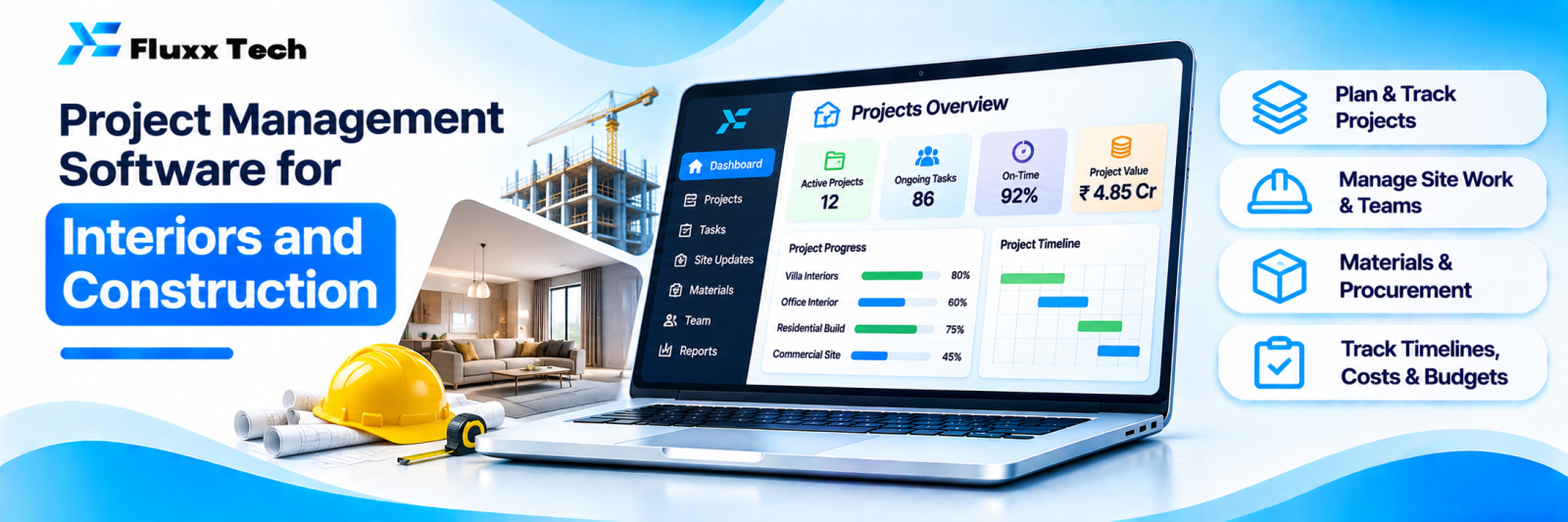
Project management software for this industry is less about Gantt charts and more about material, labour, cost and evidence.
What it must handle
Area | Function |
Project setup | Client, scope, value, timeline, team |
Schedule | Activities, dependencies, planned vs actual dates |
BOQ and estimate | Item-wise quantities and rates |
Material | Indents from site, purchase, delivery, consumption |
Labour and contractors | Work orders, measurement, bills, payments |
Site reporting | Daily progress, manpower, issues, photos |
Client communication | Progress updates, approvals, change requests |
Billing | Stage-wise billing, running account bills, retention |
Costing | Estimated vs actual, by head |
Documents | Drawings, approvals, permits, versions |
Snag list | Defects before handover, with photos and status |
The report that matters: estimated vs actual
Everything else supports this. For each project, by head:
Head | Estimated | Actual | Variance |
Material |
|
|
|
Labour and contractors |
|
|
|
Transport |
|
|
|
Site expenses |
|
|
|
Overheads |
|
|
|
Most firms discover the variance only at the end. Seeing it weekly lets you act while the project is still running, which is the entire point.
Material from site to purchase
Site supervisor raises an indent from the mobile app
↓
Project manager approves against the BOQ
↓
Purchase team issues a PO
↓
Material delivered to site, received with photo
↓
Consumption recorded against the activity
↓
Balance material tracked, and returned or transferred
Two specifics prevent most leakage: approving the indent against the BOQ quantity, and tracking material returned or transferred between sites.
See our purchase and vendor management guide.
Labour and contractors
• Work order with scope, rate and measurement basis
• Measurement recorded on site, with photos
• Contractor bill verified against measurement, not against their claim
• Advances and recoveries tracked
• Retention held and released per the agreement
• Payment status visible to both sides
Disputes over “how much work was actually done” consume an enormous amount of management time. Photo-backed measurement records end most of them.
Daily site report
Short, daily, from the site on a phone:
• Manpower present, by trade
• Work completed today
• Material received
• Issues and delays, with cause
• Photos
• Weather, where it matters
• Safety incidents
Three minutes a day, and it becomes the project’s history. When a client asks why handover slipped three weeks, the answer is in the reports, not in an argument.
Client communication and change requests
• A weekly progress update with photos, sent automatically
• Approvals requested and recorded in writing
• Change requests priced before execution, approved in writing
• A visible schedule impact for each change
Unpriced, unapproved changes are the most common reason interior projects lose money. Make the process so easy that nobody skips it.
Billing
• Stage-wise or milestone billing per the contract
• Running account bills with cumulative measurement
• Retention and release schedule
• Payment received versus billed
• Outstanding by project and client
Mobile first for site, web for office
• Site: indents, daily report, photos, measurement, attendance. Must work offline; sites have poor network. See our offline-first apps guide.
• Office: approvals, purchase, costing, billing, dashboards.
Rollout
1. Set up one live project, not all of them
2. Start with daily site reports and photos; easy, immediately useful
3. Add material indents and approvals
4. Add labour measurement and contractor bills
5. Add costing once the inputs are reliable
6. Expand to all projects
As with every system of this kind, costing is the last step, not the first. Build the data habit before you build the report.
Frequently asked questions
Is this only for large contractors? No. Firms running three or four simultaneous projects gain the most, because that is where tracking in your head stops working.
Will site staff use it? Only if it is a simple mobile app in their language, works offline, and replaces a task rather than adding one.
Can it handle multiple sites? It should, with consolidated and site-wise views, and material transfers between sites.