 Fluxx Tech
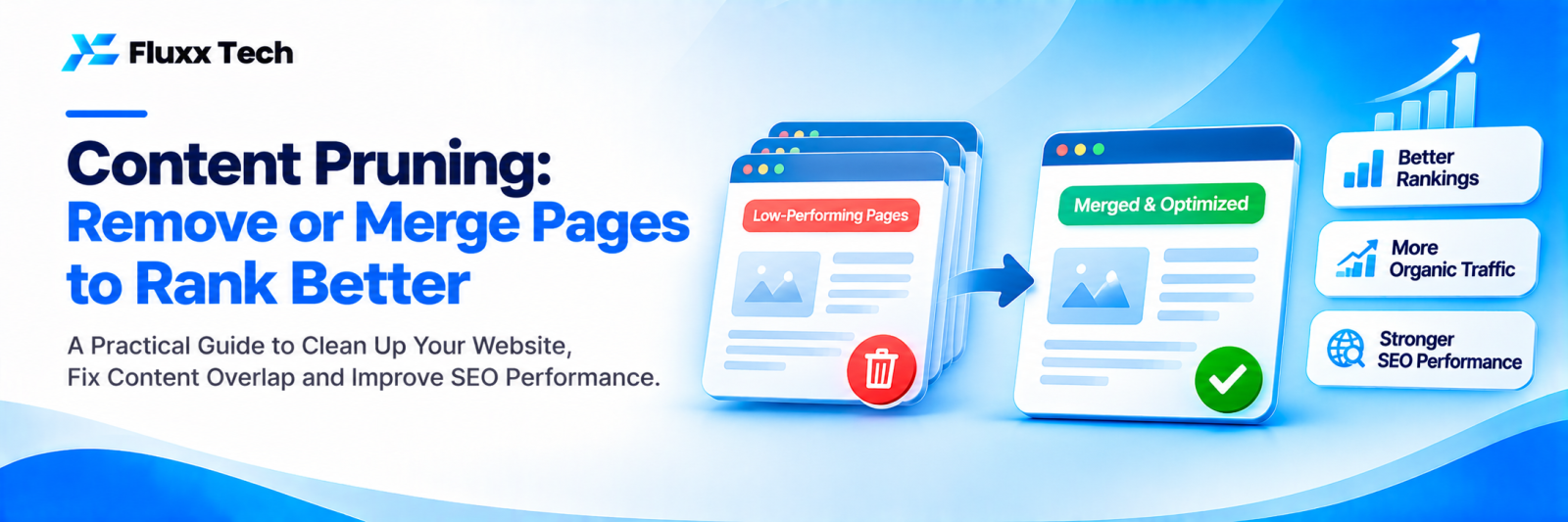
More pages don’t always mean better SEO. Many websites accumulate thin blog posts, outdated news, duplicate pages and old offers. These can dilute your site’s quality and waste Google’s crawling. Content pruning means reviewing these pages and deciding what to keep, improve, merge or remove.
Pages that often need pruning
• Very short or thin posts with little value
• Outdated offers, events and news
• Duplicate or near-duplicate pages
• Test pages and old landing pages
• Tag and archive pages with no unique content
• Posts on topics unrelated to your business
How to audit
1. Export all URLs with a site crawl or from your CMS
2. Add data for each: organic traffic, impressions, backlinks, conversions, last updated
3. Mark pages with no traffic, no links and no business value
4. Group pages on similar topics
Decide: the four options
Option | When to use |
Update | The topic matters and the page has some traffic or potential |
Merge and redirect | Several pages cover the same topic; combine into one stronger page |
Noindex | The page is useful for visitors but not for search, such as thank-you or filter pages |
Delete (404/410) or redirect | No value, no traffic, no links; redirect if there’s a relevant alternative |
Do it safely
• Don’t prune pages with backlinks without redirecting them
• Don’t remove pages that bring conversions, even with low traffic
• Prune in batches and watch results
• Update internal links that pointed to removed pages
• Update your sitemap
What to expect
Pruning won’t fix everything, but sites with less low-value content are often easier for Google to crawl and understand, and remaining pages can perform better over time.
Frequently asked questions
Will deleting pages hurt my rankings? Not if they have no traffic, links or value, and you redirect where relevant.
How often should I prune? Once a year is enough for most business websites.
Should I delete old blog posts? Update or merge those on relevant topics. Remove only posts with no value.


