Fluxx Tech
“We spent ₹40,000 on ads last month.” “How many customers did it bring?” “Hard to say, the phone did ring more.”
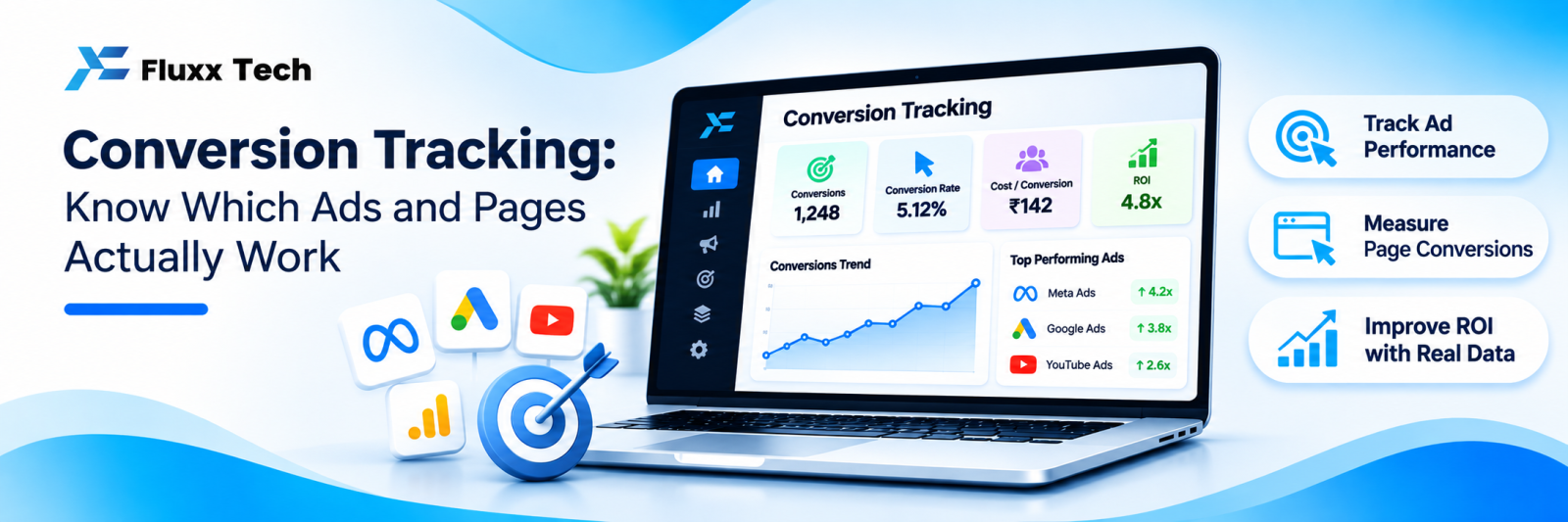
That conversation happens in most small businesses, and it is a tracking problem. Without conversion tracking, you are optimising advertising on guesswork, and you will keep spending on whatever felt busy rather than whatever worked.
Decide what a conversion is
Not every action is worth tracking. For most businesses:
Primary conversions — things with real commercial value:
• Enquiry form submitted
• WhatsApp chat started
• Phone call made from the website
• Purchase completed
• Appointment booked
• Quotation requested
Secondary conversions — useful signals, not goals:
• Catalogue or brochure downloaded
• Pricing page viewed
• Video watched to the end
• Scrolled to the bottom of a key page
Track both, but optimise ads on primary ones only. Ad platforms will faithfully maximise whatever you tell them to, including worthless actions.
The stack
Layer | Purpose |
Google Tag Manager | One container to manage all tracking tags without editing site code each time |
GA4 | Behaviour and conversion reporting |
Google Ads conversions | Optimises Google campaigns |
Meta Pixel and Conversions API | Optimises Facebook and Instagram campaigns |
Call tracking | Attributes phone calls to sources |
CRM or messaging tool | Records what the lead became |
Tag Manager is worth setting up first. Without it, every change needs a developer, so tracking slowly stops being maintained.
Set it up in this order
1. Install Tag Manager on every page, including the thank-you page
2. Connect GA4 through Tag Manager
3. Define your conversion events and name them consistently: enquiry_submit, whatsapp_click, call_click, purchase
4. Mark the primary ones as key events in GA4
5. Connect GA4 to Google Ads, or set up Google Ads conversion tags directly
6. Install the Meta Pixel, and the Conversions API where you can, for more reliable measurement
7. Tag your links with UTMs for anything not automatically tagged
8. Test everything before trusting a single number
9. Document what is tracked, where, and who owns it
UTM tags
Any link you place yourself should carry campaign parameters, so the source is recorded:
https://fluxxtech.com/services/web-development
?utm_source=instagram
&utm_medium=social
&utm_campaign=nov-offer
&utm_content=reel-1
Agree a naming convention and stick to it. Instagram, instagram and IG become three different sources in your reports and ruin the comparison. Lowercase, no spaces, consistent words.
Do not add UTMs to internal links within your own site; it breaks session attribution.
Tracking the conversions that happen off the website
This is where Indian businesses lose most of the picture, because the sale finishes on WhatsApp or the phone.
WhatsApp clicks. Track the click on your WhatsApp button as an event, and use a different link or reference per source so you know which page or campaign sent them.
Phone calls. Track clicks on tel: links. For a fuller picture, call tracking numbers show which source produced each call, at a cost.
Walk-ins. Ask, and record it. A “how did you hear about us?” field at billing is crude but it is data.
Offline conversion import. When a lead becomes a customer weeks later, that outcome can be fed back to the ad platforms so they optimise for actual customers rather than form fills. This needs a lead ID captured at the start and carried through your CRM, so plan it early.
Test before you trust
• Submit your own form and confirm the event fires
• Use the platforms’ preview and debug tools
• Check that a conversion is counted once, not three times
• Verify the thank-you page is not reachable directly, or it will inflate counts
• Confirm the number in GA4 roughly matches the leads your team actually received
• Re-test after every website change
Re-testing after website changes is the step everyone skips, and it is why tracking quietly breaks. Put it in your release checklist.
Common mistakes
• Tracking page views as conversions
• Counting the same conversion multiple times
• No tracking at all on the WhatsApp button, which is often the main conversion
• Inconsistent UTM naming
• Optimising campaigns on secondary conversions
• Comparing platform-reported numbers with GA4 and panicking; they count differently by design
• No consent handling for analytics and advertising cookies
• Nobody owning tracking, so it decays
Privacy and consent
Analytics and advertising tags set cookies and process personal data. Under the DPDP framework and the platforms’ own terms, you have obligations around notice and consent.
Put a clear privacy policy on your site, disclose what you track, and take advice on what consent mechanism you need. This article is not legal advice.
Reconciling the numbers
Google Ads, Meta and GA4 will never agree exactly. They use different attribution windows and models, and Meta often claims conversions GA4 attributes elsewhere.
Pick one source as your internal truth, usually your own CRM or lead records, and use the platforms’ numbers for optimising within each platform. Do not try to make them match.
Frequently asked questions
Do I need Tag Manager? Not strictly, but without it every change needs a developer, and tracking stops being maintained.
Why do Meta and GA4 show different numbers? Different attribution rules. Expect a gap; compare each platform against itself over time.
How do I track WhatsApp conversations as conversions? Track the click, and use distinct links per source. For full attribution, link the conversation to a lead record in your messaging tool.