 Fluxx Tech
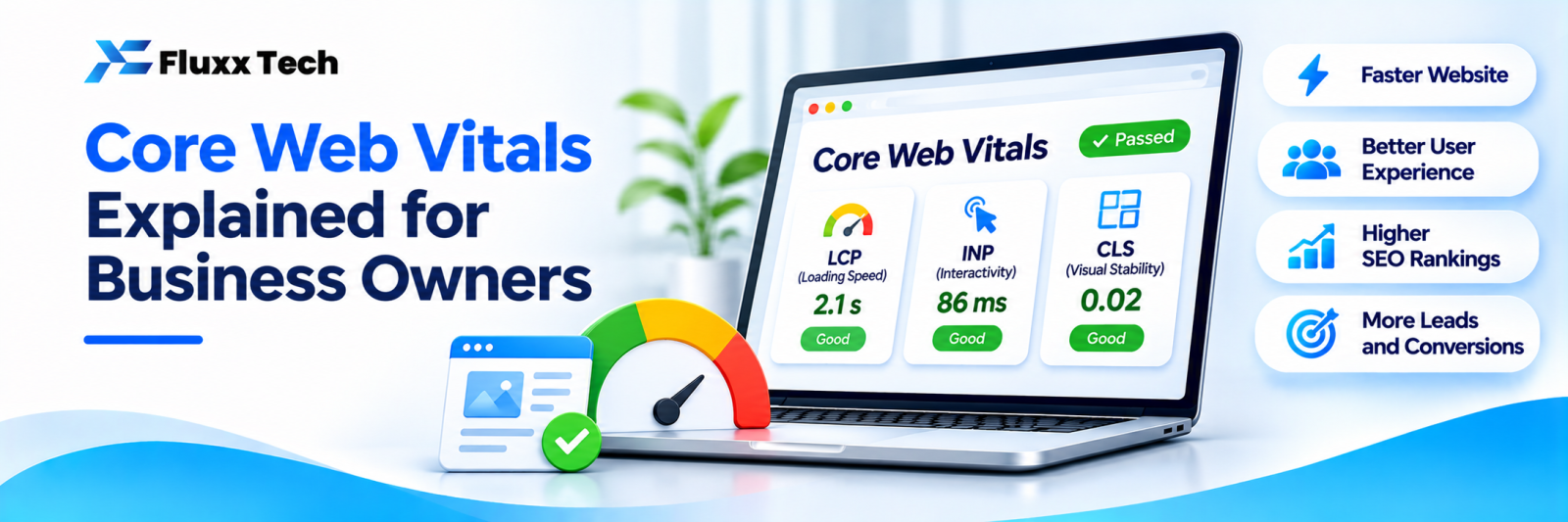
Core Web Vitals are Google’s measurements of how a page feels to real visitors: how fast the main content appears, how quickly the page responds to taps, and whether the layout jumps around while loading. They are part of Google’s page experience signals, and more importantly, they affect whether visitors stay or leave.
The three Core Web Vitals
Metric | What it measures | “Good” target |
LCP (Largest Contentful Paint) | How long the main content, usually a big image or headline, takes to appear | 2.5 seconds or less |
INP (Interaction to Next Paint) | How quickly the page responds when someone taps or clicks | 200 milliseconds or less |
CLS (Cumulative Layout Shift) | How much the layout moves unexpectedly while loading | 0.1 or less |
Google measures these from real Chrome users visiting your site. Check Google’s documentation for the latest definitions and thresholds.
Why they matter for your business
• Slow pages lose visitors, especially on mobile data
• Laggy buttons frustrate people trying to call, book or buy
• Jumping layouts cause mis-taps and distrust
• Good page experience supports your SEO
How to check your site
1. Google Search Console → Core Web Vitals report: shows which URLs are good, need improvement or poor, based on real users
2. PageSpeed Insights: test any page; shows real-user data (when available) and lab tests with suggestions
3. Test on a real phone using mobile data, not just office Wi-Fi
Common fixes
Improve LCP (loading)
• Compress and resize large images; use modern formats like WebP
• Avoid huge sliders and autoplay videos at the top of the page
• Use good hosting, caching and a CDN
• Load critical content first; defer non-essential scripts
Improve INP (responsiveness)
• Reduce heavy JavaScript, plugins and third-party scripts
• Remove unused chat widgets, trackers and pop-ups
• Break up long tasks in custom code
Improve CLS (stability)
• Set width and height on images and videos
• Reserve space for banners, ads and embeds
• Avoid inserting content above existing content after load
• Load fonts in a way that doesn’t shift text
Where small business sites usually struggle
• Oversized hero images and sliders
• Too many WordPress plugins
• Several chat, analytics and social widgets
• Cheap shared hosting
Frequently asked questions
Do Core Web Vitals decide rankings? They are one of many signals. Relevance and content quality matter more, but page experience can make a difference between similar pages.
Why does PageSpeed show different scores each time? Lab tests vary. Focus on real-user data in Search Console and on clear improvements.
Do I need a new website to fix Core Web Vitals? Often not. Image, hosting and plugin fixes solve many problems. Very old or heavy sites may benefit from a rebuild.


