Fluxx Tech
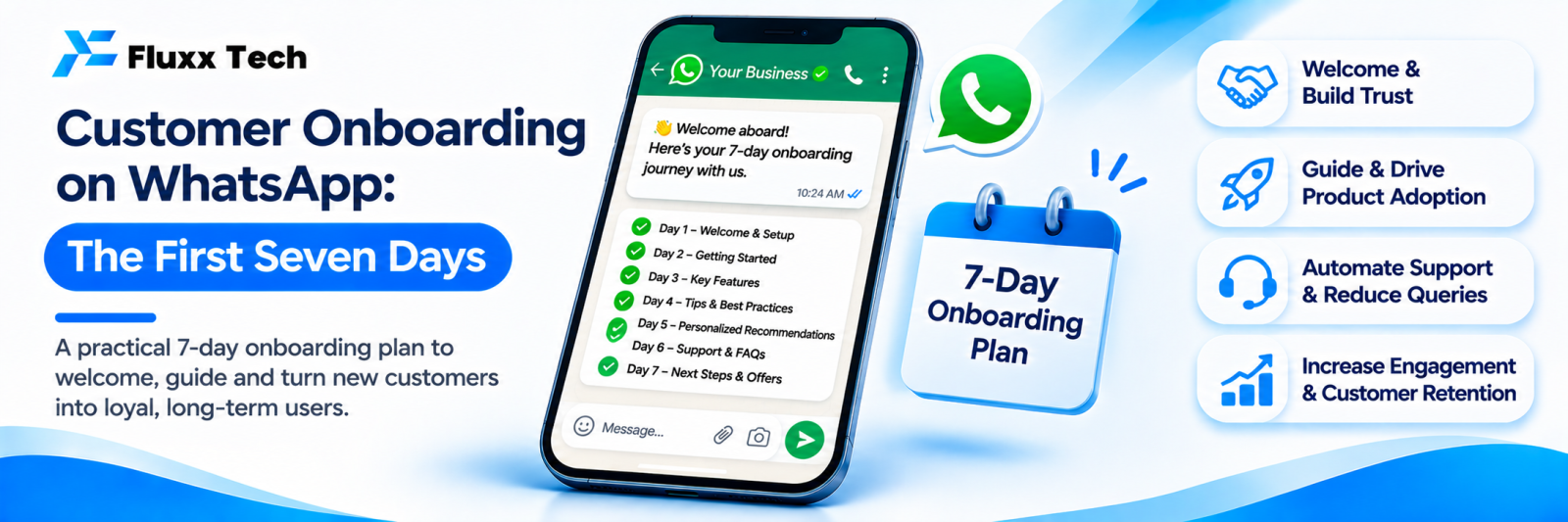
The week after someone buys decides whether they come back, refer you, or quietly disappear. Most businesses spend everything on getting the customer and nothing on the days immediately after.
A short onboarding sequence on WhatsApp costs almost nothing and changes retention, support load and reviews.
What onboarding should achieve
1. Confirm they made a good decision
2. Tell them what happens next, so they do not have to ask
3. Help them actually use what they bought
4. Make it easy to reach you
5. Collect feedback early, while a problem is still fixable
6. Set up the next purchase or renewal
Rules before you build it
Business-initiated WhatsApp messages need opt-in and approved templates, and categories affect cost. Utility messages tied to the customer’s transaction are treated differently from marketing.
Check Meta’s current rules, and design the sequence so the useful messages are genuinely transactional rather than promotions in disguise. See our templates guide.
A seven-day sequence
Day | Message | Type |
0 | Order or booking confirmed: what they bought, amount, what happens next, who to contact | Utility |
1 | How to use it, or what to expect: a short guide, video or checklist | Utility |
2 | Dispatch or progress update, where applicable | Utility |
3 | A useful tip related to what they bought | Light |
4 | Check-in: “Is everything working as expected?” | Utility |
5 | Answer to the most common question customers ask at this point | Light |
7 | Feedback request, and a review invitation if the feedback is positive | Utility |
Seven messages in seven days is the maximum for most businesses. Fewer, better-timed messages beat a daily drip.
Adapt by business type
Product sale (boutique, electronics, furniture)
Day 0 confirmation → Day 2 dispatch and tracking → Day 4 delivered, care instructions → Day 7 feedback and review request → Day 30 reorder or complementary product.
Service (salon, clinic, repair)
Day 0 booking confirmed → Day of service, reminder → After service, aftercare instructions → Day 3 check-in → Day 7 feedback → At the right interval, rebooking reminder.
Subscription or membership (gym, tuition, software)
Day 0 welcome and access details → Day 1 how to get started, first step only → Day 3 a feature or benefit they have not used → Day 5 how to get help → Day 7 check-in → Before renewal, value summary.
B2B project
Day 0 confirmation with scope and timeline → Day 1 introduce the point of contact → Weekly progress updates → Milestone confirmations → Post-delivery feedback and support terms.
Write for the phone
• Under four lines
• One idea per message
• One clear action, if any
• Images and short videos rather than documents where possible
• Name the human contact: “Any questions, message me here — Priya”
What to automate and what not to
Message | Automate? |
Confirmation | Yes |
Dispatch and progress updates | Yes |
How-to and tips | Yes |
Reminders | Yes |
Check-in | Automate the send; a human handles the reply |
Response to a problem | Human, immediately |
Feedback request | Yes |
Response to negative feedback | Human, within hours |
The check-in message is the one that matters most, because it surfaces problems while they are still small. Make sure someone is ready to act on the replies, or do not send it.
Measure
Metric | What it tells you |
Sequence completion rate | Whether people stay subscribed through it |
Reply rate to the check-in | Engagement, and problems surfaced |
Support tickets in the first week | Should fall as onboarding improves |
Problems caught by the check-in | Direct value of the sequence |
Feedback score at day 7 | Early satisfaction |
Review conversion | Public proof generated |
Repeat purchase within [90] days | The real outcome |
Opt-outs during onboarding | Whether you are over-messaging |
If opt-outs rise during onboarding, the sequence is too long or too promotional.
Common mistakes
• Selling in the first week instead of helping
• Seven messages that could have been three
• Asking for a review before the customer has experienced the product
• A check-in nobody answers when the customer replies
• The same sequence for a ₹500 purchase and a ₹5,00,000 project
• Not stopping the sequence when the customer raises a complaint
That last one is important: if a customer reports a problem on day 2, pause the cheerful tips and deal with the problem.
Frequently asked questions
Is this spam? Not if the messages are useful, tied to their purchase, sent with opt-in, and easy to stop.
What if the customer does not reply to anything? That is normal. The messages still inform them. Keep the sequence short and stop at day 7.
Can this work for low-value purchases? Use a shorter version: confirmation, delivery, feedback. Three messages.