Fluxx Tech
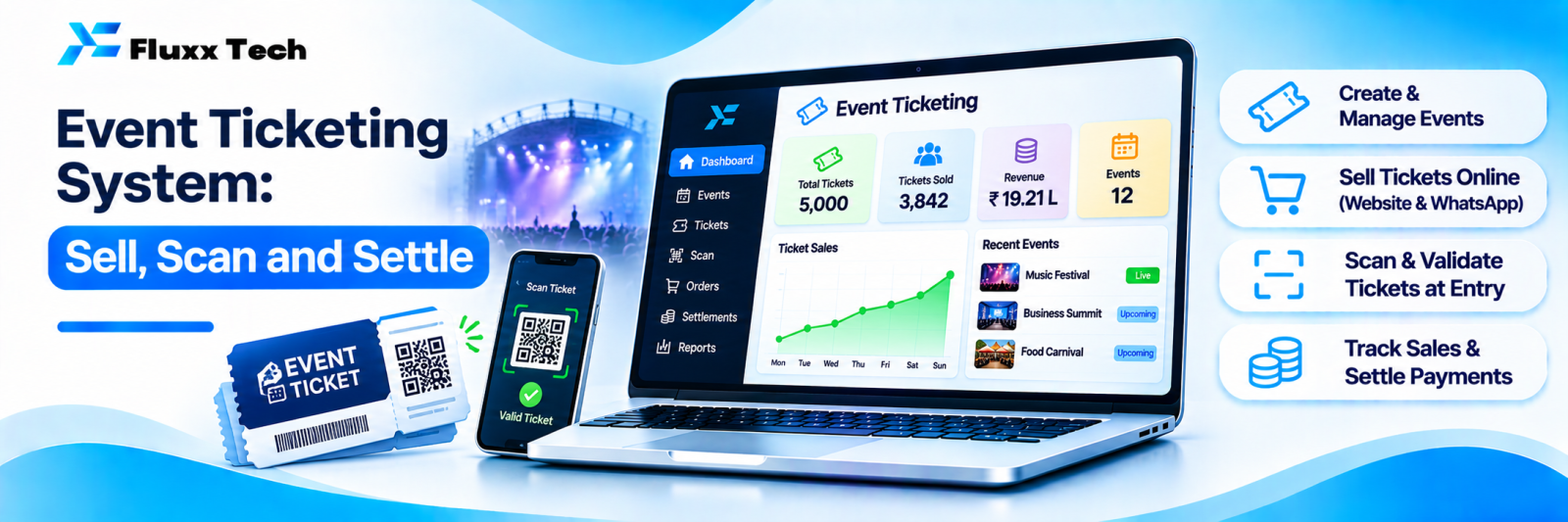
Selling tickets through a WhatsApp number and a UPI ID works for fifty people. At five hundred it collapses: duplicate entries, screenshots passed around, a queue at the gate and no idea how many actually came.
A ticketing system handles sale, entry and settlement, and gives you the data afterwards.
Who this suits
• Concerts, cultural programmes and kutcheris
• Workshops, seminars and conferences
• Sports events and tournaments
• Exhibitions and trade fairs
• Temple and community events
• Amusement venues and attractions
• Paid webinars and hybrid events
Build or use a platform?
| Ticketing platform | Your own system |
Setup | Minutes | Weeks |
Cost | Commission per ticket, often plus payment charges | Build cost, then payment charges only |
Branding | Platform branded | Yours |
Customer data | Held by the platform | Yours |
Discovery | Platform’s audience may find you | You bring the audience |
Flexibility | Standard ticket types | Any rule you need |
Rule of thumb: a one-off event, use a platform. Recurring events where commission adds up, or where owning the attendee data matters, build your own.
Ticket types
• General, VIP, early bird
• Group and family passes
• Day passes versus full-event passes
• Student or member rates with verification
• Complimentary passes, tracked separately
• Add-ons: parking, meals, merchandise
Each type needs its own quantity limit, price, sale window and entry rules.
Payment
• UPI, cards and net banking
• Instant confirmation with the ticket attached
• Clear handling of failed payments; the customer must not be charged without a ticket, or ticketed without payment
• Refund policy stated before purchase, and a process for executing it
• Settlement timing: know when the money reaches your account, especially if you need it before the event
See our payment gateway guide.
Delivery and entry
Delivery: QR code ticket by WhatsApp and email, with the event name, date, venue, gate and ticket type on it. WhatsApp matters: most attendees will look for it there at the gate.
Entry: scan the QR at the gate with a phone or scanner.
Non-negotiable requirements:
• One scan only. The second scan of the same ticket must be rejected visibly and audibly.
• Offline capability. Venue networks fail. The scanner app must hold the ticket list locally and sync later. See our offline-first apps guide.
• Multiple gates, syncing with each other so a ticket cannot be reused at a different gate.
• Speed. Under two seconds per scan, or you build a queue outside.
• Manual override with a reason and a log, for genuine problems.
Preventing fraud
• QR codes that cannot be guessed or generated by someone else
• Single-use enforcement
• Name or phone number on the ticket for high-value events
• ID check for VIP or restricted tickets
• Re-entry wristbands or a separate re-entry scan
• A watch on bulk purchases from one number
Screenshots are fine, and unavoidable; what matters is that the same code cannot be used twice.
On the day
• Spot check: scanner devices charged, network tested, offline mode verified
• Staff briefed on the override process
• A counter for on-the-spot sales, feeding the same system
• Live count visible to the organiser: sold, scanned, inside
• A plan for the queue at peak arrival
After the event
Report | Use |
Tickets sold by type and channel | What to price and promote next time |
Sales timeline | When people actually buy, which shapes your campaign |
Attendance versus sales | No-show rate |
Entry time distribution | Gate staffing next time |
Revenue and settlement reconciliation | Accounts |
Attendee list with consent | Marketing for the next event |
No-show rate is the number most organisers never measure and most need, especially for free or low-priced events.
Only market to attendees who consented to it. Collect that consent at purchase.
Frequently asked questions
Do we need scanners, or will phones work? Phones work well for most events. Dedicated scanners help at very high-volume gates.
What if the venue has no internet? The app must work offline with a locally stored ticket list, syncing across gates when possible.
Can we sell tickets at the gate too? Yes, through the same system, so your counts stay accurate.