 Fluxx Tech
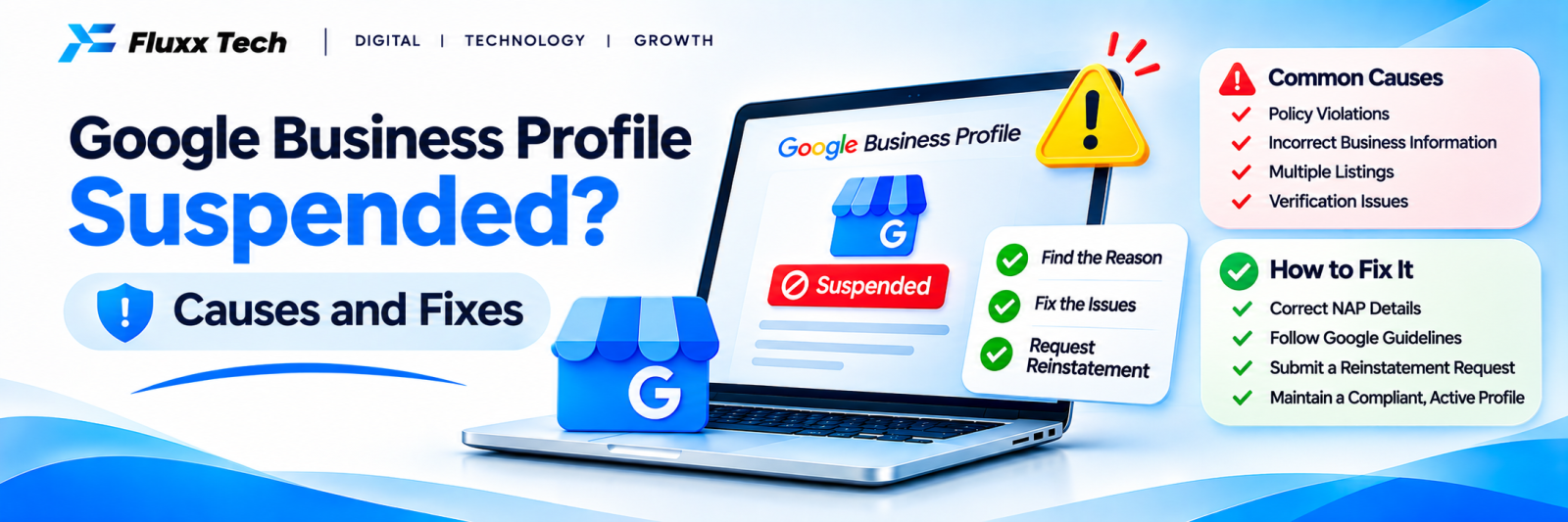
A suspended Google Business Profile can mean your business disappears from Maps or loses the ability to manage its listing, often without warning. Calls drop overnight. The good news: many suspensions are fixable once you understand the cause.
Common causes of suspension
Cause | Example |
Keyword stuffing in the business name | “ABC Dental Best Dentist Coimbatore Implants” |
Address problems | Virtual office, P.O. box, or address that doesn’t match the real location |
Service-area misuse | Showing an address when you serve customers at their location without staffing that address |
Duplicate profiles | Several profiles for one location |
Ineligible business | Online-only businesses with no in-person contact |
Suspicious edits | Many changes at once, or changes by several users |
Fake or incentivised reviews | Review campaigns that break Google’s policies |
Website mismatch | Website shows a different name, address or business type |
Step 1: Understand the type of suspension
• Suspended profile: the profile is removed or restricted, and you may not be able to manage it
• Limited or restricted features: you can see the profile but some features are disabled
Check emails from Google and the status shown in your profile dashboard.
Step 2: Fix the cause first
Before appealing:
• Use your real business name, exactly as on your signage and documents
• Correct the address, or hide it and set service areas if appropriate
• Remove duplicate profiles
• Make your website show the same name, address and phone
• Remove policy-breaking content, such as offers in the business name
Step 3: Gather evidence
Prepare proof that your business is real and at the stated location:
• Business registration or GST certificate
• Utility bill or rental agreement for the address
• Photos of the signboard, entrance and interior
• Photos or video showing the business operating
Step 4: Request reinstatement
Submit an appeal through Google Business Profile’s reinstatement process, following the current instructions in Google’s help centre. Provide clear, consistent evidence. Avoid submitting many appeals or creating a new profile while the appeal is pending.
Step 5: Prevent future suspensions
• Follow Google’s guidelines for representing your business
• Make edits carefully and gradually
• Limit who has manager access
• Keep website and profile details consistent
• Never buy reviews or incentivise them
Frequently asked questions
How long does reinstatement take? It varies from days to several weeks, depending on the case and evidence.
Will I lose my reviews? If the original profile is reinstated, reviews usually return. Creating a new profile may mean starting again.
Can an agency get my profile reinstated faster? No one can bypass Google’s process, but experienced help can fix the cause and prepare a clean appeal.


