Fluxx Tech
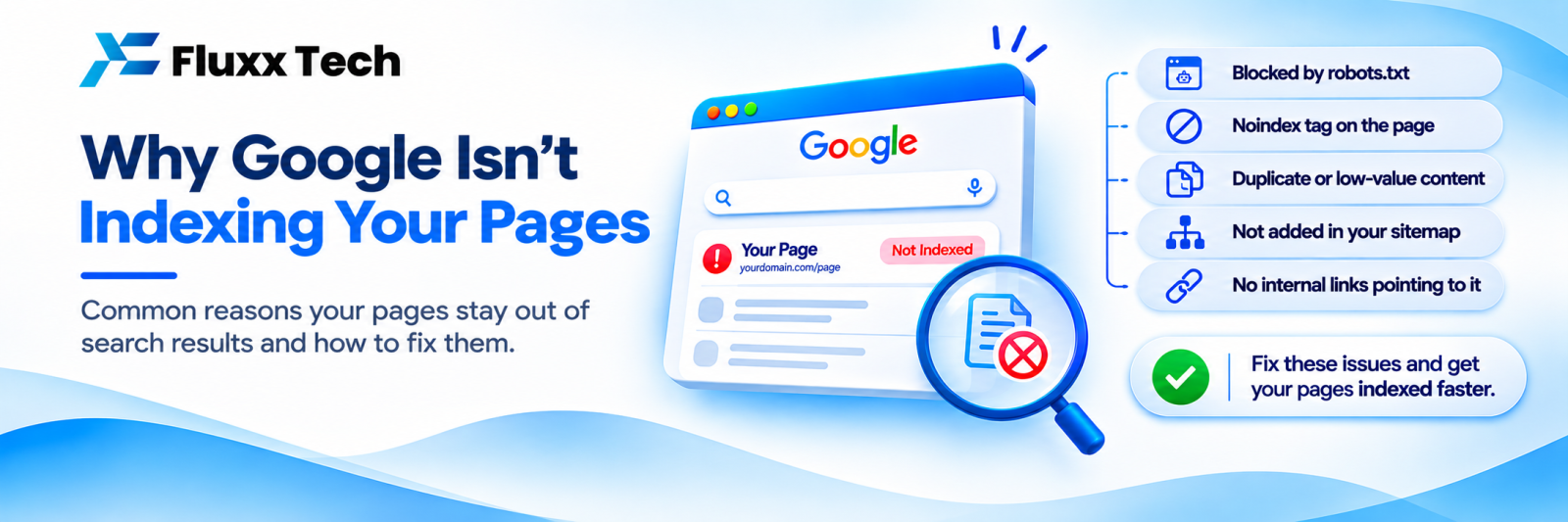
Open Search Console, go to Pages, and you see two numbers: indexed, and not indexed. For most business websites the second number is far larger than the first, and the instinct is to panic.
Do not. Most of those URLs should not be indexed, and forcing Google to index them would make your site worse, not better. The job is to separate the pages that matter from the noise.
First: what indexing actually requires
Three things must happen, in order:
1. Discovery. Google finds the URL, through a link or your sitemap.
2. Crawling. Googlebot fetches it.
3. Indexing. Google decides the page is worth storing and showing.
A page can be discovered and crawled and still not indexed. That third step is a judgement, not a right.
The reasons, decoded
Search Console groups non-indexed URLs by reason. Here is what each one means and whether to act.
Reason | What it means | Act? |
Not found (404) | The URL does not exist | Usually no, if the URL was never meant to exist |
Page with redirect | It redirects elsewhere | No; this is correct behaviour |
Alternate page with proper canonical tag | You told Google another page is the main one | No; working as intended |
Duplicate without user-selected canonical | Google found copies and picked one itself | Yes |
Duplicate, Google chose different canonical than user | You set a canonical; Google disagreed | Yes, investigate |
Crawled – currently not indexed | Google looked and decided not to index | Yes, if the page matters |
Discovered – currently not indexed | Google knows about it but has not crawled it | Yes, if widespread |
Excluded by ‘noindex’ tag | You told Google not to index it | Only if unintentional |
Blocked by robots.txt | Googlebot cannot fetch it | Only if unintentional |
Soft 404 | Page returns 200 but looks empty to Google | Yes |
Server error (5xx) | Your server failed | Yes, urgently |
Blocked due to unauthorised request (401/403) | Login or permission required | Usually no |
The two that actually matter
“Crawled – currently not indexed”
Google saw the page and chose not to keep it. That is a quality signal, not a bug. Common causes:
• Thin content: a page with 80 words and a phone number
• Near-duplicate of another page on your site
• A page that adds nothing beyond what already ranks
• Auto-generated pages: filter combinations, empty category pages, tag archives
• Orphan pages nobody links to internally
Fix: make the page genuinely worth indexing, or stop asking Google to index it. For most businesses, merging ten thin pages into two good ones works better than trying to force all ten in.
“Discovered – currently not indexed”
Google knows the URL exists but has not crawled it yet. In small numbers this is normal and resolves itself. In large numbers it means Google is not willing to spend crawl effort on your site.
Fix: improve internal linking to those pages, reduce the number of low-value URLs competing for attention, speed up your server, and make sure your sitemap lists only pages you actually want indexed. See our crawl budget guide.
The large 404 problem
Many sites report thousands of 404s. Before panicking, ask where they came from:
• URLs from an old platform after a migration. If the old pages had traffic or links, redirect them to the closest equivalent. If not, leave them as 404 or 410.
• Links from scraper and spam sites inventing URLs. Ignore entirely.
• A hacked site’s injected URLs. Clean the site, serve 410, and check Security Issues in Search Console.
• Broken internal links. Fix these; they waste crawl budget and annoy users.
404 or 410? A 404 says “not found”; a 410 says “gone, permanently”. Both work. A 410 can help Google drop them slightly faster. Neither harms your rankings; Google expects sites to have 404s.
Do not redirect thousands of irrelevant 404s to your homepage. Google treats mass irrelevant redirects as soft 404s anyway, and it hides genuine problems.
Duplicate content
The common sources on business websites:
• The same page reachable with and without a trailing slash
• http:// and https:// versions both live
• www and non-www both live
• Query parameters: ?utm_source=, ?sort=, ?pg=
• A development or staging copy left public
• Printer-friendly or AMP variants
• Near-identical location pages differing only by city name
Fix: pick one canonical version, redirect the others with a 301, and set a self-referencing canonical tag on every page. See our canonical tags guide.
A duplicate staging site is worth checking specifically. Search site:yourdomain.com and look for anything you do not recognise.
A working order
1. Fix server errors first. They block everything.
2. Check your important pages are indexed. Use the URL Inspection tool on your homepage, top service pages and best blog posts. If those are indexed, your site is fundamentally fine.
3. Find and fix accidental noindex or robots.txt blocks.
4. Resolve duplicates: one canonical version, 301s, canonical tags.
5. Clean the sitemap: only pages you want indexed, no 404s, no redirects, no noindexed URLs.
6. Improve or remove thin pages.
7. Strengthen internal links to pages stuck in “discovered”.
8. Leave the junk 404s alone.
Use Validate Fix correctly
Search Console offers “Validate Fix” on each reason. Click it only after you have actually fixed the issue. Clicking it on URLs you have deliberately left as 404 just starts a validation that will fail, and tells you nothing.
A quick diagnostic
Ask these in order:
• Are my money pages indexed? If yes, the big number is mostly noise.
• Is the not-indexed count rising week on week? Rising is worth investigating; flat is usually fine.
• Do the not-indexed URLs look like real pages or like machine-generated junk?
• Does site:yourdomain.com return roughly the pages you expect?
If your important pages are indexed and the count is stable, you do not have an indexing problem. You have a reporting number that looks alarming.
Frequently asked questions
Is a high “not indexed” count bad for rankings? Not by itself. Thousands of junk 404s do not penalise you. Thin, duplicate pages competing with each other do.
How long does indexing take? A new page on an established site is often indexed within days. On a new site it can take weeks. Requesting indexing in Search Console can help for individual important pages.
Should I request indexing for every page? No. Use it for important new or updated pages only. It is not a bulk tool.