 Fluxx Tech
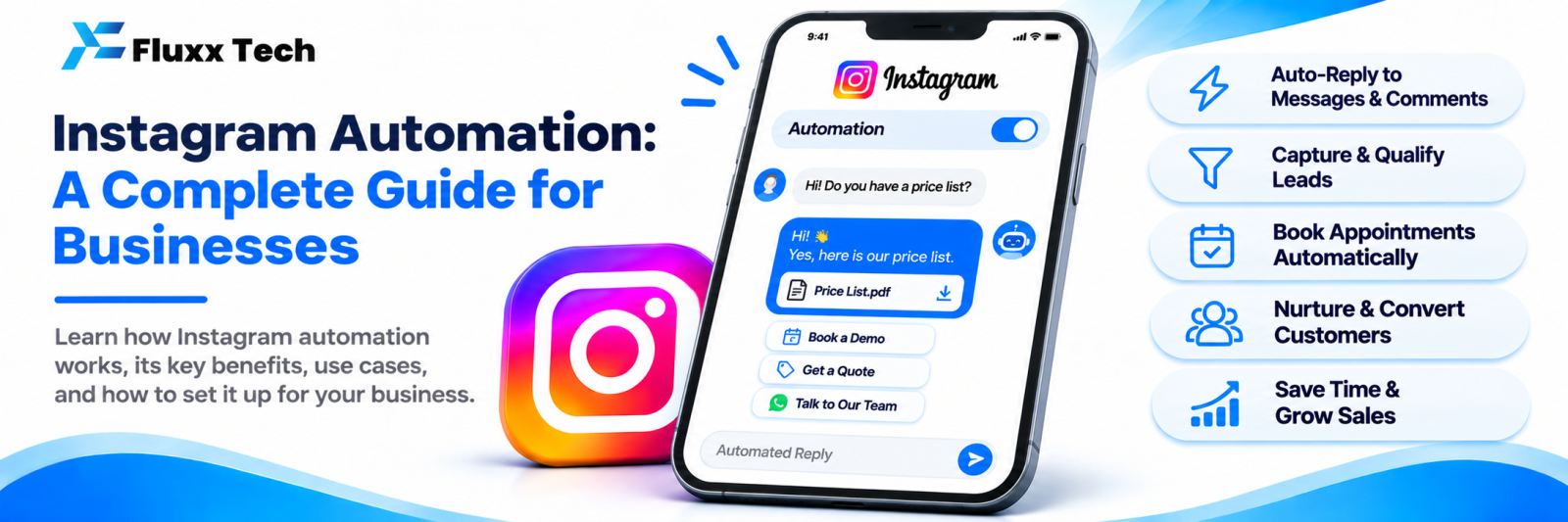
Instagram has become a primary sales channel for a lot of Indian businesses: clothing, jewellery, food, fitness, clinics, salons, coaching, interiors, real estate. The posts get reach. The problem is what happens next. Hundreds of DMs and comments arrive, and a human has to answer each one.
Automation is how a small team handles that volume without losing the enquiries.
What can be automated
Area | Automated | Still human |
DMs | Welcome message, FAQ answers, menus, catalogue sharing | Negotiation, complaints, custom requirements |
Comments | Keyword-triggered DM, public acknowledgement | Real conversations and community building |
Story replies | Reply to mentions and keyword replies | Personal relationships |
Lead capture | Saving name, number, interest, tag | Qualifying and closing |
Follow-up | One scheduled nudge within the allowed window | Relationship-building calls |
Reporting | Insights, automation results, revenue | Deciding what to do about them |
The rule that keeps this working: automate the repeated, keep the human for the valuable.
What Meta allows, and what it does not
Allowed through the official Instagram Messaging API:
• Replying to DMs people send you
• Sending a DM in response to a comment on your own post
• Replying to story mentions and replies
• Managing your inbox through an approved tool
Not allowed:
• Auto following, unfollowing, bulk liking
• DMing people who have not contacted you
• Scraping followers or comments to build contact lists
• Tools that log in with your username and password
The penalty for the second list is losing your business account. Choose tools that use the official API and nothing else.
Note also that Meta applies time windows to business messaging. Rules change; check Meta’s current Instagram Messaging documentation before building a follow-up sequence that depends on them.
Prerequisites
1. Instagram professional account (Business or Creator)
2. Usually a connected Facebook Page
3. “Allow access to messages” enabled in Instagram settings
4. Connecting your account to the tool through Meta’s official login
Set it up in this order
1. Shared inbox first. Before any bot, get all Instagram DMs into one place your team can work from, with assignment and notes. This alone stops enquiries being lost.
2. Welcome message. Short, with a numbered menu.
3. Keyword rules for the top 8 questions. Taken from your real DMs, not guesses. See our auto reply setup guide.
4. Fallback and human handover. Always available.
5. Comment-to-DM on your best posts. The highest-return step. See our comment-to-DM guide.
6. Lead capture and tags. So enquiries become a list, not a scroll.
7. AI assistant, if needed. Only after keyword rules are handling the predictable questions, so you are not paying AI to answer “what is your address”.
8. Insights and revenue reporting. To know what is working.
Team workflow
Automation changes who does what. Decide:
• Who watches the inbox, and in which hours
• Response time target for conversations a human must handle
• Who owns a conversation once assigned
• How a conversation is marked resolved
• Where leads go next: a call, a quote, a booking
• Who reviews the automation weekly
Without this, automation produces fast first replies and slow second ones, which frustrates customers more than a slow first reply.
Keep it human
• Say when a human takes over: “Hi, this is Priya from the team.”
• Never let a bot argue with an unhappy customer; escalate instantly
• Match your audience’s language, including Tamil and Tanglish
• Keep replies short
• Switch off seasonal automations when the offer ends
What to measure
Metric | Why |
First response time | The single biggest factor in conversion |
Conversations handled by automation | Staff time saved |
Fallback rate | Missing keyword rules |
Keyword comments per post | Whether your CTAs work |
Leads captured | Pipeline from Instagram |
Enquiry-to-customer rate | Quality of those leads |
Revenue from Instagram contacts | Whether the channel pays |
Most tools show follower and reach numbers. Those matter less than response time and leads.
A 30-day rollout plan
Days | Focus |
1–3 | Connect the account, set up the shared inbox, read your last 100 DMs |
4–7 | Welcome message, menu, top 8 keyword rules, fallback, handover |
8–14 | Comment-to-DM on your three best posts, with keyword CTAs in captions |
15–21 | Lead tags and export, away-hours messages, team assignment rules |
22–30 | Review fallback rate, add rules, consider AI for the remainder, set up reporting |
Common failures
• Buying an AI tool first and never setting up basic rules
• Automating everything and removing every human path
• No owner for the inbox
• Letting automation run with an expired offer
• Measuring followers instead of enquiries
• Choosing a tool that handles Instagram but not WhatsApp, so the team works in two places
Frequently asked questions
Is automation worth it for a small business? If you get more than a few DMs a day, yes. The welcome message and keyword rules alone pay back quickly.
Can one tool handle Instagram and WhatsApp? Yes, and it is worth insisting on, so your team and your contact history are in one place.
Does automation reduce reach? No. Comment-to-DM tends to increase engagement, which helps reach.


