 Fluxx Tech
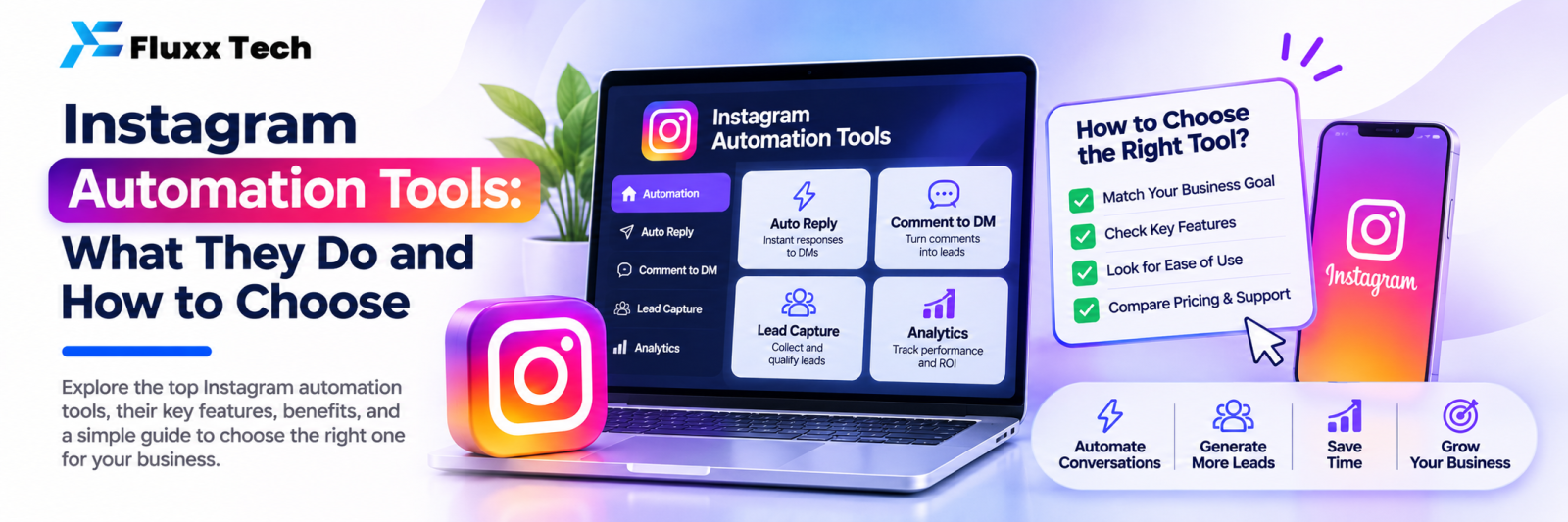
“Instagram automation” covers two very different things. One is allowed, supported by Meta’s official API and genuinely useful: automating conversations. The other is scraping, mass following, bulk liking and fake engagement, which breaks Instagram’s terms and gets accounts restricted.
This article is about the first kind: tools that handle DMs, comments and replies for a business account.
What a legitimate automation tool does
Capability | What it means |
Auto reply to DMs | Keyword rules answer common questions instantly |
Comment-to-DM | Someone comments a keyword on a post; the tool sends them a DM |
Story reply automation | Replies to story mentions and replies |
FAQ bot | A menu or keyword bot handles repeated questions |
AI assistant | Understands questions that don’t match a keyword, with handover to a human |
Shared team inbox | Several staff reply to Instagram DMs from one screen |
Lead capture | Saves name, number and interest from conversations into a list |
Analytics | Follower growth, reach, engagement, and what the automation produced |
What it does not do, and should not
Avoid any tool promising:
• Auto following and unfollowing
• Bulk liking or commenting on other accounts
• Buying followers or engagement
• DMing people who never contacted you
• Logging in with your username and password instead of the official API
These break Meta’s platform terms. The risk is losing your business account, and the engagement is worthless anyway.
Requirements before you can automate
1. An Instagram professional account: Business or Creator
2. Usually a connected Facebook Page
3. Permission granted to the tool through Meta’s official login
4. Messaging access enabled in your Instagram settings
Automation works on conversations people start with you. That is the design, and it is what keeps it compliant.
Features worth comparing
Conversation handling
• Keyword rules: how many, how flexible, do they match partial words?
• Comment-to-DM: per post, per keyword, with a public reply too?
• Fallback: what happens when nothing matches?
• Human handover: can a staff member take over mid-conversation?
• Language: does the FAQ bot handle Tamil as well as English?
Team working
• Multiple agents on one inbox
• Assignment and ownership
• Internal notes
• Canned replies
• Contact history across WhatsApp and Instagram
Data
• Leads list with export
• Tags and segments
• Instagram insights in the same dashboard
• Revenue attributed to Instagram conversations
Commercials
• Pricing model: per user, per conversation, per contact?
• Is the AI assistant extra, and what does it cost per message?
• Is there a free keyword or FAQ bot that avoids AI cost for common questions?
• Contract length
A choosing checklist
• ☐ Uses the official Instagram Messaging API
• ☐ Handles both WhatsApp and Instagram, if you use both
• ☐ Keyword automation included, not AI-only
• ☐ Comment-to-DM with keyword control
• ☐ Shared inbox for your team size
• ☐ Lead export in your own hands
• ☐ Insights and revenue reporting
• ☐ Clear, predictable pricing
• ☐ Support in your time zone and language
Frequently asked questions
Is Instagram automation allowed? Conversation automation through Meta’s official API is allowed. Automating follows, likes and unsolicited DMs is not.
Will automation make my replies feel robotic? Not if you use it for the repeated questions and hand the rest to a human. The point is instant answers on the easy things.
Do I need AI? No. Most businesses answer 60–80% of questions with keyword rules and an FAQ bot. AI helps with the rest.


