 Fluxx Tech
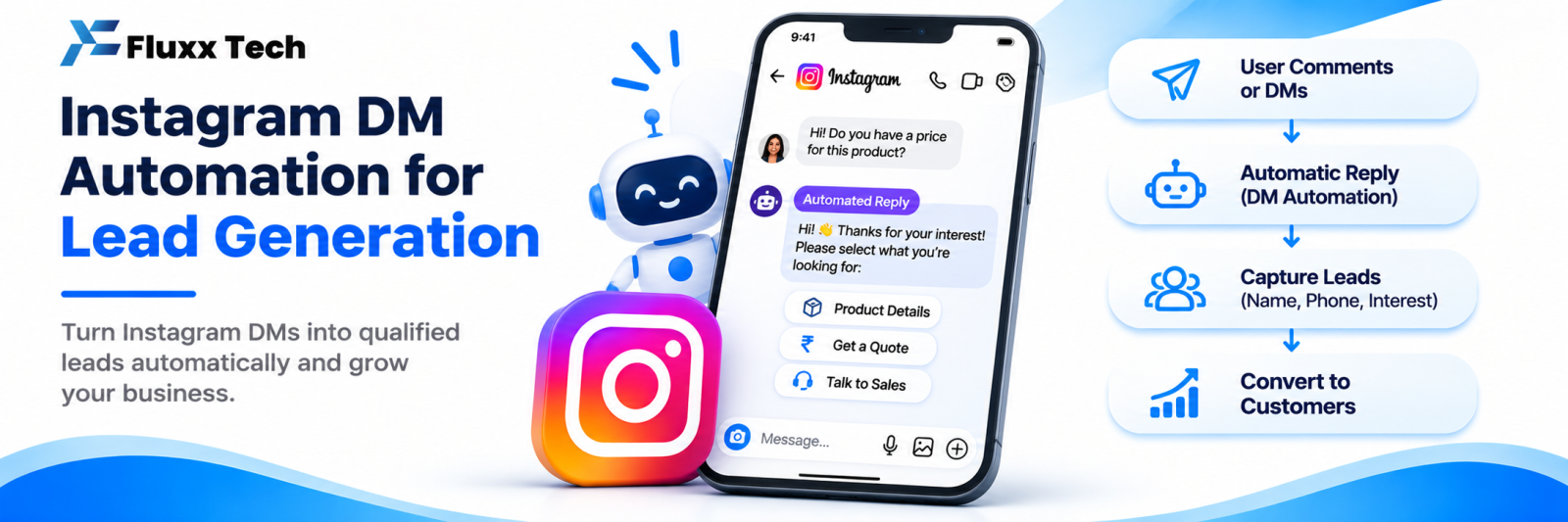
“Instagram bot” means two opposite things, and the difference decides whether you grow or lose your business account.
One kind replies to people who message you, using Meta’s official API. It is supported, documented and used by thousands of businesses.
The other kind pretends to be you, logs in with your password, and follows, likes and DMs strangers in bulk. It breaks Instagram’s terms, and the accounts using it get restricted or removed.
What is allowed
Through the official Instagram Messaging API, with your permission granted via Meta login:
Action | Status |
Auto reply to a DM someone sent you | Allowed |
Send a DM in response to a comment on your own post | Allowed |
Reply to a story mention or story reply | Allowed |
Menu or FAQ bot inside a conversation | Allowed |
AI assistant answering a customer’s question | Allowed |
Shared team inbox through an approved tool | Allowed |
Tagging and saving leads from conversations | Allowed |
The common thread: the customer started it. Their message or comment is the permission.
What gets accounts restricted
Action | Status |
Auto following and unfollowing accounts | Not allowed |
Bulk liking or commenting on other accounts’ posts | Not allowed |
DMing people who never interacted with you | Not allowed |
Scraping followers, commenters or hashtag users into a contact list | Not allowed |
Buying followers, likes, views or comments | Not allowed |
Tools that ask for your Instagram username and password | Not allowed, and dangerous |
Running multiple accounts to engage with your own content | Not allowed |
Warning signs in a tool
Walk away if a tool:
• Asks for your Instagram password rather than sending you to Meta’s official login screen
• Promises follower growth, “unlimited DMs” or “DM anyone”
• Offers auto follow, auto like or auto comment on other accounts
• Mentions “proxies”, “account warming” or “action blocks” in its help pages
• Sells follower or engagement packages
• Cannot tell you which Meta API permissions it uses
A compliant tool connects through Meta’s own authorisation screen, where you see exactly which permissions you are granting and can revoke them from Instagram settings at any time.
What happens when you break the rules
Instagram’s responses escalate:
1. Action blocks: you temporarily cannot follow, like or comment
2. Reach suppression: your content stops being distributed
3. Feature restrictions: messaging or commenting disabled
4. Account restriction or disable: the account is gone, and with it the audience you spent years building
Appeals exist but are not reliable. For a business whose customers come through Instagram, this is an existential risk taken for a very small upside.
Rate limits apply even to compliant tools
Meta applies messaging limits and time windows to business conversations, and they change. A good tool handles queuing and respects windows. Do not expect to send unlimited messages even through legitimate automation, and do not design a follow-up sequence that depends on a specific window without checking Meta’s current documentation.
Staying on the right side
• ☐ Use only tools that connect through Meta’s official login
• ☐ Never share your Instagram password with a third-party service
• ☐ Automate replies, never outreach
• ☐ Always give customers a way to reach a human
• ☐ Do not buy engagement, ever
• ☐ Review connected apps in Instagram settings periodically and remove unused ones
• ☐ Keep two people with access to the account, so you are not locked out
• ☐ Check Meta’s platform policies before launching anything unusual
Frequently asked questions
Is a chatbot on Instagram safe? Yes, when it replies to conversations customers start, through the official API.
Can I automate DMs to new followers? Messaging someone purely because they followed you is outreach, not a reply. Avoid it.
Will using an automation tool reduce my reach? Compliant messaging automation does not. Fake engagement does.


