 Fluxx Tech
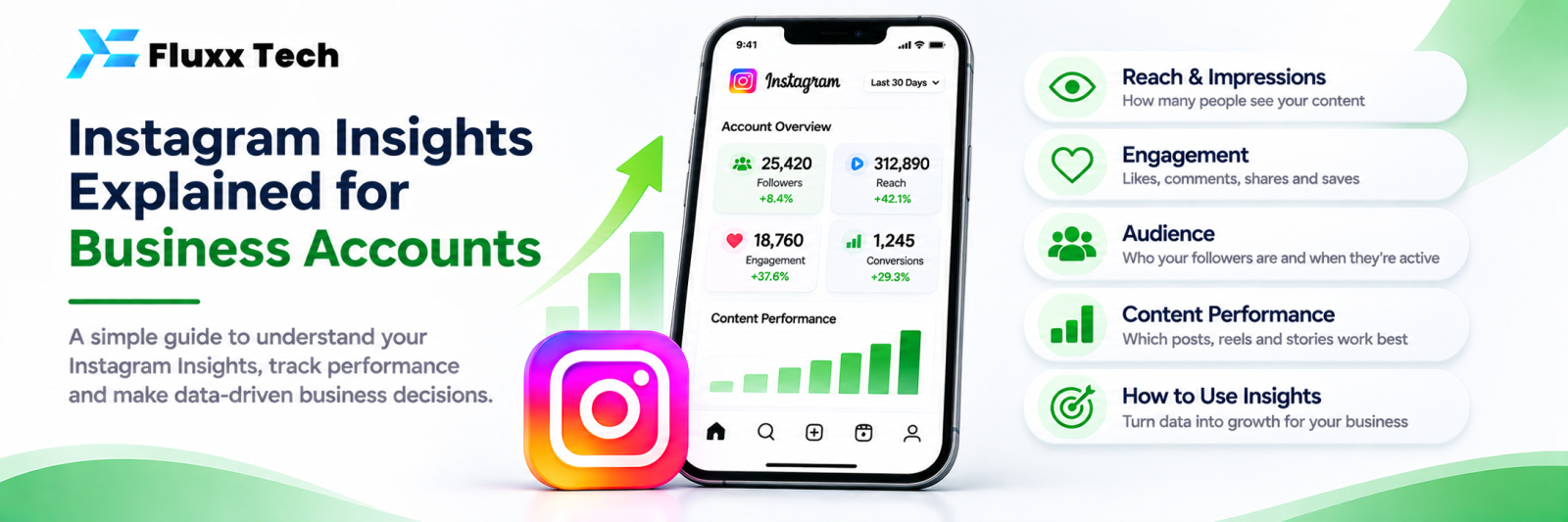
Instagram Insights is free and built into every professional account. Most businesses open it, look at follower count, and close it. Used properly it tells you what to post, when to post and who you are actually reaching.
Getting to Insights
You need a professional account (Business or Creator). Switch in Settings → Account type.
• In the app: your profile → the menu → Insights
• Or tap “View insights” under an individual post
• Insights start collecting from the day you switch; there is no backdated data
The three sections
1. Overview
Headline numbers for the period you select: accounts reached, accounts engaged, total followers, and content you shared.
Watch the direction, not the absolute number. A single viral reel can distort a month.
2. Accounts reached
Term | Meaning |
Accounts reached | Unique accounts that saw your content |
Impressions | Total views, including repeats |
Content reach by format | How posts, reels, stories and lives performed separately |
Followers vs non-followers | Whether Instagram is showing you to new people |
Profile visits | People who came to your profile |
External link taps | People who tapped your bio link |
Business address taps | People who tapped for directions |
The followers/non-followers split is the most useful line here. Growth needs non-follower reach.
3. Accounts engaged
Term | Meaning |
Accounts engaged | Unique accounts that interacted |
Content interactions | Likes, comments, saves, shares, replies |
Post interactions | Broken down by type |
Story interactions | Replies, sticker taps, shares |
Reel interactions | Likes, comments, saves, shares |
Saves and shares are the ones to optimise for. They signal value and drive distribution.
4. Your audience (under Total followers)
• Follower growth: follows and unfollows
• Top locations: cities and countries
• Age ranges and gender split
• Most active times: by hour and by day
Use “most active times” to set your posting schedule. If your audience is most active at 8–10 pm, posting at 11 am wastes your best content.
Note: the audience breakdown needs a minimum follower count before Instagram shows it.
Post-level insights
Under any post, tap View insights:
• Reach, and the follower/non-follower split
• Likes, comments, saves, shares
• Profile visits and follows generated by that post
• For reels: plays, watch time, average watch time, replays
The two numbers to look at first: saves and shares. These, more than likes, tell you whether to make another one like it.
Story insights
• Completion rate: how many reached the final frame
• Taps forward: that slide was skipped
• Taps back: that slide was interesting enough to re-read
• Exits: where you lost people
• Replies and sticker taps: real engagement
Fix the slide with the most exits. Usually it is too wordy or too slow.
Reel insights
• Average watch time relative to length: the strongest quality signal
• Replays: people watched again
• Reach from non-followers: whether it is being pushed out
If average watch time is a small fraction of your reel length, your reels are too long or the hook is weak.
What Insights does not give you
• Long history. Insights holds a limited window. For year-on-year comparison you need to export or use a tool that stores data continuously.
• Individual-level data. You cannot see who viewed a post.
• Revenue. Instagram knows nothing about what your customers paid you.
• DM analytics. Response times, enquiry volume and automation results are not in Insights.
• Cross-channel view. WhatsApp and Instagram performance side by side.
Those gaps are exactly why businesses selling through DMs move to a tool that joins conversation data to Instagram data.
A practical routine
Weekly, 10 minutes:
1. Reach: up or down?
2. Follower vs non-follower reach: are you reaching new people?
3. Top post by saves: what was it and why?
4. Worst post: what failed?
5. Profile visits: is intent rising?
Monthly, 30 minutes:
1. Which format performed best: carousel, reel, single image, story?
2. Which topics generated saves?
3. Which posts generated DMs?
4. Best times to post, updated
5. Next month’s content plan, based on the above
Frequently asked questions
Why can’t I see Insights? You need a professional account, and Insights collects only from the day you switch.
How long does Instagram keep insight data? A limited period, which has changed over time. Export or use an external tool if you need longer history.
Do saves matter more than likes? For reach and for judging content quality, yes.


