 Fluxx Tech
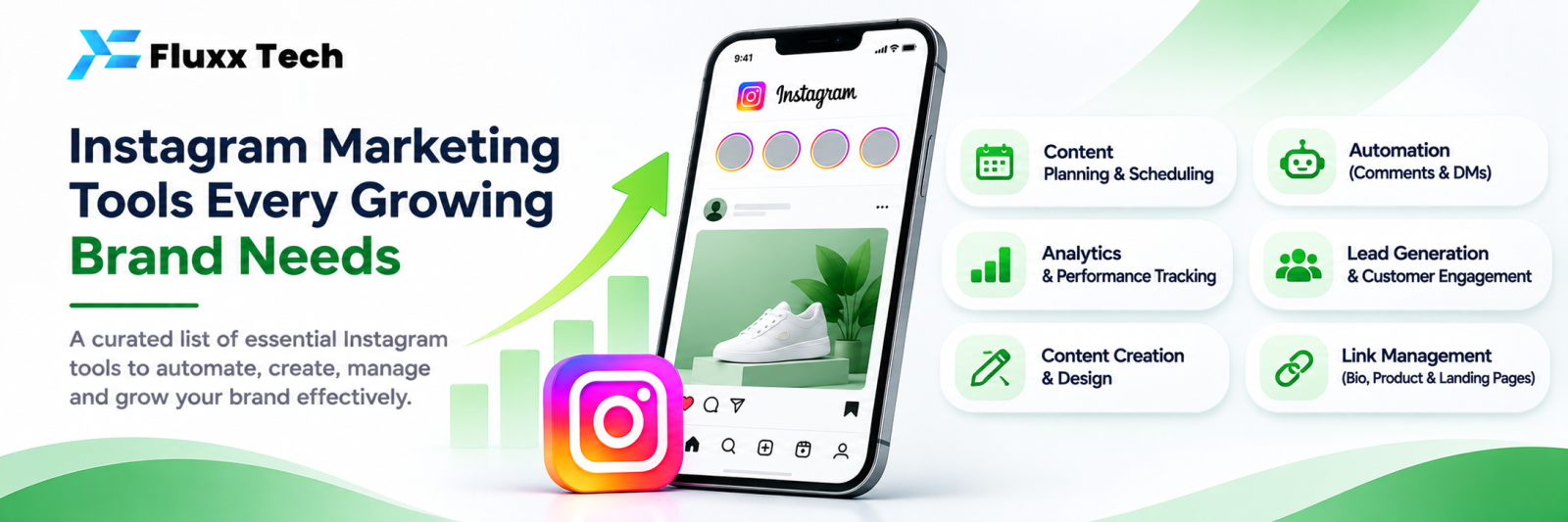
Search for Instagram marketing tools and you get a hundred names. Most businesses need four or five things, not fifty. Here are the categories, what each is for, and the order to buy them in.
1. Creation
What you use to make posts and reels.
• Design tools for carousels, offers and quote posts
• Video editing for reels: trimming, captions, subtitles, music
• Subtitle generation, since most people watch without sound
• A template system, so your posts look like one brand
Buy first? Yes. Nothing else matters if the content is weak.
2. Scheduling and publishing
• Plan a month of content in one sitting
• Queue posts, reels and stories
• Approval workflow if more than one person is involved
• A calendar view, so you can see gaps
Buy first? Yes, if you post more than twice a week. It converts random posting into a habit.
3. Conversation and automation
This is where enquiries are won or lost.
• Shared inbox for DMs, so a team can work together
• Auto reply with keyword rules
• Comment-to-DM automation
• FAQ bot for repeated questions
• AI assistant for the rest, with human handover
• Lead capture with tags and export
Buy first? Yes, as soon as DMs exceed what one person can answer within minutes. Reach without replies is wasted spend.
4. Analytics
• Follower growth and where it comes from
• Reach, impressions and profile views
• Engagement by post and by format
• Best performing posts and reels
• Best posting times for your audience
• Results from your automations
• Revenue attributed to Instagram conversations
Buy first? Instagram’s own insights are enough at the start. Move to a tool when you need history beyond what Instagram keeps, cross-channel views, or revenue attribution.
5. Link and landing tools
• A bio link page with multiple destinations
• Tracked links, so you know what Instagram actually sent you
• Fast mobile landing pages
Buy first? Only if you send people off-platform. If you sell through DMs, conversation tools matter more.
6. Social listening and hashtags
• Mentions and tags monitoring
• Competitor tracking
• Hashtag research
Buy first? Later. Useful for established brands, rarely the bottleneck for a growing one.
7. Advertising
• Meta Ads Manager, which is free
• Creative testing and reporting layers on top
Buy first? Ads Manager directly. Add tools only when spend is large enough to justify them.
What to buy in what order
Stage | What you need |
Starting out | Creation tools + Instagram’s own insights |
Posting consistently | Add scheduling |
Getting DMs daily | Add conversation and automation: this is the big one |
Running a team | Add shared inbox roles, assignment, reporting |
Spending on ads | Add tracked links and revenue attribution |
Established brand | Add listening and competitor tracking |
Consolidate where you can
Every extra tool is another login, another subscription and another place your customer data lives. A tool that covers DMs, automation, leads, insights and revenue in one dashboard, for both Instagram and WhatsApp, replaces three or four separate subscriptions and keeps the whole customer history in one place.
Questions to ask before buying any tool
1. Does it use Meta’s official API?
2. Can I export my data if I leave?
3. How is it priced as we grow: per user, per contact, per conversation?
4. Does it handle WhatsApp too?
5. Does it support Tamil, if our customers write in Tamil?
6. What support do we get, and in which hours?
Frequently asked questions
Which Instagram tool matters most? For businesses that sell through DMs, the conversation and automation tool. It directly affects how many enquiries become customers.
Do I need a scheduling tool? Only if you post regularly and plan ahead. Instagram’s own scheduling covers basic needs.
Are free tools enough? At the start, often yes. The first paid tool worth buying is usually the one that stops you losing enquiries.


