 Fluxx Tech
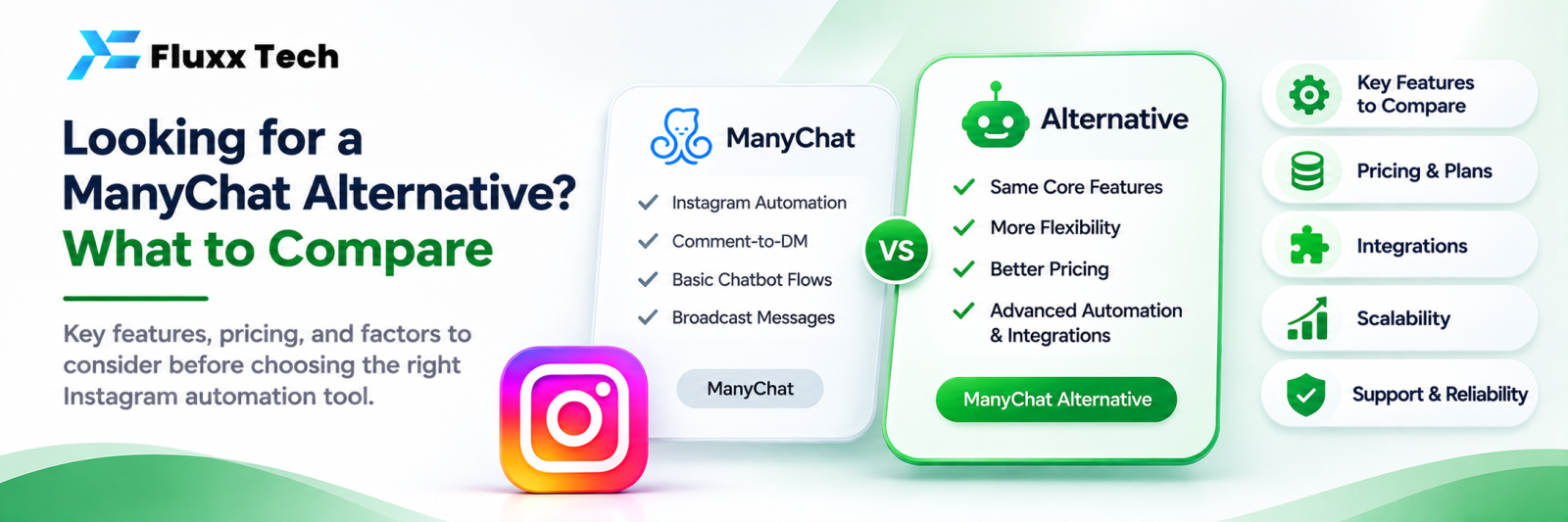
Plenty of businesses start with one chat automation tool and later look for another. The reasons are usually practical rather than dramatic: pricing that scales badly, missing WhatsApp depth, no local support, or contact data they cannot easily get out.
This article is not a takedown of any tool. It is a comparison framework, so you can judge any alternative, including ours, on the same terms.
Why businesses switch
Reason | What to check in the alternative |
Cost grows with contacts | Is pricing per contact, per user, per conversation, or flat? |
WhatsApp is secondary | Is WhatsApp Business API support first-class, with templates and catalogue? |
Support timing | Is support available in your time zone, in your language? |
Payment and billing | Can you pay in INR, with GST invoices? |
Language | Does the bot handle Tamil and Tanglish properly? |
AI costs | Is there a free keyword and FAQ layer so AI is not answering “what’s your address”? |
Data portability | Can you export contacts, conversations and leads? |
Local integrations | Razorpay, Indian CRMs, Tally, local billing software |
Revenue reporting | Can it show what Instagram-sourced customers actually paid? |
Twelve things to compare
1. Channels. Instagram, WhatsApp, Facebook, website chat. Which do you need today, and in a year?
2. Pricing model. Run the numbers at your expected size, not today’s. Per-contact pricing grows quietly; per-user pricing hurts when your team grows; per-conversation pricing hurts in a busy month. There is no universally better model, only the one that fits your shape.
3. Keyword automation. Number of rules, partial matching, multiple languages, variants and misspellings.
4. Comment-to-DM. Per post, per keyword, public reply, and whether you can set different keywords on different posts.
5. AI assistant. Whether it exists, what it costs per message, whether you can train it on your own content, and whether it hands over to a human cleanly.
6. Shared inbox. Agent count, assignment, internal notes, canned replies, unified contact history across channels.
7. Lead management. Custom fields, tags, source tracking, export, and integration with your CRM.
8. Analytics. Instagram insights, automation results, response times, and revenue attribution.
9. API and integrations. Can you connect it to your own systems, and is the API documented?
10. Compliance. Official Meta APIs, data location, and what happens to your data if you leave.
11. Support. Channels, hours, language, and whether onboarding help is included.
12. Setup effort. How long from signing up to the first automation live, and does someone help you?
A fair comparison method
1. Write your must-haves and nice-to-haves before looking at any tool
2. Count your real numbers: contacts, monthly conversations, team size
3. Get written pricing at those numbers from each vendor, including AI costs
4. Ask for a trial and build the same three automations in each: welcome message, five keyword rules, one comment-to-DM
5. Time how long each took
6. Test support with a real question and note the response time
7. Export your test data from each, and see what you get
8. Then decide
Step 7 is the one people skip and later regret.
Migration checklist
• ☐ Export contacts, tags and custom fields from the current tool
• ☐ Export conversation history if you need it for reference
• ☐ Document every existing automation: triggers, keywords, messages
• ☐ Rebuild and test in the new tool before switching
• ☐ Reconnect Instagram and WhatsApp through official Meta login
• ☐ For WhatsApp, plan the number migration and re-approve templates
• ☐ Run both in parallel for a few days if possible
• ☐ Watch for missed messages in the first 48 hours
• ☐ Remove the old tool’s permissions from Instagram settings afterwards
• ☐ Keep your exports; do not rely on the old vendor after cancellation
The WhatsApp number migration is the fiddly part. Plan it on a quiet day, not during a campaign.
Questions to ask every vendor
1. Which Meta APIs do you use, and which permissions do you request?
2. What does this cost at [your numbers], in writing, including AI?
3. What happens to my data if I cancel, and how do I export it?
4. Can I use one dashboard for WhatsApp and Instagram?
5. Does the bot handle Tamil?
6. What are your support hours and response times?
7. Who helps with setup, and is it included?
8. Can I see a live demo with my own account?
Frequently asked questions
Is switching tools risky? The risk is missed messages during the cutover. Rebuilding and testing before switching removes most of it.
Can I keep my WhatsApp number? Usually yes, through a migration process. Confirm the steps with the new provider before cancelling the old one.
Should I run both tools together? Briefly, as a safety net. Two tools answering the same inbox long-term causes duplicate replies.


