 Fluxx Tech
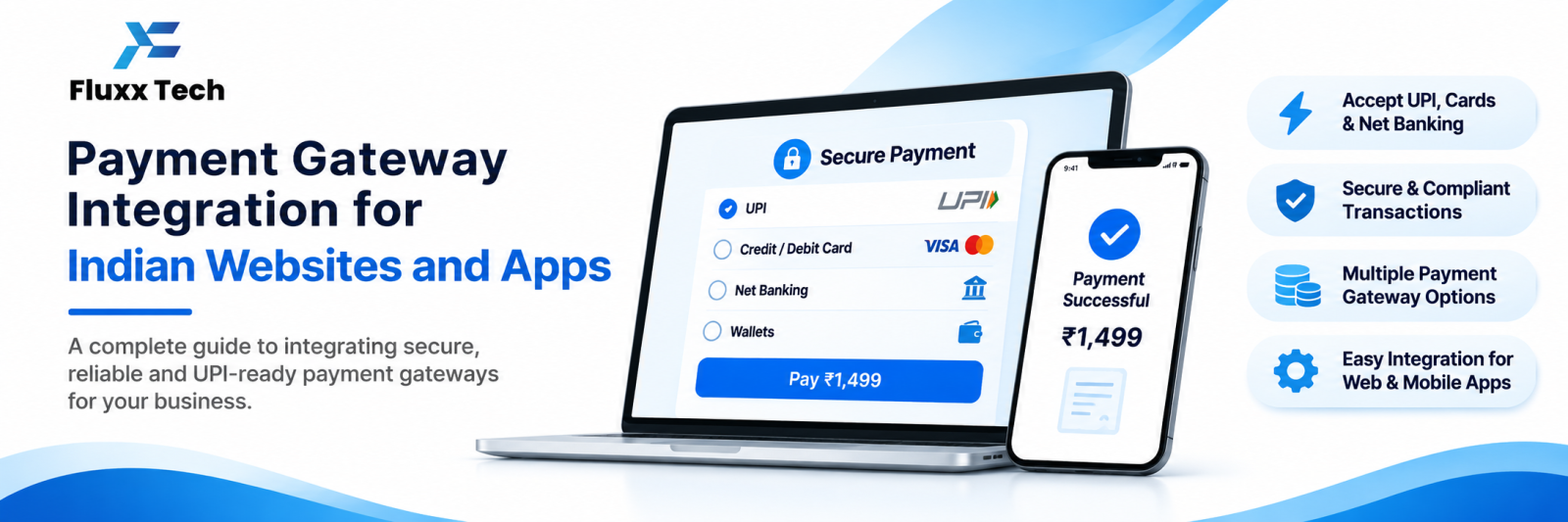
Taking payments online looks simple from the outside: add a “Pay Now” button and money arrives. Behind that button sits a payment gateway, a merchant account, KYC approval, settlement cycles and security rules. Understanding the basics helps you choose the right gateway and avoid surprises after launch.
What a payment gateway does
A gateway securely collects your customer’s payment details, sends them to the bank or UPI network for authorisation, and tells your website whether the payment succeeded. It then settles the money into your bank account after its settlement period.
Payment methods Indian customers expect
Method | Notes |
UPI | The most used method for small and medium payments; QR codes, intent links and collect requests |
Debit and credit cards | Saved cards must follow RBI tokenisation rules |
Net banking | Useful for larger payments |
Wallets | Paytm, PhonePe, Amazon Pay and others |
EMI | Card EMI and pay-later options for higher-value purchases |
COD | Not a gateway method, but still common in ecommerce |
Offer UPI prominently. Many customers abandon checkout if UPI is missing or buried.
What integration actually involves
1. Create a merchant account with the gateway and complete KYC
2. Get API keys for test and live environments
3. Build the checkout: hosted page, popup checkout or custom UI using the gateway’s SDK
4. Create orders on your server before showing checkout, so amounts can’t be changed by the customer
5. Verify payments on your server using signature verification; never trust only the browser response
6. Handle webhooks so payment status updates reach you even if the customer closes the browser
7. Handle failures and retries with clear messages
8. Build refunds into your admin panel
9. Reconcile gateway settlements with your accounts
Steps 4, 5 and 6 are where badly built integrations fail. Without server-side verification and webhooks, you get orders marked unpaid that were actually paid, and the reverse.
Documents usually needed for KYC
• Business registration proof
• PAN of the business and signatory
• GST certificate, where applicable
• Bank account proof: cancelled cheque or statement
• Address proof
• Website or app URL with visible policies
Most gateways require your site to display pricing, contact details, and refund, shipping and privacy policies before approval.
Costs to expect
Gateways charge a percentage per transaction, which varies by method, business type and volume, plus GST. Some charge setup or annual fees. UPI pricing has changed over the years with regulation, so confirm current rates directly with the gateway for your category.
Also check:
• Settlement cycle, commonly T+1 to T+3 working days
• Refund processing time and charges
• Chargeback handling
• International card support, if you need it
Security and compliance
• Serve the whole site over HTTPS
• Never store raw card numbers; use tokenisation provided by the gateway
• Keep API secrets on the server, never in frontend code or a mobile app bundle
• Log transactions for reconciliation and disputes
• Follow current RBI rules on recurring payments and saved cards
Subscriptions and recurring payments
Recurring billing in India has specific rules, including customer mandates and pre-debit notifications. If you plan subscriptions, confirm the gateway supports e-mandate or UPI AutoPay for your use case, and check the current regulatory requirements.
Frequently asked questions
How long does payment gateway approval take? Often a few days once documents are complete, longer if your category needs extra checks.
Can I use more than one gateway? Yes. Some businesses add a backup gateway for redundancy or better rates on specific methods.
Do I need a company to get a gateway? Many gateways onboard sole proprietors with PAN and a current account. Requirements differ, so check with the provider.


