Fluxx Tech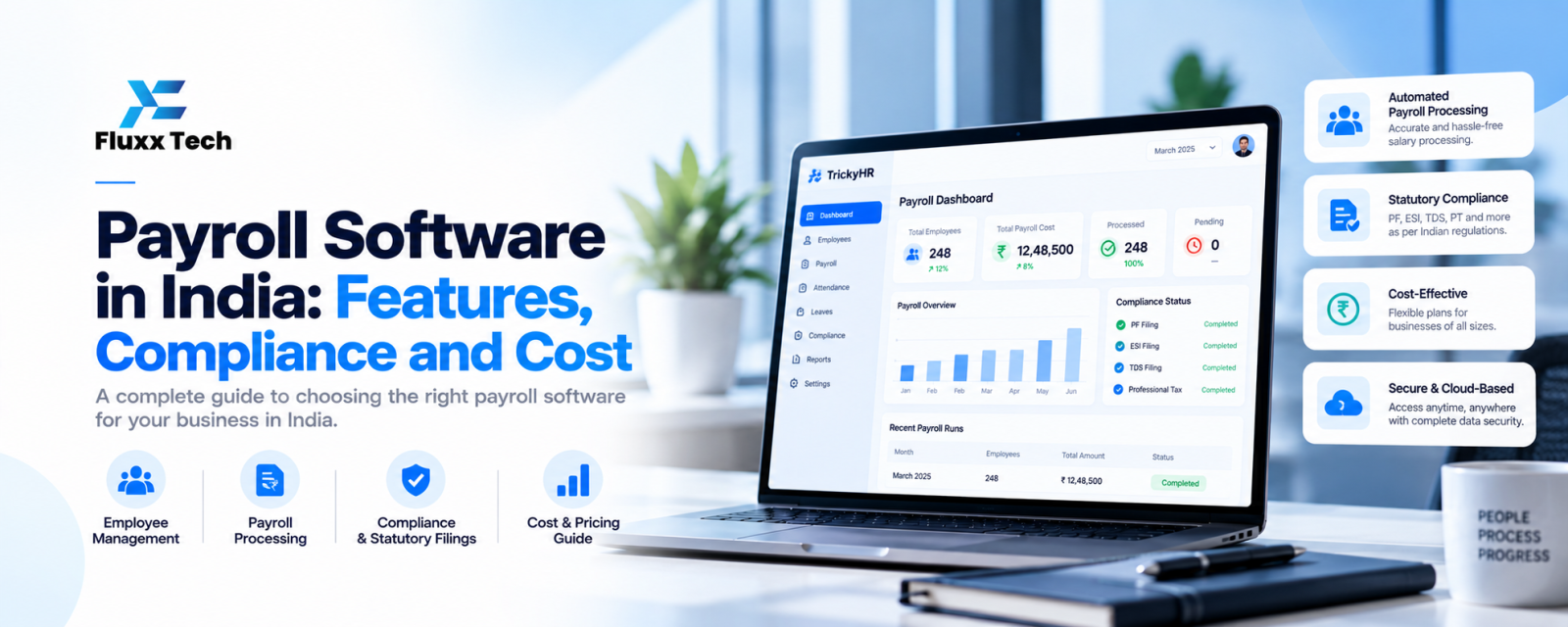
Running payroll by hand in India means juggling salary structures, attendance, overtime, leave, PF, ESI, professional tax and TDS, every month, without mistakes. As headcount grows, spreadsheets become risky: a wrong formula can mean underpaid staff, penalties or an unhappy team.
Payroll software automates most of this. Here is what to look for.
Note before publishing: statutory rates, ceilings and rules change, including changes under India’s labour codes. Verify every compliance detail below with a qualified accountant or the official EPFO, ESIC and income tax sources on the day of posting.
What payroll software does
1. Pulls attendance and leave from biometric devices, mobile check-in or an HRMS
2. Calculates gross salary from your salary structure: basic, HRA, allowances, overtime, incentives, arrears
3. Calculates deductions: PF, ESI, professional tax, TDS, loans and advances
4. Generates payslips and emails or WhatsApps them to employees
5. Creates bank transfer files for salary payment
6. Produces statutory reports and challans for filing
7. Keeps records for audits, appraisals and full and final settlements
Indian compliance it should handle
Item | What the software should do |
Provident Fund (PF) | Calculate employee and employer contributions per current EPFO rules; produce the ECR file |
ESI | Apply ESI to eligible employees under the current wage ceiling; calculate both shares |
Professional Tax | Apply state-specific slabs and deduction periods (Tamil Nadu has its own schedule) |
TDS on salary | Calculate tax under the chosen regime; handle investment declarations and proofs; Form 16 |
Labour Welfare Fund | Apply where your state requires it |
Gratuity and bonus | Track eligibility and provisions |
Ask vendors how quickly they update the software when rules change, and whether updates are included in the price.
Features that save the most time
• Attendance integration: no manual entry from registers
• Employee self-service app: payslips, tax declarations, leave balance and reimbursements on the phone
• Approval workflows: managers approve overtime, leave and claims inside the system
• Multiple locations and shifts: for factories, retail chains and field teams
• Salary revision and arrears handled automatically
• Full and final settlement calculation
• Data export to accounting software
Payroll software vs HRMS
Payroll software focuses on salaries and compliance. An HRMS adds employee records, attendance, leave, onboarding and performance. Most growing businesses benefit from both in one system, so attendance flows straight into payroll. See our HRMS buyer’s guide.
Typical pricing
Cloud payroll software is usually priced per employee per month, often with a minimum fee. Setup, data migration and biometric integration may be one-time charges. Compare vendors on:
• Price per employee and minimum fee
• Which compliance reports are included
• Support during payroll week
• Mobile app availability
• Contract length
FluxxHR pricing: [add plans and prices].
How to switch without errors
1. Set up salary structures, statutory settings and policies
2. Import employee master data, bank details, PF and ESI numbers
3. Import opening balances: leave, loans, year-to-date tax
4. Run one or two parallel payrolls alongside your old method and compare every payslip
5. Go live and archive the old spreadsheets
Frequently asked questions
Is payroll software useful for small companies? Yes. Even with 15–20 employees, it saves hours each month and reduces compliance errors.
Can payroll software file PF and ESI returns? Most generate the files and reports needed for filing on the official portals. Check what each vendor supports.
Is my salary data secure? Choose vendors with encryption, role-based access, audit logs and regular backups.