Fluxx Tech
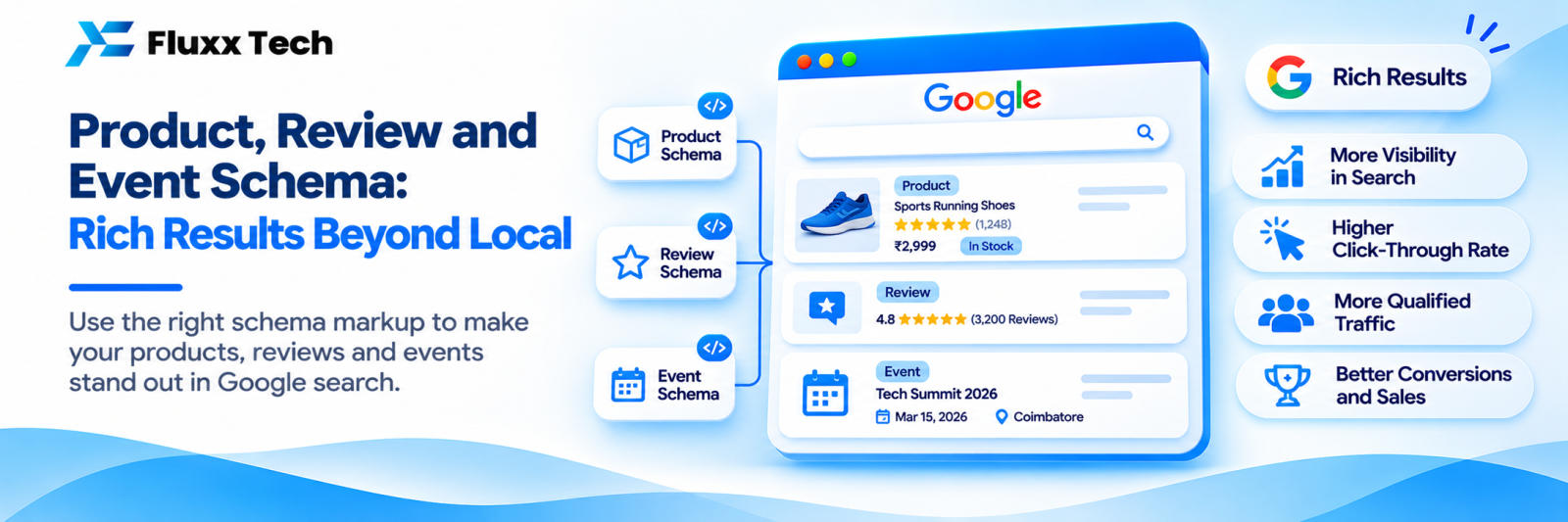
Schema markup is structured data added to your pages so search engines understand what they contain. Done properly, it can turn a plain blue link into a result with a star rating, a price, a date or an image.
It does not directly improve rankings. It improves how your result looks, which improves clicks.
We have covered LocalBusiness markup separately in our schema for local businesses guide. This article covers the rest.
The types worth implementing
Type | What it can show | Who needs it |
Product | Price, availability, rating | Ecommerce, catalogues |
Review / AggregateRating | Stars | Products and services with genuine reviews |
Event | Date, time, venue, tickets | Venues, organisers, training providers |
FAQPage | Expandable questions | Pages with real FAQs |
Article / BlogPosting | Author, date, image | Blogs and news |
BreadcrumbList | Path instead of a bare URL | Every site with hierarchy |
Organization | Logo, profiles, contact | Every business |
VideoObject | Thumbnail, duration, key moments | Pages with video |
Recipe | Time, rating, calories | Food sites |
JobPosting | Role, location, salary | Businesses hiring |
Course | Provider, mode | Education businesses |
SoftwareApplication | Rating, price | App and software products |
Note: Google changes which rich results it shows, and has reduced or removed some over time, including how FAQ and HowTo results appear. Check Google’s Search Central documentation for the current status before investing effort in any one type.
Use JSON-LD
Three formats exist; use JSON-LD in a <script> tag. It is the format Google recommends and the easiest to maintain because it sits separately from your HTML.
<script type="application/ld+json">
{
"@context": "https://schema.org",
"@type": "Product",
"name": "Cotton Saree — Blue",
"image": "https://example.com/images/saree-blue.jpg",
"description": "Handloom cotton saree with zari border.",
"sku": "SAR-BLU-001",
"brand": { "@type": "Brand", "name": "Example Handlooms" },
"offers": {
"@type": "Offer",
"url": "https://example.com/products/cotton-saree-blue",
"priceCurrency": "INR",
"price": "2499",
"availability": "https://schema.org/InStock"
}
}
</script>
Generate it from your actual product data, never by hand per page. Hand-written schema drifts out of date within weeks.
The rules that get markup ignored or penalised
1. The markup must match the visible page. A price in schema that differs from the price on the page is a violation. So is a rating that appears nowhere on the page.
2. Reviews must be genuine and about the item. Do not mark up reviews you wrote, reviews collected from elsewhere without permission, or an overall company rating on a product page.
3. Self-serving reviews are restricted. Google’s guidelines limit review markup where a business reviews itself or its own products. Collect real customer reviews and display them.
4. Do not mark up content that is not on the page. Including FAQ markup for questions a user cannot see.
5. Do not mark up the whole site as one thing. Product markup belongs on product pages only.
Breaking these can lead to a manual action for spammy structured data, which removes all your rich results, not just the offending type.
Event markup
Useful for anyone running classes, workshops, exhibitions or shows:
Required and recommended fields: name, startDate (with time zone), location (physical address or virtual URL), description, image, organizer, offers with price and availability, and eventStatus for cancellations or postponements.
Keep it current. Expired events left marked up as upcoming are a common quality problem.
Review and rating markup
• Only with real, verifiable reviews displayed on the page
• Use AggregateRating for the summary, individual Review items for the reviews shown
• The star value must match what visitors see
• Do not apply it to pages with no reviews
A collection system that captures real customer feedback is the prerequisite. See our customer feedback and NPS guide.
Breadcrumb and Organization markup
These two are low effort and worth doing sitewide:
• BreadcrumbList replaces the raw URL in search results with a readable path
• Organization on your homepage: legal name, logo, contact details, social profiles, which supports your knowledge panel. See our entity SEO guide
Testing and monitoring
1. Rich Results Test for a single URL: does Google see valid markup, and which rich result is it eligible for?
2. Schema Markup Validator for general schema.org validity
3. Search Console → Enhancements: ongoing errors and warnings across the site, grouped by type
4. After template changes, re-test; schema breaks silently when a developer changes a template
Errors block rich results. Warnings usually do not, but fixing recommended fields improves eligibility.
Realistic expectations
• Rich results are eligible, never guaranteed. Google decides per query.
• They often increase click-through rate, which is the real benefit.
• They do not directly raise rankings.
• A star rating can sometimes reduce clicks if the rating is mediocre.
• Competitors will have them too; eventually it is table stakes rather than an advantage.
Priority order for most businesses
1. Organization and BreadcrumbList sitewide
2. LocalBusiness, if you have premises
3. Product and Offer, if you sell online
4. Article on blog posts
5. Review/AggregateRating, once you have genuine reviews
6. Event, Course, JobPosting as applicable
7. VideoObject if you publish video
Frequently asked questions
Does schema improve rankings? Not directly. It improves how your result appears, and better-looking results get more clicks.
Can I add schema without a developer? On WordPress, plugins handle most types. Custom sites need it generated from your data.
What if my rich results disappear? Check Search Console for errors and manual actions, confirm the markup still matches the page, and remember Google may change which results it shows.