 Fluxx Tech
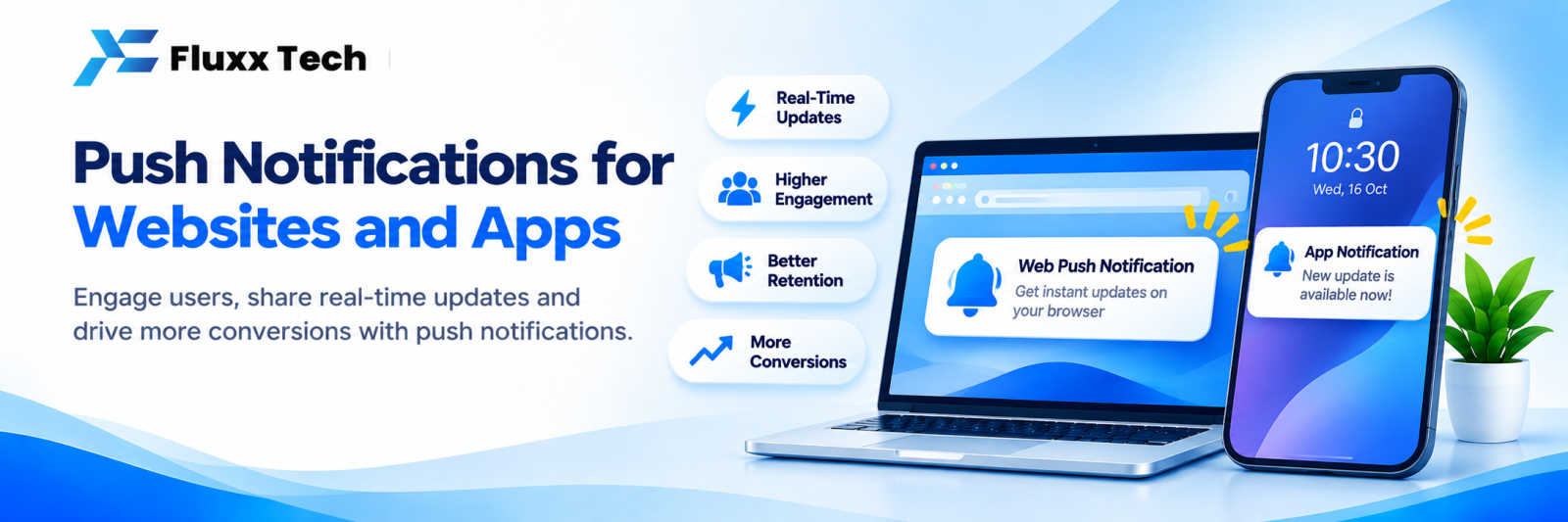
Push notifications are the short messages that appear on a phone’s screen or in a browser. For apps and websites, they are a free or low-cost way to bring customers back, if used carefully. Overused, they get switched off permanently.
App push vs web push
| App push | Web push |
Where | Mobile app installed on the phone | Browser, desktop and Android (iOS support is limited and requires the site to be added to the home screen) |
Permission | Asked inside the app | Browser prompt |
Reach | Only app users | Any visitor who allows it |
Typical use | Orders, reminders, offers | Offers, content updates, cart reminders |
Good use cases
Useful (high tolerance):
• Order confirmed, dispatched, out for delivery
• Appointment reminders
• Payment received or due
• Service or renewal due
• Something the user asked to be notified about, such as back in stock
Promotional (low tolerance, use sparingly):
• Sale starting today
• Festival offers
• New collection launch
Mixing both is fine; the ratio matters. If most notifications are promotional, people turn them off.
Writing notifications that work
• Keep the title under about 40 characters; many devices cut the rest
• Say the benefit or the fact, not a vague tease
• Personalise with name or order details where possible
• One clear action
• Deep link to the exact screen, not the home screen
Weak | Better |
“We have news for you!” | “Your order #1043 is out for delivery” |
“Check out our new offers” | “20% off tyres, today only at RS Puram” |
“Don’t miss out” | “Your AC service is due this week. Book a slot” |
Timing and frequency
• Send during waking hours in the user’s time zone
• Avoid early morning and late night
• For most businesses, a few promotional pushes per month is enough
• Transactional messages can be sent whenever the event happens
Segmentation
Do not send everything to everyone. Segment by:
• Past purchases or services used
• Location or branch
• App activity
• Language preference
Relevant notifications keep opt-in rates high.
Permissions
• Ask for permission at a moment when the value is obvious, not immediately on first open
• Explain what the user will receive
• On web, avoid prompting the instant someone lands on the page
Push vs WhatsApp vs SMS
| Push | SMS | |
Cost | Usually free or very low | Per message by category | Per message |
Requires | App installed or browser opt-in | Phone number and opt-in | Phone number |
Richness | Text, images, deep links | Rich media, buttons, two-way | Text |
Best for | App users, instant updates | Conversations, confirmations, offers | Fallback and OTP |
Many businesses use push for app users and WhatsApp for everyone else.
Measure
Track delivery, open rate, actions taken and opt-out rate. A rising opt-out rate means you are sending too much or too little value.
Frequently asked questions
Do push notifications work on iPhones for websites? Web push on iOS requires the site to be installed to the home screen and has limitations. App push works normally.
How many notifications are too many? If opt-outs rise after a campaign, you have crossed the line for your audience.
Can push replace WhatsApp? Only for users who installed your app and allowed notifications. WhatsApp reaches more people and allows replies.


