 Fluxx Tech
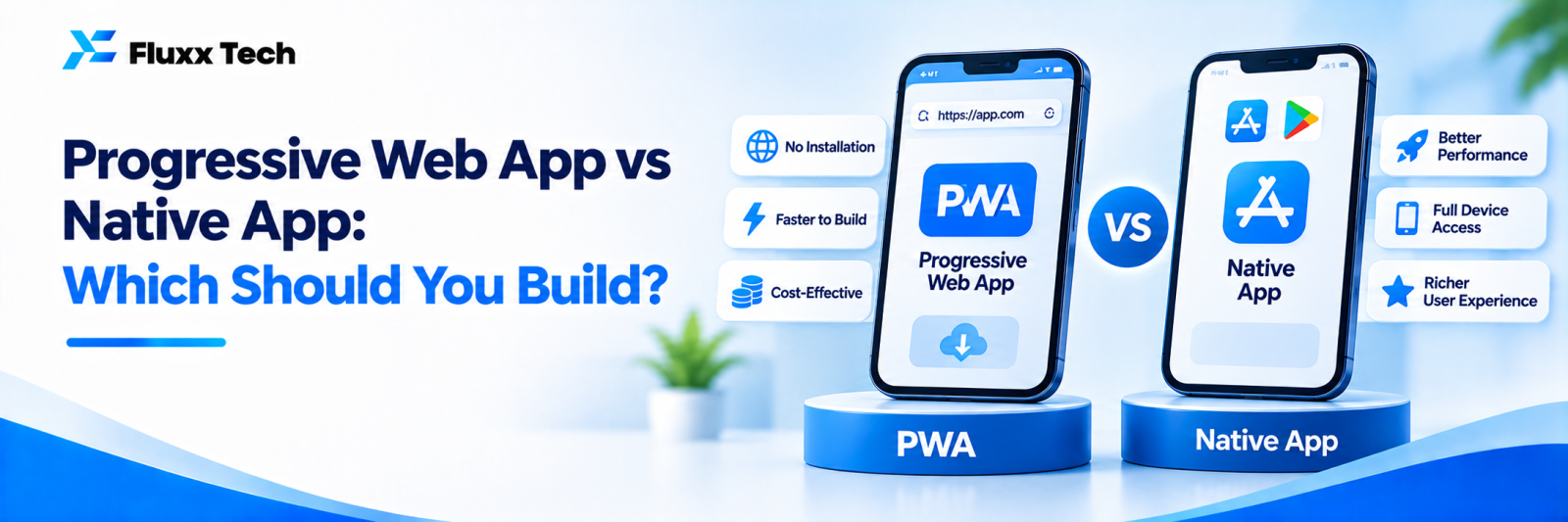
Not every business needs a full app in the Play Store and App Store. A Progressive Web App (PWA) is a website that behaves like an app: it can be added to a phone’s home screen, work offline in parts and load quickly. For some businesses it’s a cheaper, faster option.
What is a PWA?
A PWA runs in the browser but feels like an app. Users can “install” it to their home screen without visiting an app store. It uses one codebase for all devices.
Comparison
| PWA | Native or cross-platform app |
Cost | Lower | Higher |
Time to build | Faster | Longer |
Installation | From the browser, no app store needed | From Play Store and App Store |
App store visibility | Limited | Full |
Offline use | Possible for parts of the app | Strong |
Push notifications | Supported on many devices; some limits on iPhone | Fully supported |
Device features (camera, GPS, Bluetooth) | Some supported | Full access |
Updates | Instant, like a website | Through app store updates |
SEO | Can be indexed by Google | Not directly |
When a PWA makes sense
• Ordering, booking or catalogue apps for local businesses
• Internal tools for staff
• MVPs to test an idea
• When most users find you through Google or WhatsApp links
When a native or cross-platform app makes sense
• You need strong app store presence
• Heavy use of device features, such as Bluetooth, background location or advanced camera features
• High-performance apps or complex offline use
• Users expect a “real” app, as in banking or delivery services
Hybrid approach
Some businesses start with a PWA to test demand, then build store apps once usage grows, reusing much of the design and backend.
Frequently asked questions
Can a PWA be listed in app stores? It’s possible in some cases with extra steps, but store apps are usually built differently.
Do PWAs work on iPhones? Yes, with some limitations compared with Android. Check current support for features you need.
Is a PWA cheaper to maintain? Usually, since there’s one codebase and no app store releases.


