 Fluxx Tech
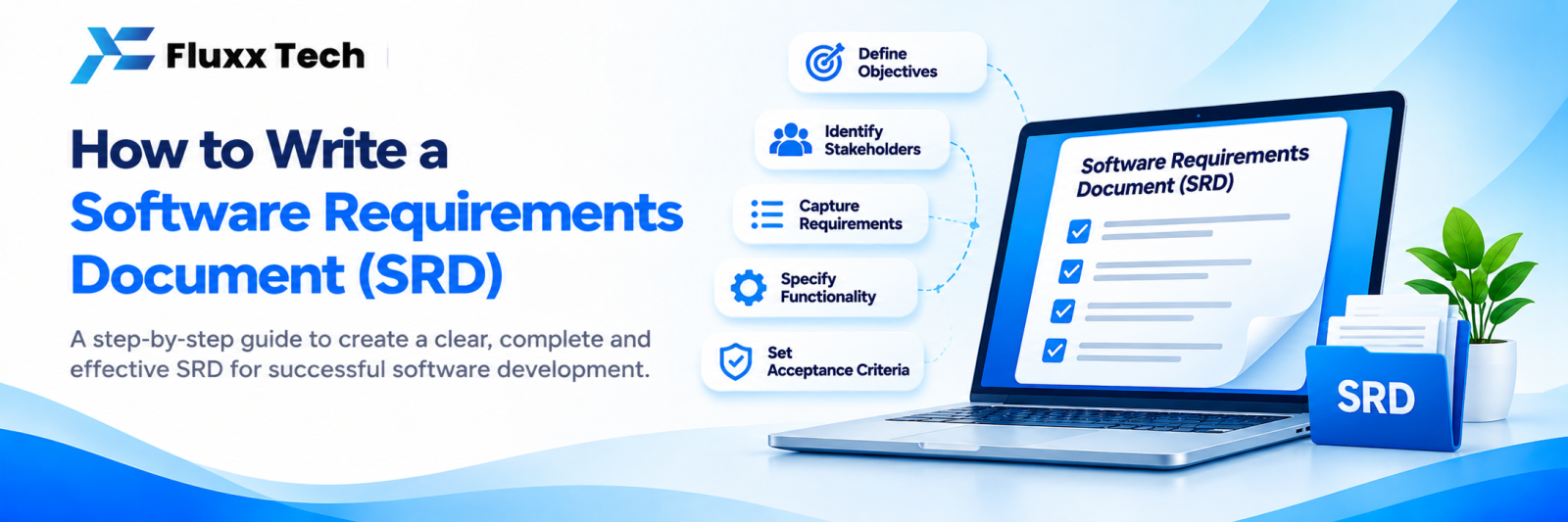
Most software projects that go over budget do so for the same reason: nobody wrote down clearly what was being built. A software requirements document (SRD, sometimes SRS) fixes this. It does not need to be technical or long. It needs to be specific.
A good requirements document lets different developers quote on the same scope, reduces arguments later, and becomes the checklist you test against.
The template
1. Overview
• What the software is
• The problem it solves
• Who will use it
• What success looks like in six months
Two or three paragraphs.
2. Users and roles
List each type of user and what they can do.
Role | Can do | Cannot do |
Customer | Place orders, track status | See other customers’ data |
Staff | Process orders, update status | Change prices |
Manager | Everything staff can, plus reports and pricing | Delete audit logs |
Admin | Full access, user management | – |
3. Features, written as user stories
A user story is one sentence: As a [role], I want to [action], so that [benefit].
Examples:
• As a customer, I want to track my order, so that I know when it will arrive.
• As a manager, I want a daily sales report on WhatsApp, so that I don’t have to open the system.
Group stories by module: orders, inventory, reports, users.
4. Priority
Mark each story: Must have, Should have, Could have, Later. This is what keeps budgets under control.
5. Screens
List the screens and what each shows. A rough sketch on paper, photographed, is more useful than a long description.
6. Business rules
The logic that is specific to your business:
• “Credit customers can order up to their credit limit only.”
• “Discounts above 10% need manager approval.”
• “Stock reduces only after dispatch, not on order.”
• “GST applies at the item level, not the invoice level.”
These rules are the most commonly missed part, and the most expensive to add later.
7. Integrations
• Payment gateway
• Tally or accounting software
• WhatsApp or SMS
• Billing, POS or ERP
• Maps, courier or logistics partners
Note which systems, which direction data flows and how often.
8. Data
• What information is stored for each record
• How long it is kept
• Who can export it
• Any privacy requirements
9. Non-functional requirements
• Expected number of users
• Devices: phone, tablet, desktop
• Languages
• Offline needs
• Performance expectations
• Backup and security requirements
10. Out of scope
Write what the project will not include. This single section prevents most disputes.
11. Acceptance criteria
For important features, write how you will test them:
“Order tracking is complete when a customer can log in, see order status, and receive a WhatsApp message at each status change.”
Tips
• Write in plain language; developers will translate it
• Be specific with numbers, limits and examples
• Add screenshots of your current process or spreadsheets
• Keep it to the point: 5–15 pages is plenty for most projects
• Share it with the people who will actually use the software
• Treat it as a living document, with changes tracked
Frequently asked questions
Do I need to write this myself? You know the business; your development partner can help structure it. Most good agencies run a discovery process to build it with you.
How detailed should it be? Detailed enough that two developers reading it would build broadly the same thing.
What if requirements change? They will. Record changes, agree on their impact on cost and timeline, and update the document.


