Fluxx Tech
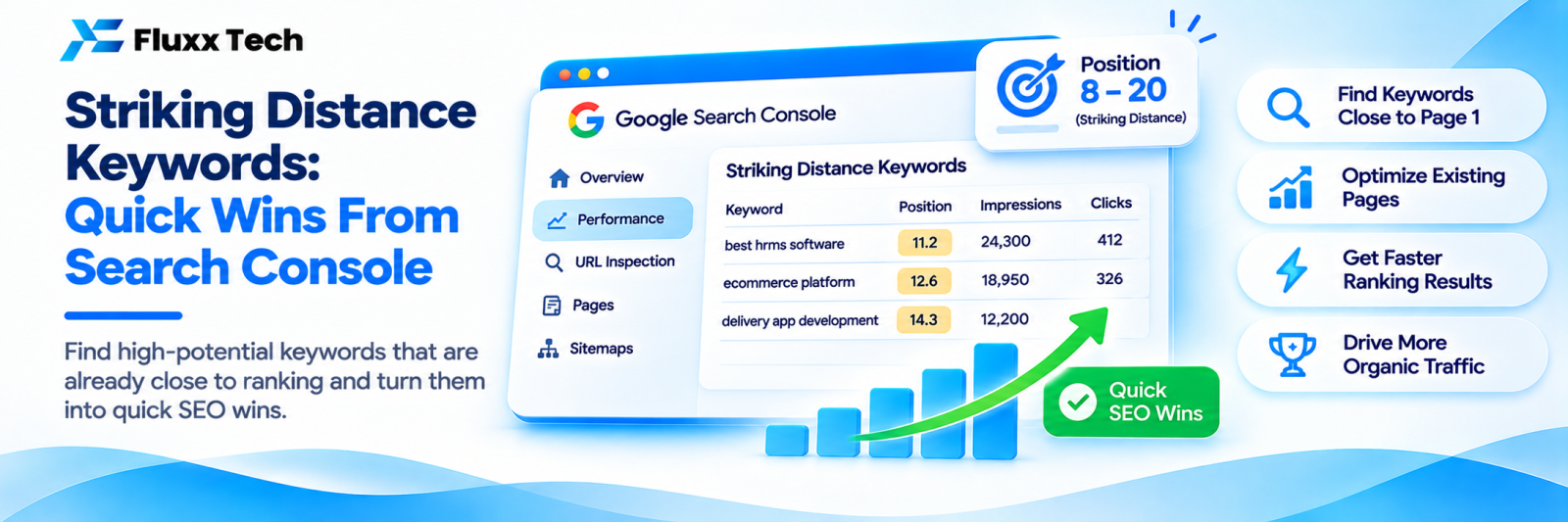
The fastest SEO results usually come from pages you already have. Somewhere in your Search Console data are queries where you rank at position 11, 14 or 19: close enough that Google already considers you relevant, far enough that almost nobody clicks.
Moving one of those to position six can double its clicks. Moving it to position three can multiply them several times over. It is far easier than ranking a new page from nothing.
Find them
In Search Console:
1. Performance → Search results
2. Set the date range to the last 3 months
3. Enable all four metrics: clicks, impressions, CTR, position
4. Go to the Queries tab
5. Export to a spreadsheet
Then filter for:
• Average position between 8 and 25
• Impressions above a meaningful threshold for your site, perhaps 50 or 100 in three months
• Sort by impressions, highest first
What you now have is a list of searches where Google already shows you, many people see you, and very few click. That is your shortlist.
Decide which ones are worth the effort
Not every striking-distance keyword deserves work. Score each one:
Question | Prefer |
Does it match something we actually sell? | Yes |
Is the intent commercial or at least relevant? | Commercial |
Is the volume worth the effort? | Higher |
Who ranks in the top five now? | Beatable sites, not national giants |
Do we already have a page that targets this? | Yes, strengthen it |
Is it a variation of something we already rank well for? | Lower priority |
Ten relevant keywords worked properly beats a list of two hundred.
Find which page ranks for each
In Search Console, click a query, then switch to the Pages tab. This tells you which page Google currently shows.
Two common findings:
The wrong page is ranking. A blog post ranks where your service page should. Fix by strengthening the service page’s relevance for that term and linking to it from the blog post with that anchor text.
Several pages flicker in and out. That is keyword cannibalisation; see our guide. Consolidate.
What actually moves a page from 11 to 5
In rough order of effect for most pages:
1. Match the search intent better. Look at the pages currently in the top five. Are they guides, service pages, comparisons, lists? If Google is showing comparison articles and your page is a sales pitch, no amount of optimisation fixes that. Change the page’s format.
2. Cover what the top pages cover. Not by copying, but by checking which sub-topics and questions they answer that you do not. Add the ones that genuinely belong.
3. Add internal links with relevant anchor text. Find three to five existing pages on your site that could naturally link to this page, and link them using the target phrase. This is the single most repeatable improvement, and it costs nothing.
4. Improve the title tag and meta description. This raises click-through, and the extra clicks often help. Include the query naturally, add a reason to click: price, timeline, location, number.
5. Add the question-based sub-sections that appear in People Also Ask for that query, each answered directly in two or three sentences.
6. Update and expand the page. Current year where relevant, current prices, new examples, removed outdated claims. See our content refresh guide.
7. Improve page speed and layout, especially on mobile.
8. Earn a link or two if the top-ranking pages are clearly stronger in authority.
Pay attention to CTR separately
Some queries show you at position 4 or 5 with a very low click-through rate. That is a different problem: you are ranking, but your result is not attractive.
Fixes: rewrite the title tag, write a specific meta description, add schema for a richer result, and check whether an AI overview or a featured snippet is absorbing the clicks above you.
Build a simple tracker
Query | Position | Impressions | CTR | Page | Action | Date done | Position after 6 weeks |
Work ten rows at a time. Make the changes, then leave them alone for six weeks before judging. Checking daily tells you nothing but noise.
A monthly routine
1. Export the last three months of query data
2. Filter positions 8–25 with meaningful impressions
3. Pick the ten most relevant
4. Identify the ranking page for each
5. Apply the fixes above, one page at a time
6. Record what you changed and when
7. Review last month’s batch: did positions move?
This routine, run consistently for six months, outperforms most of what agencies sell as “SEO strategy”.
Frequently asked questions
How long before I see movement? Often two to six weeks for a page Google already knows well. Competitive terms take longer.
What if the page does not move at all? Usually the intent is wrong, or the competition is far stronger. Check what is actually ranking; sometimes the right answer is a different page type entirely.
Is page two traffic worth chasing? Page two gets very few clicks. That is exactly why moving to page one is valuable: the impressions already exist.