 Fluxx Tech
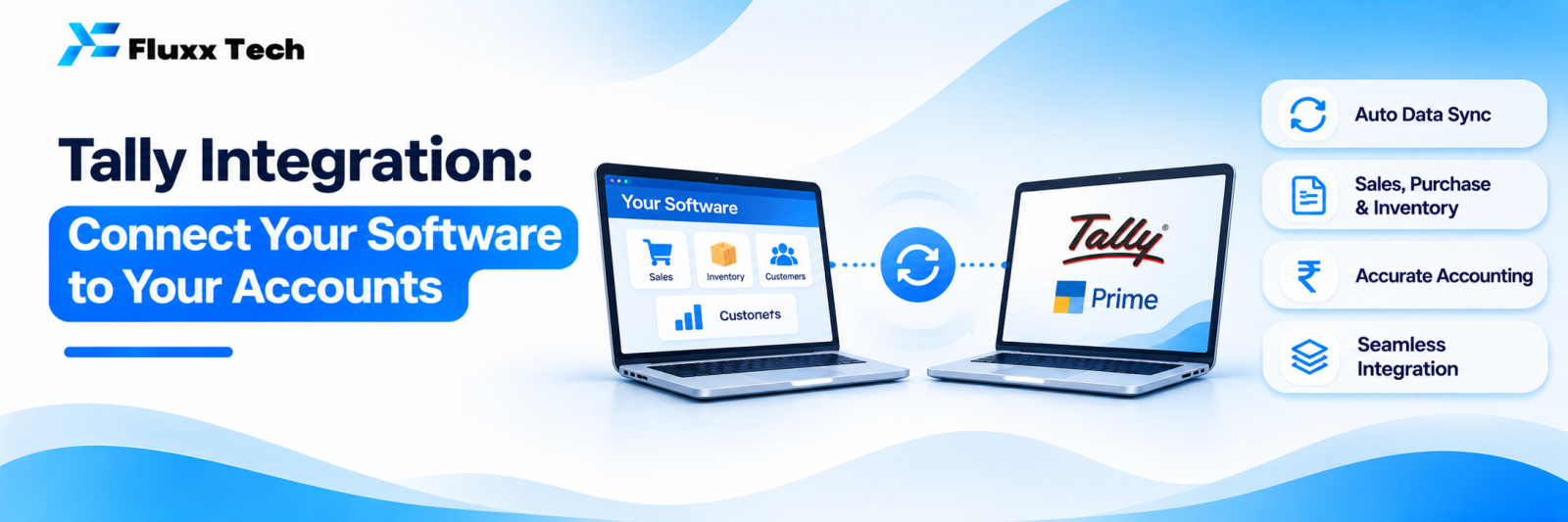
Tally is the accounting backbone of a large share of Indian businesses. Meanwhile sales happen on a website, orders come through an app, billing runs in a separate system and stock sits in a warehouse tool. Someone then re-enters everything into Tally by hand.
Tally integration removes that double entry by moving data between your systems and Tally automatically.
What can usually be synced
Data | Direction |
Sales invoices | Your system → Tally |
Purchase entries | Your system → Tally |
Customers and suppliers (ledgers) | Both ways |
Stock items and groups | Both ways |
Receipts and payments | Your system → Tally |
Stock quantities | Tally → your system |
Outstanding balances | Tally → your system or portal |
Credit notes and returns | Your system → Tally |
Common use cases
Ecommerce to Tally. Online orders create sales vouchers automatically, with correct GST and item codes.
Billing software to Tally. Counter sales sync at end of day instead of being typed again.
Dealer portal from Tally. Dealers log in and see their outstanding balance, invoices and ledger pulled from Tally.
Field sales app to Tally. Orders collected by salespeople become vouchers; collections are recorded against invoices.
Dashboards from Tally. Owners see sales, receivables and stock on a phone without opening Tally.
How integration is usually done
Tally provides an XML-based interface, and many businesses use middleware or connectors:
1. Tally’s XML/HTTP interface: your software sends and requests XML data from a running Tally instance
2. Middleware or connector service: sits between your system and Tally, queues data, handles retries and logs errors
3. Scheduled sync vs real-time: many businesses sync every few minutes or at fixed times rather than instantly
4. Tally on a server or cloud VM: so sync works even when the accountant’s computer is off
Confirm the capabilities of your Tally edition and version before planning, since available features differ.
What to get right
• Master data must match. Ledger names, item names, units and GST rates should be consistent, or vouchers will fail.
• Decide the source of truth for each data type. Usually billing for invoices, Tally for accounting.
• Handle failures. Queue failed entries, alert someone, and allow retry. Silent failures are the biggest risk.
• Log everything for reconciliation.
• Involve your accountant early. They know how vouchers should look for audits.
Before you start: a checklist
• ☐ Tally edition, version and licence details
• ☐ Will Tally run on a server or cloud machine?
• ☐ Which data must sync, and in which direction?
• ☐ Real-time or scheduled?
• ☐ Who cleans up master data?
• ☐ Who checks the sync log daily?
• ☐ How are errors escalated?
Frequently asked questions
Can Tally sync automatically with my website? Yes, with an integration built around Tally’s XML interface, usually with middleware handling queues and retries.
Will integration change how my accountant works? Entries arrive automatically instead of being typed, but review and finalisation stay with the accountant.
Is it safe? Keep Tally on a secured machine or private network, restrict access and use authentication on your integration service.


