 Fluxx Tech
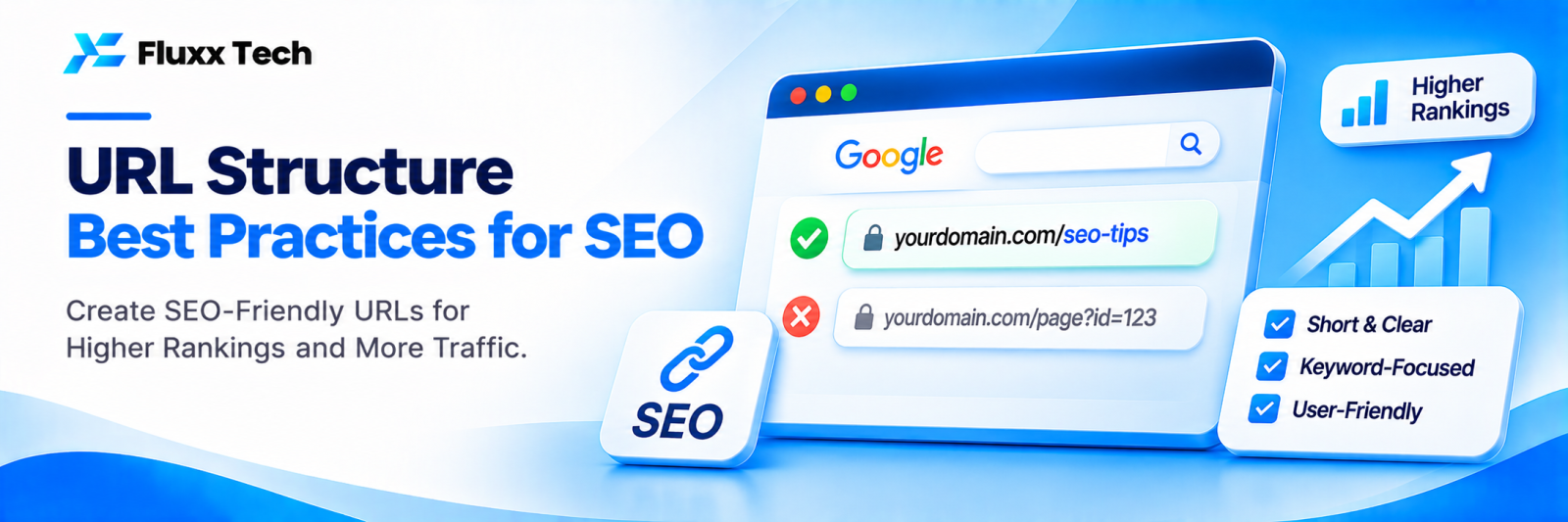
A URL is the address of a page. Clean, readable URLs help visitors understand where they are, help Google understand your site structure, and look more trustworthy in search results and when shared on WhatsApp.
Good vs bad URLs
Avoid | Prefer |
/page?id=4582 | /services/web-development |
/Services/Web_Development_Company_Coimbatore_Best | /services/web-development |
/2023/05/12/blog-post-about-seo-tips-for-small-businesses-in-2023 | /blog/seo-tips-small-business |
/p/123/kurti | /women/kurtis/cotton-blue-kurti |
Best practices
• Short and descriptive: describe the page in a few words
• Lowercase: avoid capital letters
• Hyphens between words: not underscores or spaces
• Include the main keyword naturally
• Avoid dates in evergreen content URLs
• Avoid stop-word clutter: “a”, “the”, “and” where they add nothing
• No special characters or unnecessary parameters
Organise with folders
Folders show how pages relate:
• /services/seo
• /services/web-development
• /locations/rs-puram
• /blog/website-design-cost-india
• /products/fluxxhr
Keep the structure shallow; two or three levels are usually enough.
Changing URLs
Changing a URL means losing the history of the old one unless you redirect it.
• Change URLs only when the benefit is clear
• Always add a 301 redirect from the old URL to the new one
• Update internal links and your sitemap
Parameters and filters
Ecommerce filters and tracking codes can create many URL versions of one page. Use canonical tags to point to the main version, and avoid linking internally to parameter URLs.
Frequently asked questions
Do keywords in URLs help rankings? They’re a small signal, but they help users understand the page and can improve clicks.
Should I change old URLs to better ones? Only if they’re very poor, and always with redirects.
Do URLs need the city name? For location pages, yes. For general service pages, it’s optional.


