 Fluxx Tech
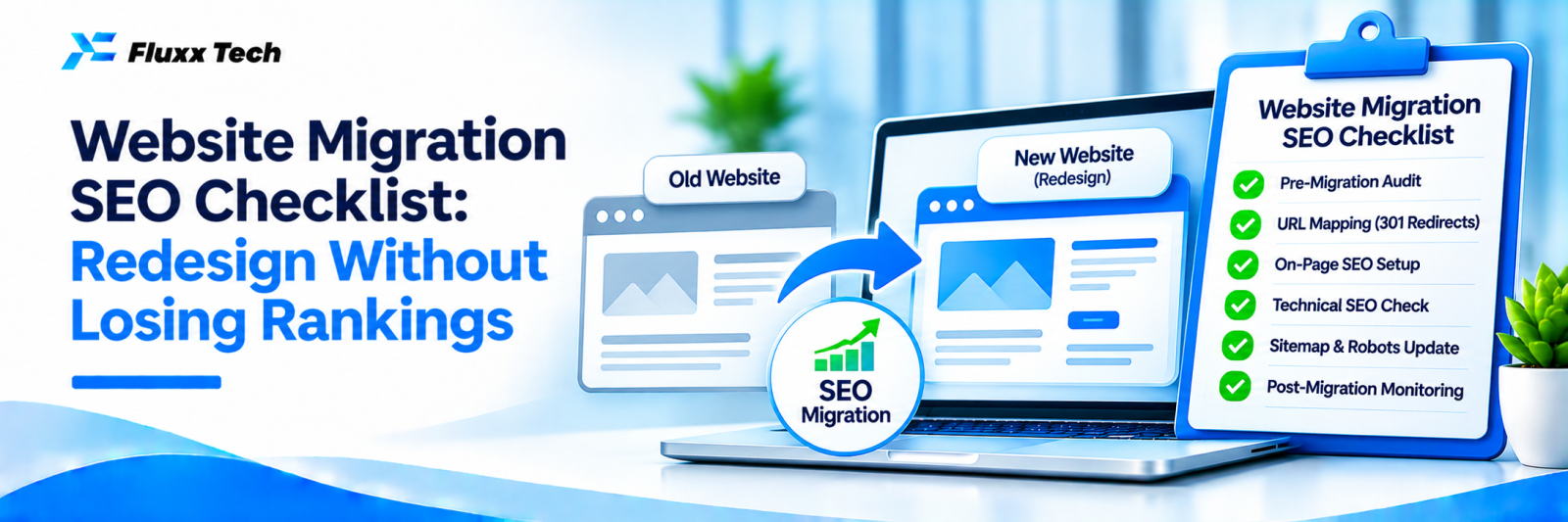
A new website should bring more enquiries, but many redesigns cause traffic to drop sharply because URLs change, content disappears or settings are wrong at launch. A careful migration plan protects the rankings you’ve built.
This checklist applies to redesigns, platform changes (for example, WordPress to a custom site), domain changes and moves to https.
Before migration
• ☐ Benchmark: record current traffic, top pages, rankings and enquiries
• ☐ Crawl the old site: list every URL, title, meta description and status
• ☐ Identify valuable pages: those with traffic, rankings, conversions or backlinks
• ☐ Download Search Console data for top pages and queries
• ☐ Plan the new structure and decide where each old URL will go
URL mapping and redirects
• ☐ Create a spreadsheet: old URL → new URL
• ☐ Map each old page to the most relevant new page (not all to the homepage)
• ☐ Keep URLs the same where possible
• ☐ Prepare 301 redirects for every changed URL
• ☐ Avoid redirect chains
Content and on-page
• ☐ Keep or improve content on pages that rank well
• ☐ Carry over title tags, meta descriptions and headings, or improve them
• ☐ Keep image alt text and important internal links
• ☐ Carry over schema markup
On the staging site
• ☐ Block the staging site from Google (password protection is best)
• ☐ Test redirects
• ☐ Check speed, mobile layout and forms
• ☐ Check canonical tags, robots meta tags and hreflang if used
• ☐ Confirm tracking codes and conversion events
Launch day
• ☐ Remove staging blocks; make sure the live site is not set to noindex
• ☐ Check robots.txt allows crawling
• ☐ Activate redirects and test a sample of old URLs
• ☐ Submit the new XML sitemap in Search Console
• ☐ For a domain change, use Search Console’s Change of Address tool
• ☐ Update your Google Business Profile website link
• ☐ Test contact forms, WhatsApp buttons and tracking
After launch
• ☐ Monitor Search Console daily for the first two weeks: errors, indexing, traffic
• ☐ Fix 404 errors from missed redirects
• ☐ Compare rankings and traffic with the benchmark
• ☐ Update backlinks from important sites to the new URLs, where possible
• ☐ Keep redirects in place long term
What to expect
Some ranking movement is normal in the first weeks after a migration. A well-planned migration usually stabilises; a large, lasting drop signals missing redirects, lost content or technical blocks.
Frequently asked questions
Will a redesign always hurt SEO? No. With proper planning, many redesigns improve rankings through better structure and speed.
How long should I keep redirects? Ideally permanently.
Can I change domain without losing rankings? Yes, with careful redirects and Search Console’s change of address process, though some temporary fluctuation is common.


