Fluxx Tech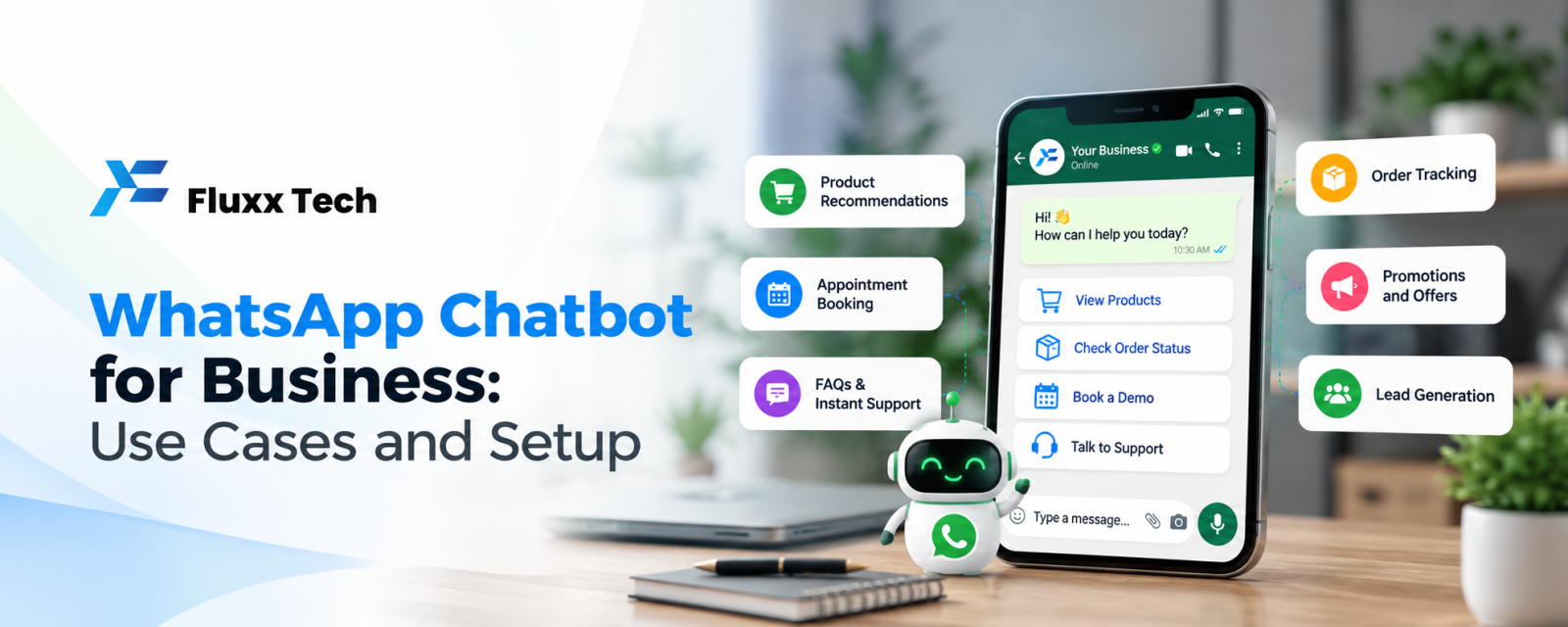
Customers message businesses on WhatsApp at all hours with the same questions: timings, prices, location, availability. Answering every message manually is slow, and missed messages mean missed sales.
A WhatsApp chatbot answers common questions instantly, collects details and hands complex conversations to your team. Here is how businesses use one.
What a WhatsApp chatbot can do
• Answer FAQs: timings, location, price list, delivery areas
• Share catalogues, brochures and menus
• Take bookings and appointments
• Qualify leads with a few questions before passing to sales
• Send order status and tracking details
• Collect feedback and review requests
• Hand over to a human agent when needed
Use cases by industry
Industry | Chatbot use |
Clinics | Book appointments, share doctor timings, send reminders |
Restaurants | Share menu, take orders, confirm table bookings |
Real estate | Share project brochures, collect budget and location, book site visits |
Coaching centres | Share course details and fees, book demo classes |
E-commerce | Order status, returns, product questions |
Service businesses | Collect job details and photos, schedule visits |
Menu-based vs AI chatbots
Type | How it works | Best for |
Menu-based (buttons and lists) | Customers tap options; flows are predefined | Bookings, FAQs, order status; predictable and easy to control |
AI-powered | Understands free-text questions and replies naturally | Varied questions, large product catalogues |
Hybrid | Buttons for common paths, AI for open questions, human handover | Most growing businesses |
Start simple. A well-designed button menu solves most common questions.
How to set one up
1. List your top 10–20 customer questions from your WhatsApp history.
2. Design the flow: greeting, main menu, answers, booking or lead capture, human handover.
3. Use the WhatsApp Business API through a platform such as FluxxChat; the regular app does not support full chatbots.
4. Connect your systems: booking calendar, CRM, order system or Google Sheet.
5. Write short, friendly messages in the languages your customers use, such as English and Tamil.
6. Test with real customers, then improve based on where people drop off.
Tips for a chatbot customers like
• Always offer “Talk to a person”
• Keep messages short; use buttons instead of long text
• Don’t trap people in loops
• Reply in your business hours with a human, and set expectations after hours
• Review conversations weekly to improve answers
Frequently asked questions
Do I need the WhatsApp Business API for a chatbot? Yes, for automated chatbots with flows and integrations. The free Business app only supports basic quick replies and away messages.
Does a chatbot replace staff? No. It handles repetitive questions so staff can focus on customers who are ready to buy.
How much does a WhatsApp chatbot cost? It depends on the platform plan, Meta’s message charges and the complexity of the flows. See our WhatsApp Business API pricing guide