Fluxx Tech
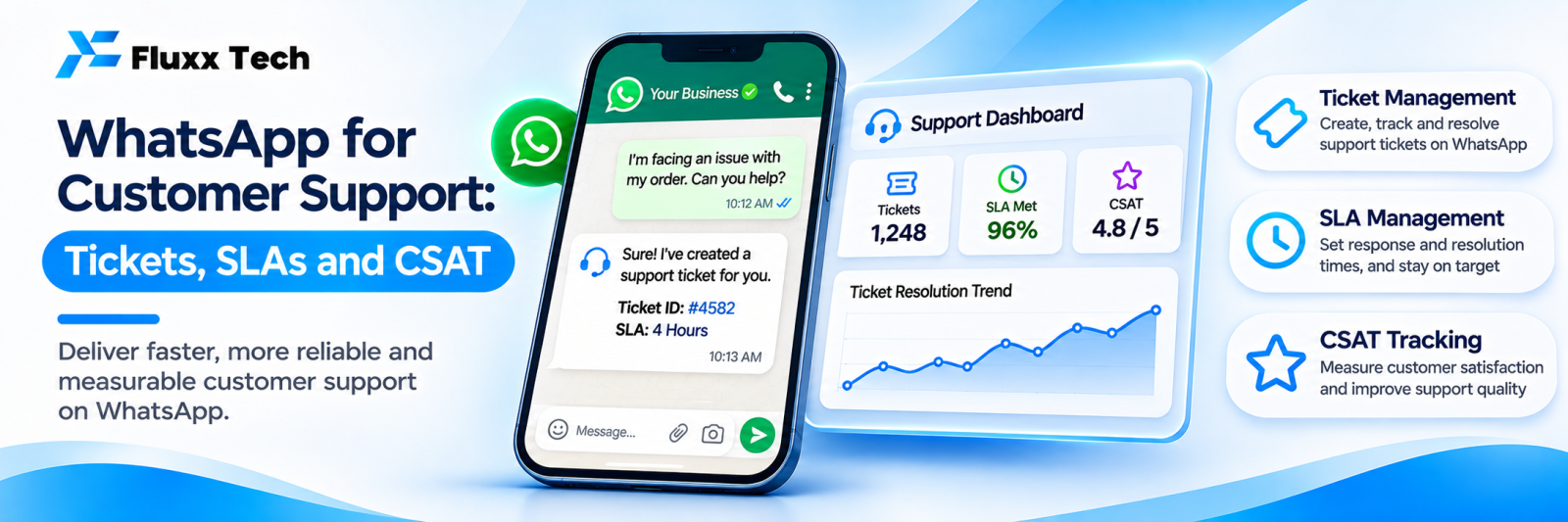
Customers already message businesses on WhatsApp for support. The question is whether your business handles it as a process or as a pile of unread chats on somebody’s phone.
Done properly, WhatsApp support is faster and cheaper than phone, and customers prefer it. Done casually, it loses complaints and creates the impression that you ignore people.
Why WhatsApp works for support
• The customer already has it open
• Asynchronous: neither side has to wait on a call
• Photos and videos of the problem, which solve issues far faster than descriptions
• A written record both sides can scroll back through
• Voice notes for customers who prefer speaking
• No hold music
What you need beyond a phone
Need | Why |
WhatsApp Business Platform (API) | Multiple agents, automation, reporting. See our setup guide |
Shared inbox | A team, not one handset |
Ticketing | Each issue has an owner, status and deadline |
Routing | The right agent gets the right issue |
Templates | For messages sent outside the service window |
Knowledge base | Consistent answers, and self-service |
Reporting | Response times, volumes, themes |
The 24-hour service window
This shapes support operations more than anything else.
After a customer messages you, there is a window during which you can reply freely. Outside it, business-initiated messages require approved templates.
Practical consequences:
• Resolve within the window wherever possible
• If you cannot, prepare a template for “update on your issue [ticket]” so you can reach back out
• Encourage the customer to reply, which reopens the window
• Avoid leaving an open issue unanswered overnight; it becomes a template message tomorrow
Window rules and template requirements change. Check Meta’s current documentation.
Structure the conversation
1. Auto-acknowledge immediately
Hi! We’ve received your message. Reply with a number so we can route it: 1 — Order status 2 — Complaint or damage 3 — Return or refund 4 — Product question 5 — Something else
2. Self-serve the easy ones
Order status, working hours, delivery areas, return policy, payment methods. These are a large share of support volume and need no human at all.
3. Collect the right details upfront
For a complaint: order number, photo, what went wrong. Asking for all three in one message saves three rounds of back-and-forth.
4. Create a ticket
With a number the customer can quote, an owner and a deadline.
5. Resolve, confirm, close
Tell them what you did. Confirm they are satisfied before closing.
Response targets
Set targets you can meet, then measure against them:
Priority | First response | Resolution |
Critical: safety, total failure | 15 minutes | 4 hours |
High: unusable product, wrong delivery | 1 hour | 1 working day |
Medium: partial issue | 2 hours | 3 working days |
Low: query | 4 hours | 2 working days |
Publish your support hours in the away message, with a realistic reply time. Customers accept “we reply by 10 am” far better than silence.
Routing and escalation
• Route by issue type: delivery, product, billing, technical
• Route by language where your customers use more than one
• One owner per conversation
• Escalate automatically as the deadline approaches
• A separate path for refunds, safety issues and anything legal
• A named manager who reviews breached tickets daily
What not to automate
• A customer who is angry
• Refunds and compensation decisions
• Anything involving safety or health
• A complaint already escalated once
• Apologies; a templated apology to a genuinely upset customer makes it worse
Automation handles routing, acknowledgement, status and information. Judgement stays human.
Measure
Metric | Target behaviour |
First response time | Within target, consistently |
Resolution time | Falling |
Tickets per week by category | Shows what to fix at source |
Reopened tickets | Quality of resolutions |
SLA breach rate | Whether targets are realistic |
CSAT after resolution | How it felt to the customer |
Self-service deflection | Share resolved without an agent |
Agent workload | Capacity planning |
Tickets by category is the most valuable. Support is the cheapest product research you will ever get: the top three categories tell you exactly what to fix so the ticket never arrives again.
Measuring CSAT on WhatsApp
Keep it to one message after resolution:
How was our support today? Reply 1 (poor) to 5 (excellent).
One tap, high response rate. Follow up on every 1 and 2 personally, within a day.
Mistakes
• One phone for the whole support function
• No away message, so customers wait in silence
• Promising a reply time you cannot meet
• Closing tickets without confirming with the customer
• No record of what was promised
• Letting conversations die outside the service window with nothing sent
• Never analysing the ticket categories
Frequently asked questions
Can we run support without the API? Up to one person and low volume, yes. Beyond that, you need a shared inbox and reporting.
Should support and sales share one number? Usually yes, with routing. Two numbers confuses customers who only remember one.
How many agents do we need? Measure conversations per day and average handling time before hiring. Automation and self-service usually reduce the answer substantially.