Fluxx Tech
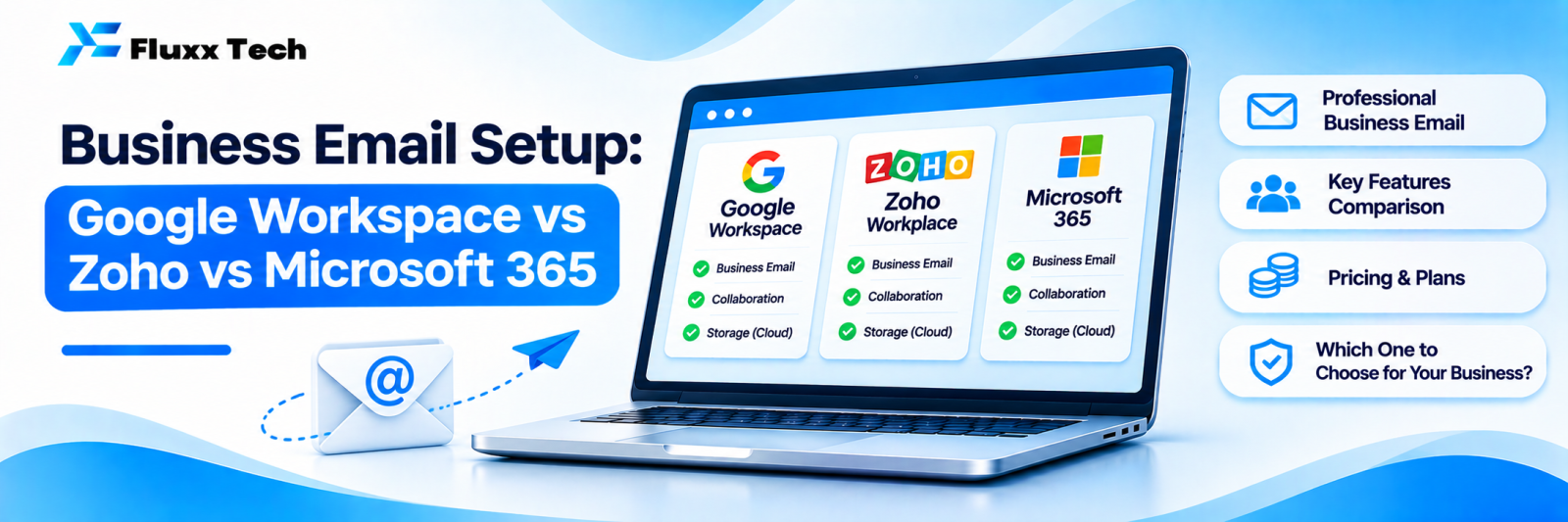
Sending business enquiries from a Gmail or Yahoo address costs you deals you never hear about. A buyer comparing three vendors notices which one has info@yourcompany.com and which one has yourcompany123@gmail.com.
Business email on your own domain is cheap and takes an afternoon to set up properly. “Properly” is the part most people skip, and it is why their mail lands in spam.
What you need
1. A domain name you control
2. An email provider
3. DNS records pointing mail to that provider
4. Authentication records so recipients trust your mail
5. A plan for who gets what address
The three main options
| Google Workspace | Zoho Mail | Microsoft 365 |
Familiarity | Gmail interface everyone knows | Clean, less familiar | Outlook, familiar in corporates |
Included apps | Docs, Sheets, Drive, Meet | Zoho’s office and CRM ecosystem | Word, Excel, Teams, OneDrive |
Desktop Office apps | No, web-based | No | Yes, on higher plans |
Pricing | Generally the highest of the three | Generally the lowest | Mid to high, varies by plan |
India billing and support | Available | Indian company, INR billing | Available |
Best for | Teams already living in Google tools | Cost-conscious small businesses | Businesses needing desktop Office and Teams |
Plans and prices change frequently. Check each provider’s current India pricing before deciding, and compare the specific plan you need rather than the headline price.
A practical rule: if your team already works in Google Docs and Sheets, use Workspace. If you need desktop Excel and Teams, use Microsoft 365. If cost matters most and your needs are email-plus-basics, Zoho is usually the cheapest credible option.
The records that decide whether your mail arrives
This is the part that matters most and gets skipped most.
Record | What it does |
MX | Tells the world which server receives your mail |
SPF | Lists who is allowed to send mail as your domain |
DKIM | Signs your mail so recipients can verify it was not altered |
DMARC | Tells recipients what to do with mail that fails SPF or DKIM, and sends you reports |
Without SPF, DKIM and DMARC, your mail is more likely to land in spam, and anyone can forge mail from your domain. Set all four when you set up the mailbox, not later.
If other systems also send mail as your domain, your website’s contact form, your billing software, a marketing tool, each one must be included in SPF and ideally sign with DKIM. Missing this is the most common cause of “our invoices go to spam”.
Start DMARC in monitoring mode, read the reports for a few weeks, then tighten the policy once you are sure legitimate senders pass.
Address structure
Keep it simple and predictable:
• firstname@company.com for people
• info@, sales@, support@, accounts@ as shared or forwarded addresses
• noreply@ for automated mail, if you must
Avoid: info1@, personal nicknames, and addresses tied to a role that changes often. When someone leaves, you want to redirect their address, not explain it to customers.
Security settings worth enabling on day one
• Two-factor authentication for every user, enforced
• Admin account separate from daily-use accounts
• Recovery phone and email set for every account
• Alerts for suspicious logins
• Restrict who can set up external forwarding, a common data-leak route
• Retention and backup: provider trash is not a backup; consider a separate backup for email if it matters to you
Migrating from an existing setup
1. Choose the provider and plan
2. Create accounts, but do not change MX records yet
3. Migrate existing mail with the provider’s import tool
4. Set SPF, DKIM, DMARC
5. Switch MX records during a quiet period
6. Allow time for DNS to propagate; mail may arrive at both places briefly
7. Test: send and receive from several outside addresses
8. Check spam placement by mailing a few Gmail, Outlook and Yahoo addresses
9. Keep the old mailboxes for a few weeks before closing
Do not switch MX records on a Monday morning or during a busy campaign.
Common mistakes
• No SPF, DKIM or DMARC
• Website contact forms sending as your domain from a server not listed in SPF
• One shared login used by five people
• No two-factor authentication
• Ex-employee accounts left active
• Treating the provider’s trash folder as a backup
• Using a free provider for invoices and quotations
Frequently asked questions
Can I use a free Gmail address for business? You can, but it costs credibility, and you cannot control or recover it as a business asset.
How many mailboxes do I need? One per person, plus shared addresses. Do not share logins to save money; it breaks accountability and security.
Who should own the domain and admin account? Your business, registered in the business’s name, with at least two people having recovery access.