Fluxx Tech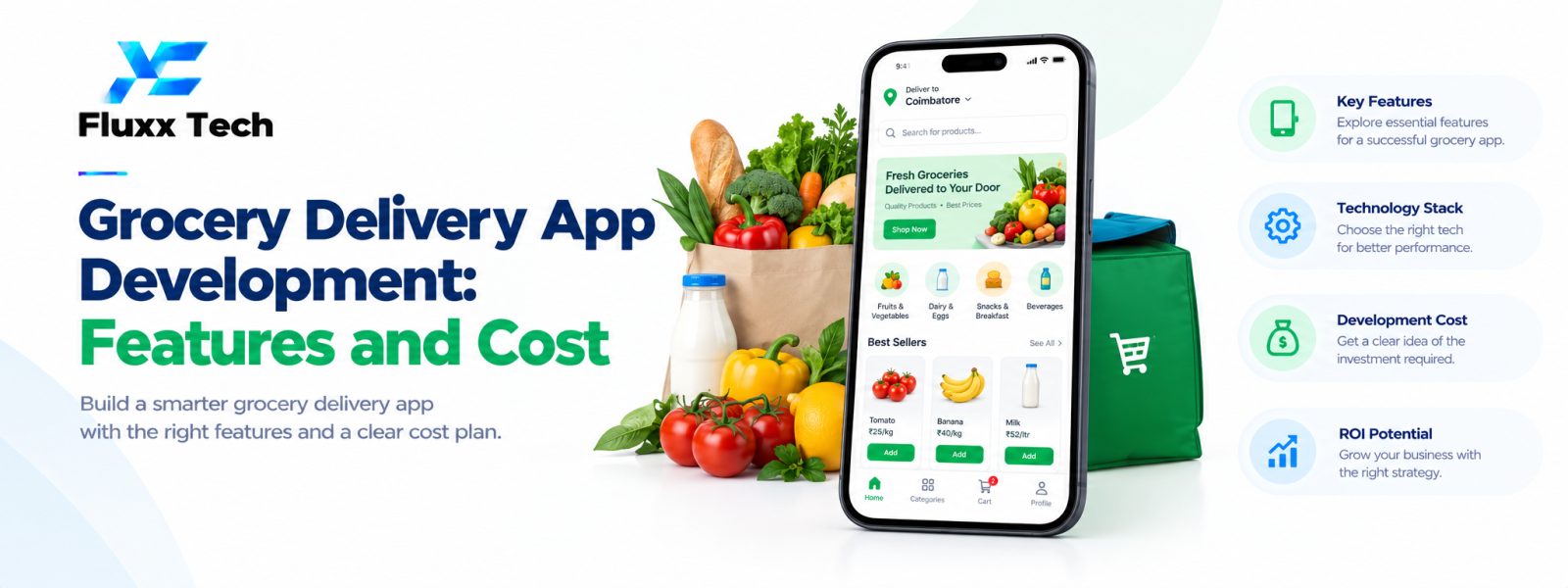
Grocery delivery app development involves more than displaying products and accepting orders. A successful platform connects customers, store staff, inventory, delivery partners, payments and support in one dependable workflow. Planning these parts early helps businesses choose the right features and control delivery app cost.
1. Define the grocery business model
First decide whether the platform serves one store, several local shops, a supermarket chain or a marketplace with multiple sellers. Each model changes catalogue ownership, stock updates, commissions, fulfilment and customer support.
Clarify delivery coverage, minimum order value, delivery slots, substitutions, cancellations and whether customers can schedule recurring orders. These decisions shape both the product design and the operational process.
2. Customer app features
Customers need category browsing, product search, filters, product images, unit and quantity selection, cart management, address saving and a clear checkout. Show price, availability, fees and delivery estimates before the customer confirms the order.
Order history, reorder options, favourites, offers, secure payment options, order status and support make repeat shopping easier. For grocery products sold by weight, explain how final quantity and price are handled when exact weights can vary.
3. Inventory and catalogue management
Inventory accuracy is central to grocery operations. The system should track available quantities, product variants, pricing, out-of-stock items and updates made by store staff. If multiple branches are involved, stock should be linked to the correct fulfilment location.
Plan a clear substitution workflow. When an item is unavailable, the business may offer a replacement, request customer approval or refund the unavailable item. The chosen policy should be reflected in the app and staff dashboard.
4. Delivery partner and store workflows
A delivery interface may include assigned orders, pickup details, navigation hand-off, delivery status, customer contact rules and proof-of-delivery options. Dispatchers need to see order readiness and delivery capacity to avoid assigning orders before they are packed.
Store staff need a practical order queue with statuses such as received, picking, packed and ready for pickup. Clear responsibilities reduce missed orders and unnecessary calls between the store and rider.
5. Admin dashboard and analytics
Administrators should be able to manage products, categories, pricing, offers, customers, delivery zones, staff roles, refunds and order exceptions. Permissions help ensure that users only access the functions required for their work.
Useful reports include order volume, average basket value, fulfilment time, cancellations, repeat orders, stockouts and delivery performance. Analytics should support operational decisions, not just show attractive charts.
6. Payments, notifications and security
Choose payment integrations based on supported methods, settlement requirements, refund workflows and provider terms. Keep payment states consistent so that a failed or pending payment does not accidentally create duplicate fulfilment.
Send timely order updates through suitable channels, including in-app notifications, SMS, email or WhatsApp where permitted and configured. Protect personal data, apply role-based access, secure APIs and maintain logs for important administrative actions.
7. What affects development cost?
Cost depends on the number of apps or panels, custom design, platform choice, catalogue complexity, inventory integrations, delivery assignment logic, payment integration, notifications, analytics and testing scope. Building separate customer, store, delivery and admin experiences requires more work than a single basic interface.
Third-party services, hosting, maintenance, monitoring, future enhancements and support also contribute to the total cost of ownership. Ask for a scope-based estimate that separates initial development from recurring services.
8. Launch in stages
A sensible first release can focus on one delivery area, a manageable catalogue, core checkout, order management and basic delivery tracking. Test real orders with staff before expanding to more locations.
Use pilot feedback to identify bottlenecks such as inaccurate stock, slow picking or unclear delivery updates. Add advanced loyalty, route optimisation or forecasting when operational data shows that the investment will solve a real problem.
Conclusion
Building a successful solution around grocery delivery app development requires a clear customer need, reliable operations and a buying experience people can trust. Start with the core workflow, test it with real users and improve it using customer feedback and measurable results. Avoid adding complexity before the essentials work consistently. With a practical roadmap and the right technology partner, your business can expand its digital channel at a pace its team can support.
Frequently Asked Questions
How long does grocery app development take?
Timelines depend on scope, integrations, team availability and testing. A focused MVP generally takes less time than a multi-vendor platform with complex inventory and dispatch rules.
Can one app support multiple grocery stores?
Yes, if the platform is designed for multiple vendors or branches, with clear rules for catalogue ownership, stock, order routing, settlements and customer support.
Is a delivery partner app always necessary?
Not for every launch. A small operation may begin with an admin-managed workflow, but a dedicated delivery interface becomes useful as order volume and delivery complexity increase.