Fluxx Tech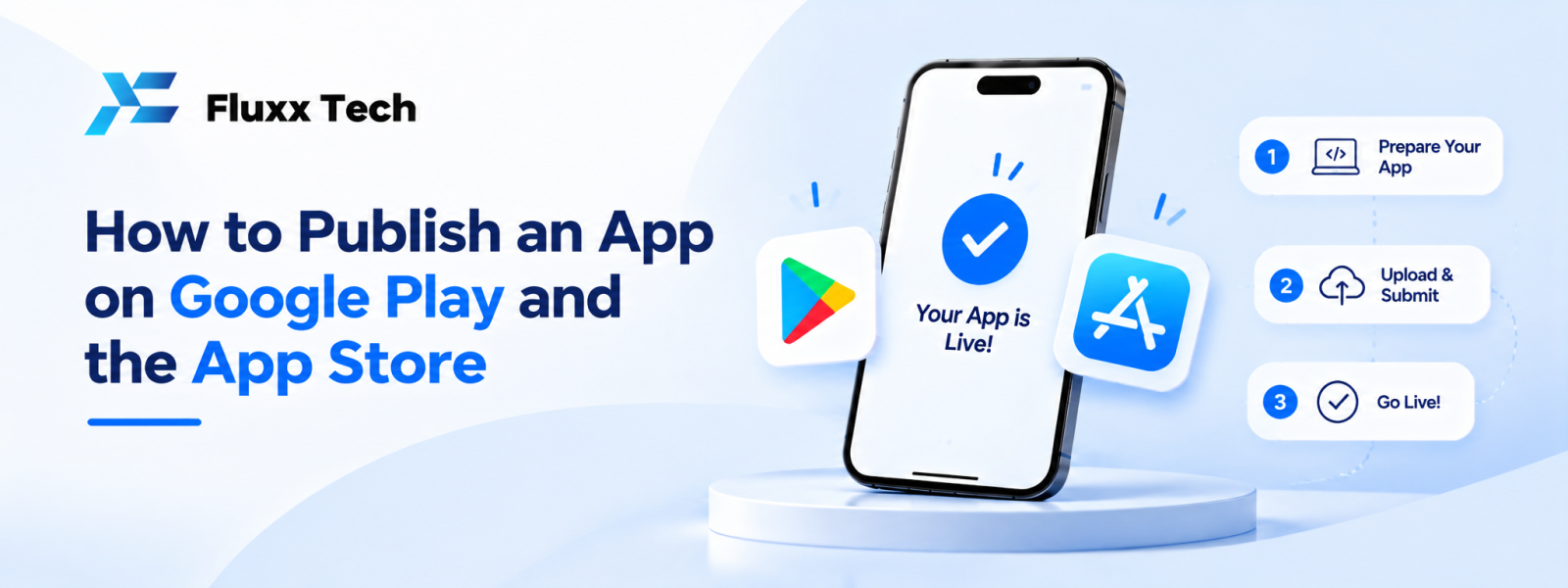
Finishing development does not automatically make an app available to customers. Before release, the team must prepare the app, test it, create store listings and complete the relevant submission steps. Learning how to publish app on Play Store helps business owners understand the work involved and prepare the information developers need. If the app also targets iPhone users, a separate iOS release process must be planned. Store requirements can change, so always check the current official guidance before submitting.
Prepare the app before submission
Complete functional testing
Check the core user journeys, error handling, permissions, notifications and supported devices. Fix important issues before preparing a public release.
Prepare release builds
The development team must create the appropriate production build, configure signing and confirm version information. Keep signing credentials secure and limit access.
Review privacy and data handling
Understand what information the app collects, why it is collected and which services receive it. Ensure the store disclosures and privacy documentation accurately reflect the actual app behaviour.
Prepare support information
Have a working support contact and any required privacy policy or help page ready. The information should be accurate and accessible.
How to publish app on Play Store
Step 1: Review current Play Console requirements
Use the official Google Play Console guidance to confirm account setup, developer verification, testing obligations and current submission requirements. Requirements may vary based on account type and app circumstances.
Step 2: Create the app entry
Set the app name, default language, app category and other requested details. Check spelling and ensure the listing accurately describes the product.
Step 3: Prepare store assets
Prepare the app icon, screenshots, short and full descriptions and any other required graphics. Images should represent the real application and avoid misleading claims.
Step 4: Complete declarations
Provide accurate information about data safety, content, target audience, permissions and other requested declarations. Do not guess answers; confirm them with the technical team.
Step 5: Upload the release
Upload the required Android app bundle or other currently accepted format, configure the release and resolve any errors shown by the console.
Step 6: Test and submit
Use the testing tracks and review tools appropriate to the project. Check the current requirements that apply to your developer account and app before moving to production.
Step 7: Monitor the review
Google may request changes or reject a submission. Review the stated reasons, correct the issue and resubmit when ready. Approval and timing are not guaranteed.
How to publish an iOS app
Set up Apple developer access
Confirm the appropriate developer account, team access, app identifiers and signing arrangements using Apple's current documentation.
Prepare the App Store listing
Add the app name, description, screenshots, category, support information and other requested details. Ensure all information matches the app's actual functionality.
Archive and upload the build
Use the supported Apple development tools and release process to upload the build. Check version settings, signing and any warnings or errors.
Complete privacy and review information
Provide accurate privacy details, review notes and any required access instructions. If reviewers need a test account, prepare it securely and explain how to access the relevant features.
Submit for review
Review Apple's current requirements and submit the build. If changes are requested, understand the issue, make the necessary corrections and submit again.
Common reasons submissions need changes
Incomplete information
Missing screenshots, inaccurate declarations or unclear review instructions can delay the process.
Broken features
Reviewers or testers may find that login, navigation, payments or key screens do not work as described.
Privacy inconsistencies
The app's actual data collection should match the disclosures and privacy policy.
Misleading listing claims
Store descriptions and screenshots should accurately represent available features and avoid unsupported claims.
Access problems
If a feature requires login or special setup, provide clear and appropriate review instructions without exposing sensitive credentials.
A release checklist for business owners
Confirm release scope
Agree on the version being submitted and the features included.
Check the listing
Review app name, descriptions, screenshots, support details and links.
Verify disclosures
Confirm privacy and data declarations with the people responsible for the app's implementation.
Test the release build
Check the actual build intended for submission, not only a developer's local version.
Plan launch communication
Prepare customer instructions and support responses so users know how to get started.
Track the outcome
Record submission dates, reviewer feedback, fixes and the final release status.
Frequently Asked Questions
How long does app store approval take?
Review timing can vary by platform, app and submission. Check the current official guidance and avoid promising a fixed approval date.
Can a developer guarantee approval?
No. A developer can prepare and test a submission, but the platform controls its review decision.
Do Android and iOS use the same submission process?
No. Google Play and Apple's App Store have separate tools, policies and release requirements.
Do I need a privacy policy?
Requirements depend on the app and current platform rules. Review official guidance and obtain appropriate advice for your data practices.
Can I update an app after launch?
Yes. Updates can be submitted through the relevant platform process and may require review.
Conclusion
To publish an app successfully, prepare a tested release, accurate store listing, appropriate privacy disclosures and clear review instructions. The Play Store and App Store have different processes, and their requirements can change. Check official documentation immediately before submission and allow time for review and corrections.