Fluxx Tech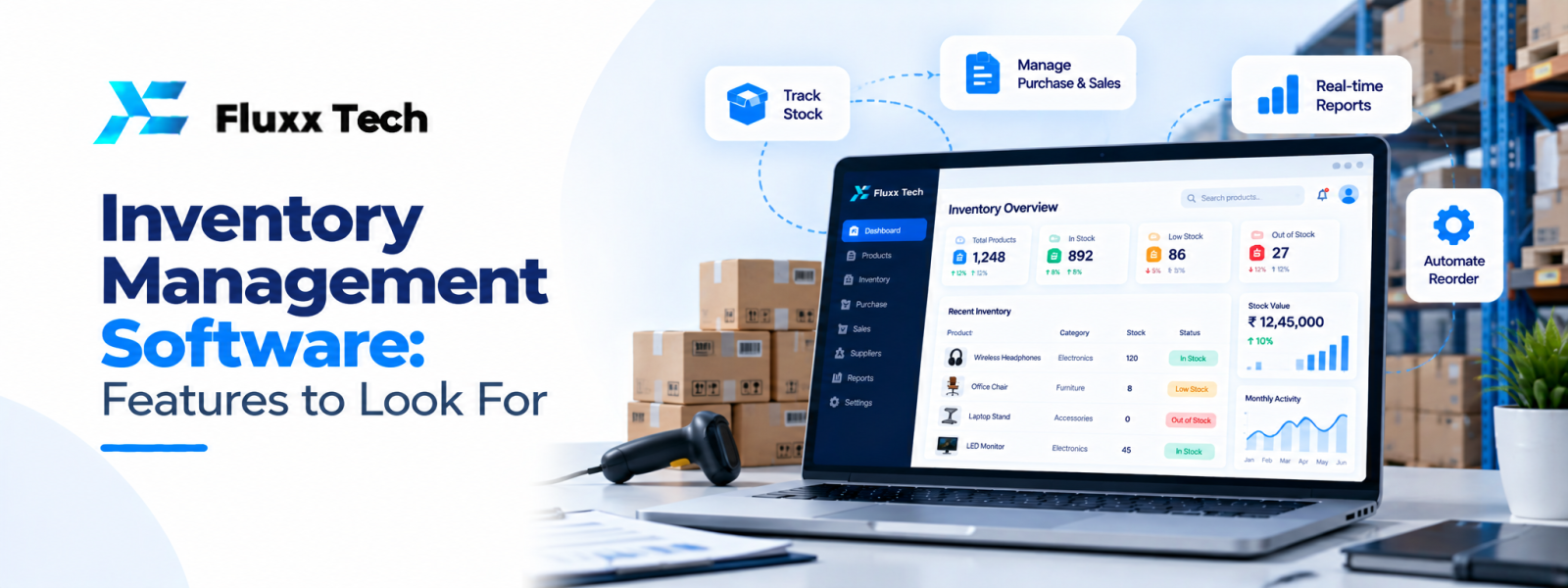
Inventory affects purchasing, sales, fulfilment and customer satisfaction. When stock records are inaccurate, a business may promise unavailable items, reorder too late or hold more stock than it needs. Inventory management software can provide a clearer record of stock movement, but the results depend on suitable features, clean data and consistent processes.
What is inventory management software?
Inventory management software records products, quantities and stock movements across locations. Depending on the product, it may support purchase receipts, sales orders, stock transfers, returns, adjustments, reorder alerts, batch or serial tracking and reports. Warehouse software may include additional functions such as bin locations, picking and packing workflows.
The right system depends on whether you sell products online, operate a shop, distribute goods, manufacture products or manage stock across several branches. Write down your process before comparing products.
1. Accurate item and stock records
Each product should have a consistent code, description and unit of measure. Where relevant, record variants, sizes, colours, batches, serial numbers or expiry dates. Duplicate product records and inconsistent units can make stock reports unreliable.
Decide which information is essential and who is responsible for maintaining it. Clean product data before importing it into a new system.
2. Stock movement history
A useful system should record why quantities change—for example, goods received, sales, transfers, returns, damage or manual adjustments. A movement history makes discrepancies easier to investigate than a single current quantity.
Define who can make adjustments and whether approvals are required. Regular stock counts can help compare physical quantities with recorded quantities and identify process issues.
3. Multi-location and warehouse support
If your business holds stock in multiple stores, warehouses or branches, check whether the system records quantities by location. Transfers should show both the source and destination so stock does not appear in two places or disappear during movement.
Businesses with complex warehouse operations may need bin locations, picking lists, packing confirmation or barcode scanning. These features are not necessary for every small business, so match them to the actual workflow.
4. Purchasing and reorder alerts
The system may support supplier records, purchase orders, goods receipt and expected delivery dates. Reorder alerts can help teams identify items that need attention, but the threshold should reflect demand, supplier lead time and the business’s risk tolerance.
Do not treat an alert as an automatic purchase decision. Review seasonal changes, open purchase orders and current commitments before ordering.
5. Sales and order integration
Connecting inventory with sales channels can reduce manual updates and improve visibility. Before integrating an online store, point-of-sale system or order management tool, decide which system owns stock quantities and how often updates occur.
Test cancellations, returns, partial fulfilment and failed synchronisation. If stock updates are delayed, teams need to understand how to identify and resolve discrepancies.
6. Reports that support decisions
Useful reports may include current stock, low-stock items, stock movement, ageing inventory, purchase history and discrepancies. Confirm how the system defines each report and whether users can filter by date, location, category or supplier.
Reports are only as reliable as the underlying transactions. Set a routine for recording receipts, sales, returns and adjustments promptly.
7. Permissions, backups and usability
Staff should have access appropriate to their responsibilities. A warehouse user may need to record receipts and picks but not change system settings. Review login security, audit history, backups, recovery and data export.
Usability matters because stock transactions happen throughout the day. Test the system on the devices employees actually use and observe whether routine tasks can be completed without confusion.
How to choose and implement the system
Create a checklist of must-have features and separate them from optional features. Demonstrate your real workflows to vendors: receive a purchase, transfer stock, fulfil an order, process a return and investigate a discrepancy. Ask how data will be migrated and how employees will be trained.
Start with a stock count and clean item list. Test a limited range or location first if possible. Compare system records with physical stock during the pilot and fix process gaps before expanding. After launch, review accuracy, stockouts, excess stock and time spent preparing reports.
Conclusion
Inventory Management Software is ultimately about choosing a practical response to a real business need. Define the problem, document the workflow, compare realistic options and plan for testing, training and maintenance. A phased approach with clear priorities helps teams make informed decisions and avoid unnecessary complexity.
Frequently Asked Questions
Q: Is inventory management software useful for a small shop?
A: It can be useful when manual stock tracking becomes difficult or the business needs more reliable sales and purchasing visibility.
Q: Does inventory software include warehouse management?
A: Some systems include warehouse features, while others need a separate module or integration. Verify location, picking and packing requirements.
Q: Can inventory software connect to an e-commerce website?
A: Many products support integrations, but available features and update timing vary. Test orders, cancellations and returns before launch.
Q: What is the most important inventory feature?
A: Accurate stock records and movement tracking are foundational. The best additional features depend on the business’s operations.