Fluxx Tech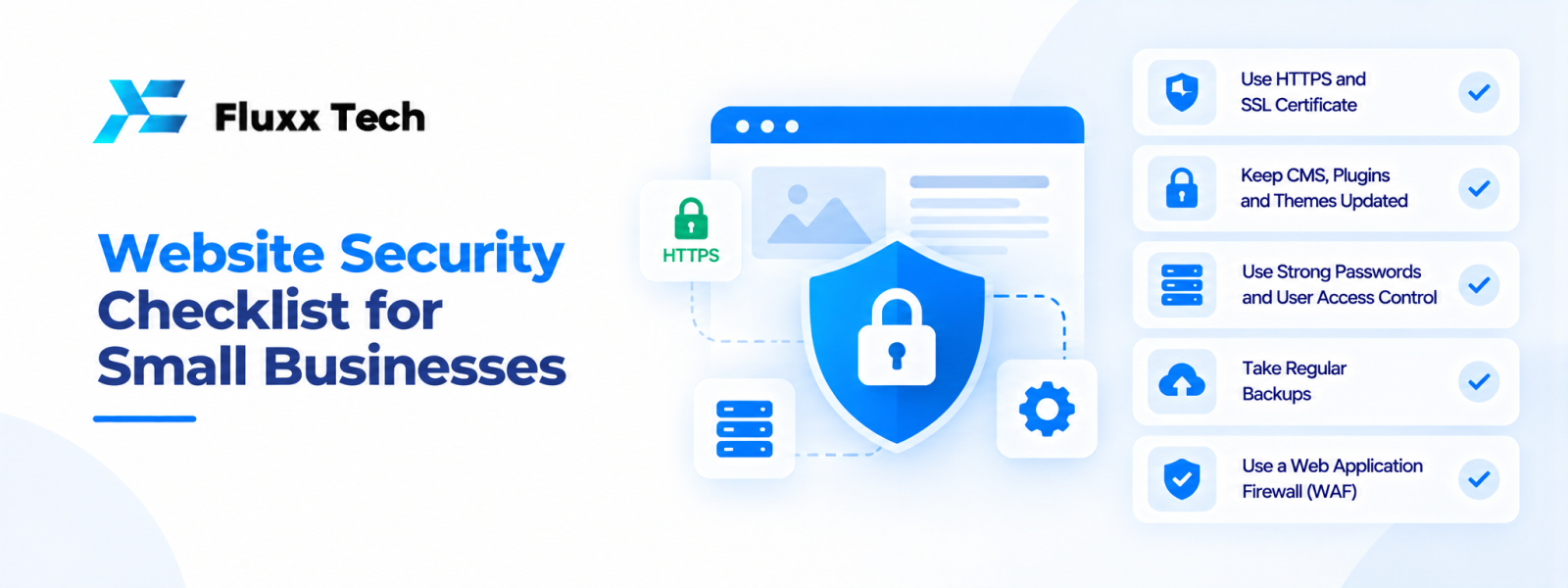
A website may contain contact details, customer enquiries, order records or administrator accounts. Even a small business site can be a target for automated attacks or accidental data exposure. A website security checklist helps owners review basic protections and assign responsibility for ongoing maintenance. Security is not a single plugin or certificate; it depends on configuration, software updates, access controls, backups and how the site is operated. The right approach should reflect the information the website handles and the risks associated with its functions.
Website security checklist for small businesses
1. Keep software updated
Review the CMS, themes, plugins, libraries and server software. Apply relevant security updates using a process that includes suitable testing and a recovery plan.
2. Use strong account protection
Use unique passwords, multi-factor authentication where available and individual accounts for people who need access. Remove accounts when access is no longer required.
3. Apply least-privilege access
Give each user only the permissions needed for their role. Avoid using a shared administrator login when individual accounts are possible.
4. Maintain HTTPS and certificates
An SSL/TLS certificate enables encrypted connections when correctly configured. Check that HTTPS works across the site and that renewals are managed. A certificate alone does not make the whole site secure.
5. Back up the site
Keep backups of relevant files and databases, protect access to them and verify that restoration works. Consider a backup location separate from the main hosting environment.
6. Protect forms and user input
Validate input, use appropriate anti-abuse controls and ensure server-side processing is secure. Do not expose submitted information through public pages or unsafe email handling.
7. Review hosting security
Understand the hosting provider's responsibilities, access controls, supported software and backup arrangements. Keep account credentials secure.
8. Use secure configuration
Remove unused plugins and test environments, restrict unnecessary services and avoid exposing administrative or debugging information publicly.
9. Monitor and respond
Review relevant security alerts and logs. Establish who investigates suspicious activity and how the site can be restored if an incident occurs.
10. Protect sensitive information
Collect only necessary data, restrict access and document how information is retained or deleted. Check applicable privacy obligations with a qualified professional.
SSL certificate and HTTPS explained
What encryption helps with
HTTPS protects data in transit between the visitor's browser and the website when correctly configured. It helps reduce the risk of interception or alteration during transmission.
What it does not solve
HTTPS does not prevent every type of attack. Weak passwords, vulnerable plugins, poor access controls or insecure application code can still create risks.
Renewal and configuration
Monitor certificate validity, configure redirects appropriately and check for mixed content. Assign responsibility for renewal so the site does not unexpectedly show certificate warnings.
How to protect website from hackers
Reduce unnecessary components
Remove unused plugins, themes, accounts and test installations. Every additional component should have a clear purpose and maintenance owner.
Secure administrator access
Use strong authentication and limit access to trusted people. Protect hosting, domain and CMS accounts, not only the website login.
Review dependencies
Use supported software from trusted sources and monitor updates. Avoid installing unknown plugins or code from unverified sources.
Prepare recovery steps
Keep current backups, document who to contact and know how to restore a clean version. If a suspected compromise occurs, investigate before restoring so the underlying weakness is not reintroduced.
Security responsibilities for a small business
Business owner
Approve access, decide what data is necessary and assign responsibility for maintenance.
Developer or support provider
Implement and maintain agreed technical controls, explain risks and document relevant changes.
Hosting provider
Provide the services and protections described in its plan, while the business remains responsible for its own configuration and application.
All authorised users
Protect credentials, report suspicious activity and avoid sharing accounts.
Frequently Asked Questions
What should a website security checklist include?
It should cover updates, authentication, access permissions, HTTPS, backups, forms, hosting, monitoring and data handling.
Does an SSL certificate make a website secure?
It encrypts connections when configured correctly, but it does not fix application vulnerabilities or weak account protection.
How often should website software be updated?
Review updates regularly and prioritise relevant security fixes. Test changes appropriately and maintain a recovery plan.
Can a small business website be hacked?
Any internet-facing site can face risks. Appropriate maintenance and security controls help reduce exposure.
What should I do if I suspect a website compromise?
Restrict affected access as appropriate, contact your technical support provider, preserve relevant evidence and follow a documented incident-response process.
Conclusion
A practical website security checklist helps small businesses reduce avoidable risks through updates, strong access controls, HTTPS, backups, secure forms and monitoring. Assign responsibility for each task and review the controls as the website changes. No single tool can replace ongoing security management.