 Fluxx Tech
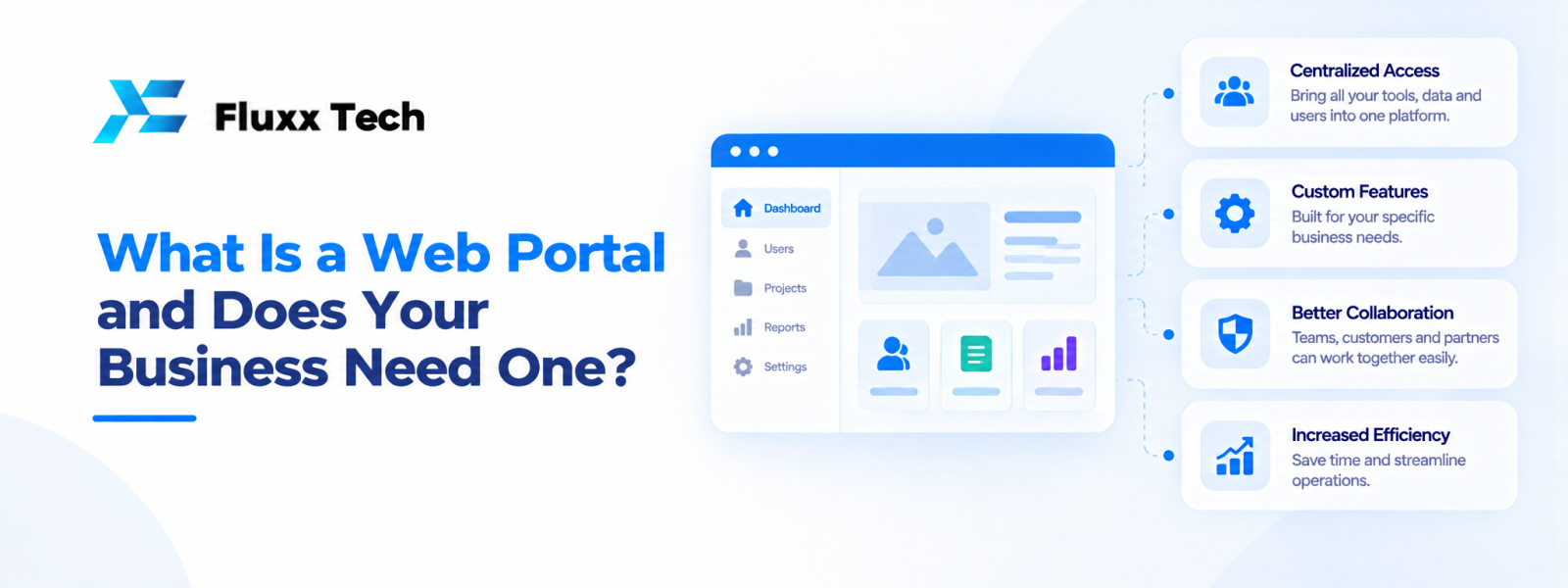
As a business grows, managing customer requests, vendor details, documents and internal information through email or spreadsheets can become difficult. Web portal development creates a central online place where specific users can sign in and complete tasks based on their permissions. A portal is different from a public website because it often provides personalised information and interactive workflows. Not every business needs one, so the first step is to identify whether a portal would solve a recurring coordination problem.
What is a web portal?
A central access point
A web portal brings relevant information, tools or services together for a defined group of users. It may include login, dashboards, forms, documents and task status.
How it differs from a public website
A public website mainly presents information to visitors. A portal usually supports authenticated tasks and displays information based on the user's role or account.
Common portal users
Customers, suppliers, employees, franchise partners or members may use a portal to access the information and functions relevant to them.
Web portal development: common business uses
Customer portal
Customers may review orders, submit support requests, download invoices, manage profile details or check service status.
Vendor portal
Suppliers may submit quotations, update product information, share documents or view purchase-order status, depending on the business workflow.
Employee portal
Employees may access internal documents, submit requests, view announcements or complete routine administrative tasks.
Partner portal
Distributors or business partners may need access to product information, leads, training resources or shared operational processes.
Benefits and challenges
Reduce repeated communication
A portal can make information available in one place and reduce repeated status enquiries when the data is kept current.
Improve workflow visibility
Users may be able to see pending tasks, approvals or request history without contacting several people.
Support controlled access
Role-based permissions can separate information by customer, supplier or employee. These controls must be enforced by the backend.
Plan for adoption
A portal will not help if users find it confusing or the business does not maintain its information. Design around real tasks and provide suitable support.
Account for integration and security
Portals may connect to CRM, ERP, billing or inventory systems. Access controls, audit records, data protection and maintenance need to be considered from the beginning.
How to decide if your business needs a portal
Identify recurring tasks
List tasks that currently require repeated emails, manual document sharing or status updates.
Define user roles
Describe what customers, vendors, employees and administrators need to see and do.
Check existing tools
Your current CRM, e-commerce system or business software may already provide a suitable portal. Compare extending it with building a new system.
Estimate the lifecycle
Include design, development, integrations, user onboarding, security, hosting and support.
Start with the highest-value workflow
A phased launch can focus on one user group or task before expanding to other modules.
Planning a portal project
Map the workflow
Document each step, status, approval and exception. Include what happens when information is missing or a task fails.
Define permissions
Specify which roles can view, create, edit, approve or delete each type of record.
Plan integration and data ownership
Identify the system of record for customer, order or vendor information and decide how updates will be synchronised.
Test with representative users
Ask real users to complete common tasks and note where the interface or workflow causes confusion.
Plan support and governance
Assign responsibility for access requests, content updates, incident reporting and ongoing improvements.
Frequently Asked Questions
What is a web portal?
It is an online system that gives defined users access to information and tasks, often through login and role-based permissions.
How is a portal different from a website?
A public website mainly shares information, while a portal usually supports personalised, authenticated workflows.
Does every business need a customer portal?
No. It is useful when it solves recurring tasks or communication problems that simpler tools do not handle well.
Can a portal connect to existing software?
It can, subject to the systems' APIs, permissions, data quality and integration requirements.
How do I start a portal project?
Map the user roles and workflows, check existing tools, define security requirements and prioritise the first release.
Conclusion
Web portal development can help businesses centralise user-specific information and recurring workflows. First identify the problem, define user roles and check whether existing software is sufficient. If a portal is justified, plan integrations, permissions, testing and support from the start.