Fluxx Tech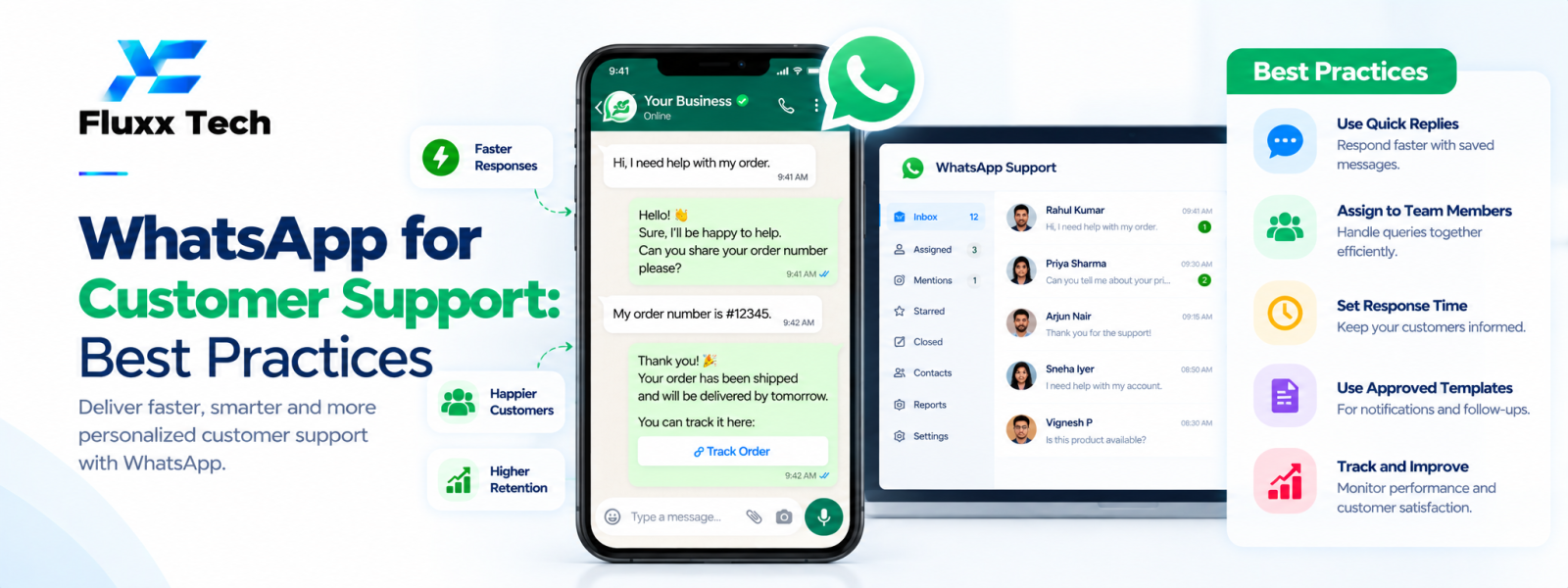
WhatsApp customer support can give customers a convenient way to ask questions, report an issue or receive an update. To make it reliable, businesses need more than a phone number: they need clear ownership, response expectations, a process for escalation and safeguards for customer information. Automation can help with repetitive tasks, but it should not trap customers in a loop or prevent them from reaching a person when necessary.
Set expectations from the beginning
Tell customers when the team is available and what kinds of requests the channel supports. If responses may take time, communicate that clearly rather than implying that the channel is monitored continuously.
Use a consistent welcome message and route enquiries to the correct team. Avoid collecting unnecessary personal information in the first message.
Create a simple support workflow
Classify incoming messages by purpose, such as order status, billing, product help or complaints. Assign an owner and define the next action. Keep the status visible so unresolved conversations do not disappear when an agent finishes a shift.
Document when to escalate to a specialist, manager or another channel. A handoff should include enough context to avoid making the customer repeat the entire issue.
Use automation carefully
Automate straightforward tasks such as routing, approved FAQs or checking a status from a reliable connected system. Test what happens when the system cannot find an answer or an integration is unavailable.
Offer a clear human route for complex questions, complaints and sensitive situations. Do not let an automated answer make a promise the business cannot fulfil.
Protect customer information
Limit access to conversations based on staff responsibilities. Train agents not to request passwords, one-time codes or unnecessary sensitive details. Use secure integrations and review how the platform stores, exports and retains messages.
Verify applicable privacy, sector and recordkeeping requirements. For sensitive information, consider whether WhatsApp is the appropriate channel and use an approved alternative when needed.
Measure support quality
Track first response time, resolution time, repeat contacts, unresolved cases and customer feedback. Combine quantitative metrics with sample conversation reviews so speed does not become the only goal.
Use recurring questions to improve help content, product instructions and automation. Review complaints and failed handoffs regularly, and update training when processes change.
Train agents and maintain consistency
Provide response guidelines, escalation contacts and examples of appropriate tone. Agents should know when they can resolve an issue, when approval is needed and how to document an action.
Review the workflow after product launches, policy changes or staffing changes. A documented process helps maintain service quality as the team grows.
Conclusion
In conclusion, a well-planned WhatsApp business workflow should make communication more useful for customers while remaining organised, permission-based and aligned with the platform’s current policies. Define the use case first, configure the right tools and templates, test the customer journey and monitor message quality and outcomes. Review official WhatsApp and Meta guidance before making decisions about pricing, eligibility or policy requirements. With clear processes and relevant communication, businesses can use WhatsApp more effectively for customer conversations and support.
Frequently Asked Questions
Can WhatsApp support be automated completely?
Some routine tasks can be automated, but complex cases and sensitive situations need a clear human path.
How quickly should a business reply?
Set a realistic service target based on customer expectations and team capacity, and communicate availability clearly.
Can WhatsApp support connect to a ticketing system?
Some integrations support ticket creation or updates. Verify data mapping, security and failure handling.