 Fluxx Tech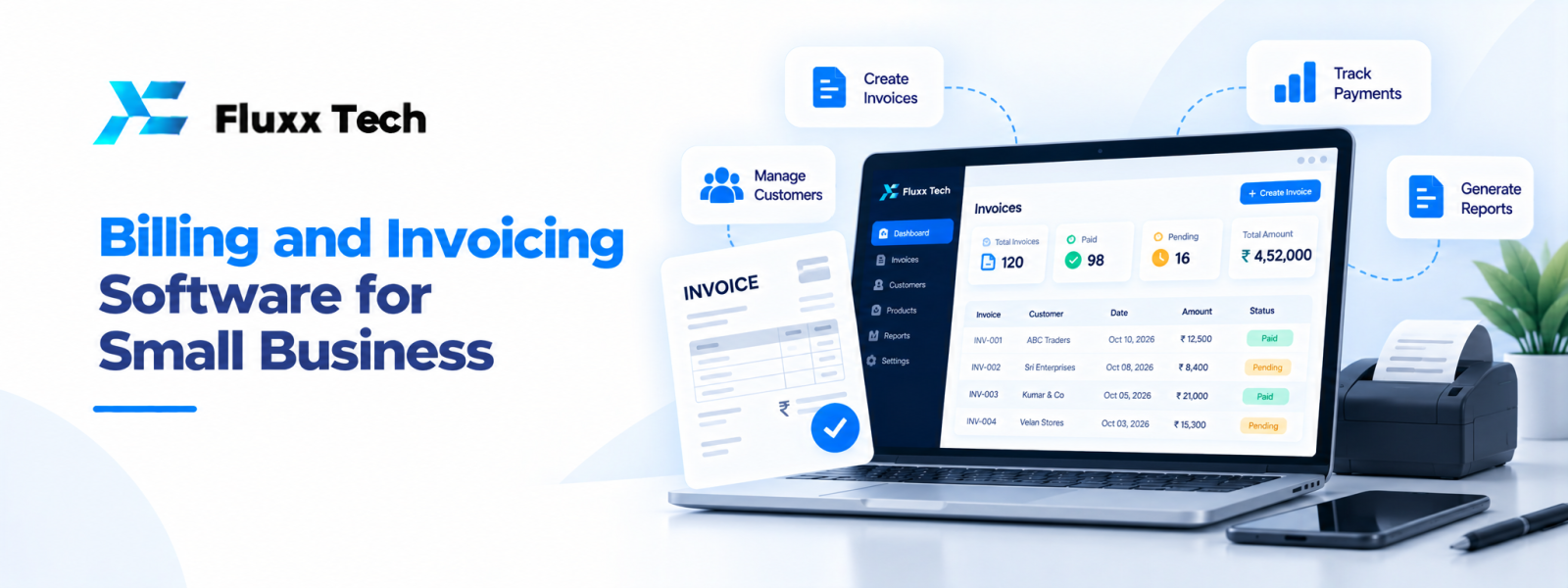
Creating bills manually may be manageable when a business has only a few transactions. As orders increase, however, preparing invoices, tracking payments and finding old records can take more time. Billing software for small business can organise these tasks and make records easier to retrieve. The best option depends on your business model, transaction volume and accounting workflow.
What does billing and invoicing software do?
Billing software helps businesses prepare and manage customer bills or invoices. Depending on the product, it may store customer details, maintain product or service lists, calculate totals, record payments, track outstanding balances and generate reports. Some tools also support quotations, recurring invoices, purchase records or inventory.
Billing, accounting and inventory are related but different functions. A simple invoicing tool may not provide full accounting or stock management. Before choosing a product, decide which tasks it must handle and which will remain in other systems.
Features small businesses should look for
Invoice creation: Check whether you can add customer details, line items, quantities, rates, discounts, due dates and payment instructions. Make sure the invoice format suits your business needs.
Customer and item records: Reusable records reduce repeated typing and help maintain consistent descriptions.
Payment tracking: The system should make it clear which invoices are unpaid, partly paid or settled. Check how it records payment dates and methods.
Reports: Useful reports may include sales by period, outstanding invoices and transaction summaries. Verify how each report is calculated.
User access: If more than one person uses the system, look for permissions appropriate to their responsibilities.
Export and backup: Confirm that you can export essential records and understand the provider’s backup and recovery arrangements.
Integration: Consider whether invoices need to connect with accounting, inventory, online payments or customer management tools.
What should Indian businesses check about GST?
If your business needs GST-related invoices, confirm that the software supports the fields and workflows applicable to your registration and transactions. Requirements can vary by business circumstances and may change. Do not assume that a product is compliant simply because its marketing page says “GST billing software.”
Ask the provider how tax rates are configured, how invoice numbers are managed, what reports are available and how updates are handled when rules change. Have your accountant or qualified tax professional review the setup for your circumstances. This article is general information, not tax or legal advice.
Cloud billing software or desktop software?
Cloud tools can allow authorised users to access records from different locations and may simplify collaboration. They depend on reliable internet access and require careful review of account security, provider terms and data handling.
Desktop software may suit a business that prefers local operation, but the business must understand backup, device failure, updates and remote access arrangements. Compare actual workflows and risks rather than assuming one approach is always better.
How to select the right plan
Estimate the number of invoices, users, branches and products you expect to manage. Check whether the price changes by user count, transaction limits, modules or support tier. Ask about data migration, training, export fees and cancellation terms. A low entry price may not represent the full cost if essential features are sold separately.
Test the system with a realistic example: create a customer, prepare a quotation if needed, convert it into an invoice, record a partial payment and find the outstanding balance. This reveals usability issues that a feature list may not show.
A smooth implementation checklist
Clean customer and product records before importing them. Set up user roles, invoice templates and approved payment methods. Test calculations and reports with sample transactions. Decide who can issue credit notes or edit records, and how mistakes will be corrected. Train staff on the daily process and create a simple method for backing up or exporting important data.
Review the system after a few weeks. Ask whether invoice preparation is easier, overdue balances are visible and reports can be produced without manual rework. Use this feedback to refine settings and training.
Conclusion
Billing and Invoicing Software for Small Business is ultimately about choosing a practical response to a real business need. Define the problem, document the workflow, compare realistic options and plan for testing, training and maintenance. A phased approach with clear priorities helps teams make informed decisions and avoid unnecessary complexity.
Frequently Asked Questions
Q: Is billing software the same as accounting software?
A: Not always. Billing focuses on invoices and payments, while accounting software may cover a wider set of financial records and reports.
Q: Can billing software track unpaid invoices?
A: Many products include payment status and outstanding-balance tracking. Confirm that the reports fit your collection process.
Q: What is GST billing software?
A: It is billing software designed to support GST-related invoicing workflows. Verify the current features and confirm the setup with a qualified professional.
Q: Can I move invoice records to another system later?
A: That depends on the product. Check export formats, attachments, customer records and migration support before choosing.


