Fluxx Tech
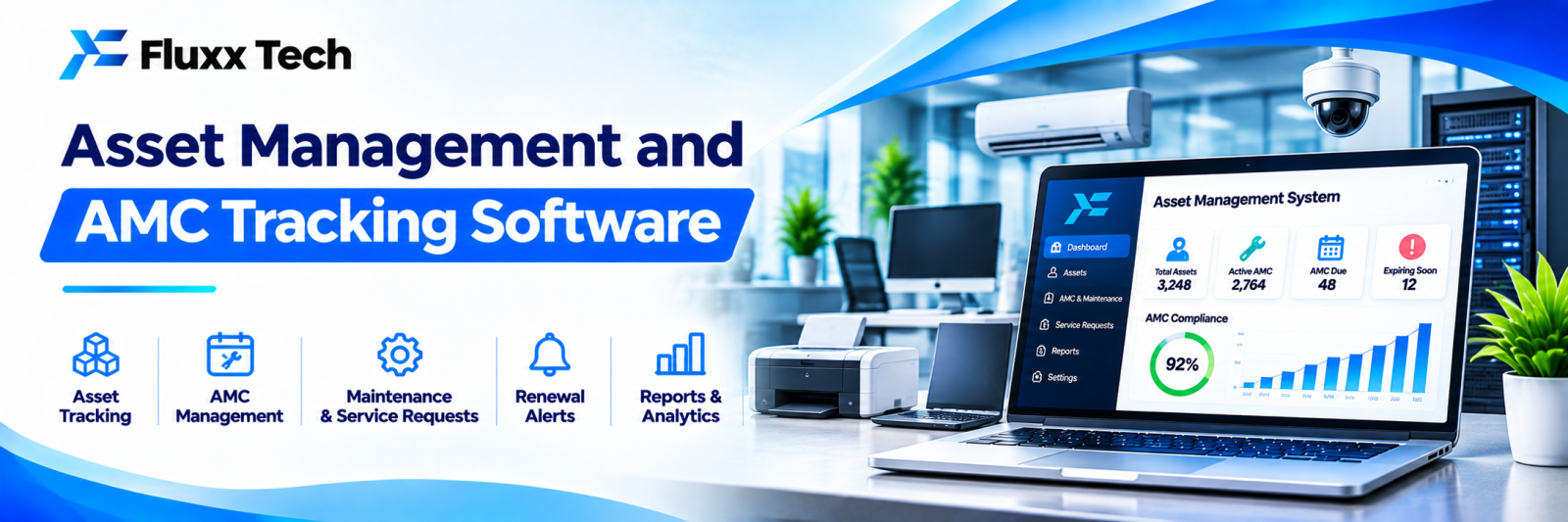
Most businesses do not know what they own. Laptops issued to people who left, machines under warranty that were repaired at cost, AMC contracts that lapsed unnoticed, and an auditor’s fixed asset register that bears little relation to what is physically in the building.
Asset management software is unglamorous and pays for itself in three places: expired AMCs, unrecovered assets and avoidable breakdowns.
What counts as an asset worth tracking
Category | Examples |
IT | Laptops, desktops, monitors, printers, servers, phones |
Plant and machinery | Production equipment, compressors, tools |
Facility | Lifts, generators, AC units, pumps, fire systems |
Vehicles | Cars, bikes, forklifts, delivery vehicles |
Furniture | Where value justifies tracking |
Instruments | Calibrated measuring equipment |
Licences | Software licences and subscriptions, often forgotten |
Set a value threshold. Tracking every chair wastes more time than it saves.
The asset register
Each asset needs:
• Unique asset ID and physical tag
• Category and description
• Make, model, serial number
• Purchase date, vendor, invoice reference, cost
• Warranty period and expiry
• AMC vendor, contract value, start and end dates
• Location: branch, floor, department
• Assigned to: person or department
• Current status: in use, in store, under repair, disposed
• Photographs
• Documents: invoice, warranty card, AMC contract, manuals
Tagging
• Barcode or QR labels, printed and fixed
• QR is useful because anyone can scan with a phone and see the asset’s record
• Durable labels for workshop and outdoor environments
• A consistent numbering scheme, documented
See our barcode systems guide.
Assignment and recovery
The most common loss: an employee leaves and the laptop does not come back.
• Asset issued against the person, with an acknowledgement
• Visible list of assets held by each employee
• Exit checklist that includes asset return, linked to final settlement
• Transfer between people recorded
• Periodic confirmation: employees confirm what they hold
A simple rule — no final settlement until assets are returned or accounted for — removes most of this problem.
Preventive maintenance
Breakdowns cost more than servicing.
• Maintenance schedule per asset: by time, by usage hours, or by cycles
• Automatic work order generation when due
• Assignment to internal staff or an external vendor
• Checklist completion with photos
• Service history per asset
• Spare parts consumed
• Downtime recorded
Over time, the service history tells you which machines cost the most to keep running, which is the input for replacement decisions.
AMC and warranty expiry alerts
The highest-value feature, and the simplest.
• Alerts at 90, 60 and 30 days before expiry
• Renewal owner assigned
• Contract value and scope visible for renegotiation
• A list of assets under warranty, so you do not pay for a repair that is covered
Paying for a repair on a machine still under warranty is a pure loss, and it happens constantly in businesses without a register.
Audits
• Physical verification by scanning tags
• Audit by location or department
• Found, not found, and wrongly located flagged
• Variance report against the register
• Adjustment with approval and reason
Annual physical verification is a statutory and audit expectation for fixed assets. Doing it by scanning rather than by list-reading takes a fraction of the time.
Depreciation and accounting
The software maintains the data; your accountant maintains the books.
• Capture purchase cost, date, and category
• Export in a form your accounting system or CA can use
• Record disposals, sale value and write-offs
• Keep the physical register reconciled with the financial fixed asset register
Depreciation rates and methods follow accounting and tax rules. Confirm treatment with your CA rather than relying on software defaults.
Disposal
• Approval before disposal
• Method recorded: sold, scrapped, donated, returned
• Sale value and buyer
• For IT assets, data wiping certified before disposal
• E-waste handled through an authorised handler, as required by rules
Data on a disposed laptop is a real breach risk. Make certified wiping a required step, not an assumption.
Reports
Report | Use |
Assets by category, location, department | What you own and where |
Assets by employee | Recovery and accountability |
AMC and warranty expiring in 90 days | Renewal action |
Maintenance due this month | Planning |
Breakdown frequency by asset | Replacement decisions |
Cost of ownership per asset | Buy vs repair |
Audit variance | Control |
Rollout
1. Decide the value threshold and categories
2. Physically verify and list what you actually have; this is the slow part
3. Tag everything
4. Load the register with purchase, warranty and AMC data
5. Switch on expiry alerts first, since they pay back immediately
6. Add assignment and exit checklist
7. Add preventive maintenance schedules
8. Run your first scan-based audit
Frequently asked questions
Is this only for large companies? No. A 30-person office with laptops and AC units benefits, mainly from AMC alerts and asset recovery.
Can it handle depreciation? It holds the data; your CA decides the treatment. Export rather than relying on the software’s defaults.
How long does the initial register take? The physical verification is the bottleneck, usually days to weeks depending on size. Everything after is quick.