Fluxx Tech
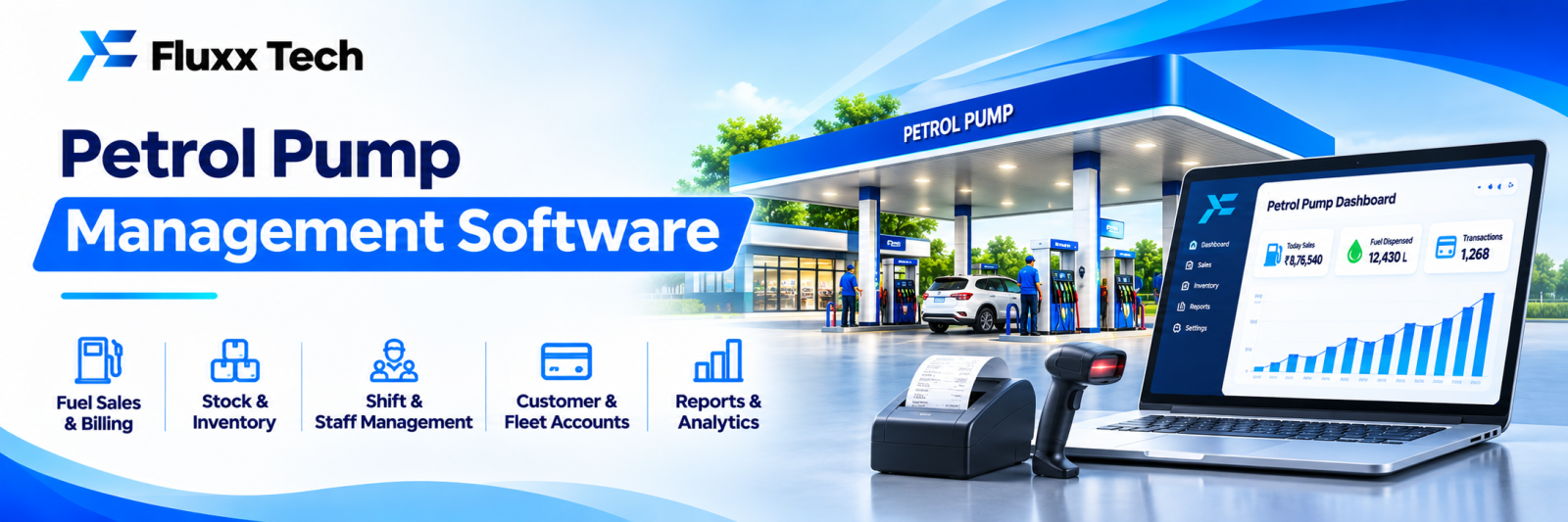
A fuel station handles large volumes of money and product every day through staff who change by shift. Small daily discrepancies compound into significant annual losses, and the owner usually finds out months later, if at all.
Fuel station software exists to close the gap between what was pumped, what was received and what reached the bank.
The daily problem
Gap | Where it appears |
Meter reading vs sales recorded | Shift handover errors or manipulation |
Tank dip vs book stock | Evaporation, temperature, or loss |
Cash collected vs cash deposited | Shift reconciliation |
Card and UPI settlements | Bank credit against sales |
Credit customer billing | Dues not raised or not collected |
Lubricant and accessory sales | Often untracked |
Each of these is individually small and collectively material.
Core modules
Shift and nozzle management
• Opening and closing meter readings per nozzle
• Test quantity returned to tank
• Sales computed per nozzle, per shift, per attendant
• Shift handover with sign-off
• Attendant-wise accountability
Stock
• Tank-wise opening stock, receipts, sales, closing stock
• Decantation entry when a tanker arrives, with invoice quantity
• Dip reading and variance against book stock
• Density and temperature recording, where your procedures require it
• Variance alerts beyond an acceptable threshold
Sales and payments
• Cash, card, UPI, fleet cards, wallets
• Payment mode wise collection per shift
• Reconciliation against bank credit
• Discrepancy flagging
Credit customers
• Customer master with credit limits
• Vehicle-wise fuelling records
• Slip or coupon entry
• Periodic invoicing with GST
• Outstanding and ageing
• Payment reminders
Lubricants and allied
• Stock and sales of oils, additives, accessories
• Air, water, car wash and other services, if offered
• Margin per item
Reports
• Daily sales summary by product and by shift
• Attendant-wise performance and shortages
• Stock variance trend
• Credit outstanding
• Profitability by product, including lubricants, which often carry better margin than fuel
The report the owner should see every morning
One summary on WhatsApp before the owner reaches the pump:
Yesterday: Petrol [X] L · Diesel [Y] L Sales ₹[amount] Cash ₹[a] · Card ₹[b] · UPI ₹[c] · Credit ₹[d] Tank variance: Petrol [±X] L, Diesel [±Y] L Credit outstanding: ₹[amount] Shortage reported: ₹[amount]
That single message changes behaviour across every shift, because everyone knows it is being read.
See our business dashboards guide.
Integration points
• Automation systems at the dispensing units, where installed, so readings come directly rather than being typed
• Card and UPI terminals, for settlement reconciliation
• Oil company portals, for purchase and indent data where available
• Tally or accounting, so invoices and purchases are not re-entered. See our Tally integration guide
• WhatsApp, for daily reports and credit customer statements
Check what your dispensing equipment supports before assuming automatic meter capture is possible; many older units require manual entry.
Compliance
Fuel retail is regulated, and requirements come from your oil marketing company, weights and measures rules, GST, and safety and environmental authorities. Record-keeping obligations, invoice formats and measurement procedures are specified and change over time.
Confirm current requirements with your oil company and your CA before relying on any software to satisfy them. This article is not legal or regulatory advice.
Multiple outlets
If you run more than one pump:
• Outlet-wise and consolidated reporting
• Comparison between outlets: sales, variance, credit discipline
• Central credit customer master
• Standardised shift procedures
Comparison between outlets is where the problems become visible. One outlet with consistently higher variance is a question worth asking.
Rollout
1. Standardise shift timings, reading procedures and handover format first; software cannot fix an undefined process
2. Start with shift readings, sales and cash reconciliation
3. Add stock, decantation and dip variance
4. Add credit customers and invoicing
5. Add lubricant stock
6. Switch on the daily owner report
7. Review variance trends monthly and act on patterns
Frequently asked questions
Does it need automation hardware? No. Manual meter entry works. Automation reduces errors and is worth it at higher volumes.
Will it stop shortages? It makes them visible and attributable, which is usually enough to reduce them substantially.
Can it handle credit customers and GST invoicing? It should. Confirm the invoice format meets current requirements with your CA.