 Fluxx Tech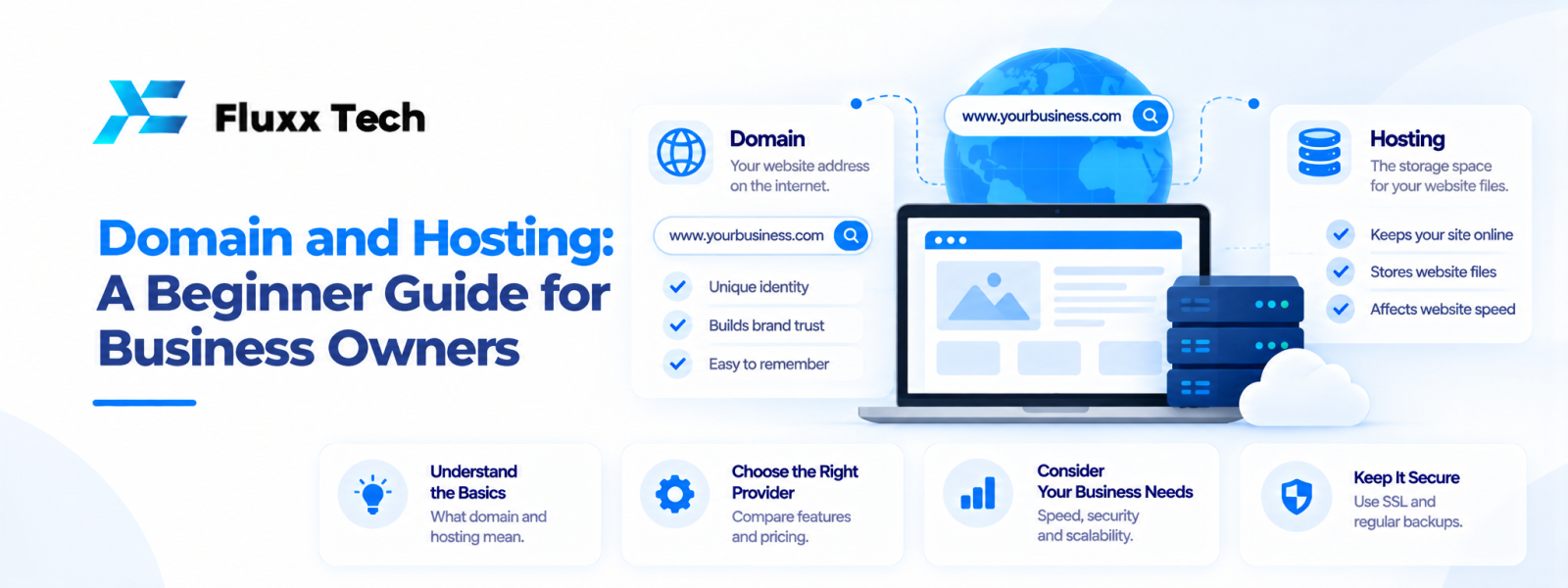
A domain name is the address people use to find your website, while hosting is the service that stores and delivers the site's files and data. Understanding the domain and hosting guide basics helps business owners set up a website without losing control of important accounts. A suitable domain should be easy to remember and connected to the business, while hosting should match the website's technical and operational needs. Before purchasing either service, check ownership, renewal terms, support and the process for moving to another provider.
What is a domain name?
The website address
A domain name gives people a readable way to reach a website instead of entering an IP address. Businesses commonly choose a name related to their brand or service.
Choose carefully
Keep the name clear, easy to spell and appropriate for the business. Check availability and potential conflicts before committing to branding or printing materials.
Understand registration and renewal
A domain is registered for a period and must be renewed under the registrar's terms. Keep contact details current and enable renewal reminders or suitable auto-renewal arrangements.
What is web hosting?
Where website files live
Hosting provides infrastructure to store website files and make them available to visitors. Depending on the plan, it may also support databases, email, backups and other services.
Common hosting options
Shared hosting, managed hosting, virtual private servers and cloud services have different levels of control, cost and maintenance responsibility. The right option depends on the website and the team's technical capacity.
Check the plan details
Review storage, traffic limits, database support, backups, security features, resource limits, support hours and renewal pricing. Do not select a plan based only on a promotional headline.
Domain and hosting guide: how to buy a domain
Step 1: Choose a suitable name
Prepare a short list of options that match the business identity and are easy to communicate.
Step 2: Check availability and rights
Use a reputable registrar to check availability. Consider relevant trademark or naming conflicts and seek appropriate advice if uncertain.
Step 3: Register in the right account
Use a business-controlled account and accurate contact details. Keep access secure and ensure authorised staff can manage renewals.
Step 4: Enable account protection
Use strong authentication where available and store recovery details securely.
Step 5: Record renewal information
Document the registrar, renewal date, billing owner and recovery process so the domain does not lapse unexpectedly.
Best web hosting India: how to compare providers
Match the technology
Confirm that the hosting supports the website's CMS, programming language, database and required integrations.
Review reliability and support
Read the service terms and understand how support handles outages, backups and security issues. Do not assume a particular uptime or response level unless it is documented.
Understand backups
Check frequency, retention, storage location and restoration process. Keep independent backups where appropriate.
Plan for growth
Choose resources that fit current needs and can be adjusted if traffic or functionality changes. Avoid paying for complexity the business does not need.
Check migration options
Ask how files, databases, email and DNS settings can be moved if you change providers.
Connect a domain to hosting
Update DNS records
The domain's DNS settings direct visitors to the appropriate services. Follow the hosting provider's current instructions and allow for DNS propagation.
Enable HTTPS
Configure the certificate and redirects so visitors can use secure connections. Check for mixed content after setup.
Test the website
Check important pages, forms, email delivery and redirects after changing DNS or hosting.
Keep access documented
Store account ownership, DNS details and recovery instructions securely so future changes do not depend on one person's memory.
Common mistakes to avoid
Registering under an inaccessible personal account
Ensure the business can recover and manage the domain if a staff member or vendor leaves.
Ignoring renewals
Keep reminders and payment details current to reduce the risk of interruption.
Choosing only by price
Review support, resources, backups, security and renewal terms.
Failing to back up before migration
Create and verify a backup before moving a site or changing major settings.
Frequently Asked Questions
What is the difference between a domain and hosting?
The domain is the website address; hosting stores and serves the website's files and data.
How do I buy a domain?
Choose a suitable available name through a reputable registrar, register it in a controlled account and record renewal details.
What is the best web hosting in India?
There is no single best provider for every site. Compare technology support, reliability, security, backups, support and total cost.
Can my domain and hosting be with different companies?
Yes. DNS settings connect the domain to the hosting service, but keep the account details documented.
Can I change hosting later?
Usually yes, but migration requires planning for files, databases, DNS, email and testing.
Conclusion
This domain and hosting guide shows why ownership, renewal, security and support matter as much as the initial purchase. Choose a domain that fits your business, select hosting based on real requirements and keep account access under control. Document renewals and backups so your website remains manageable over time.


