 Fluxx Tech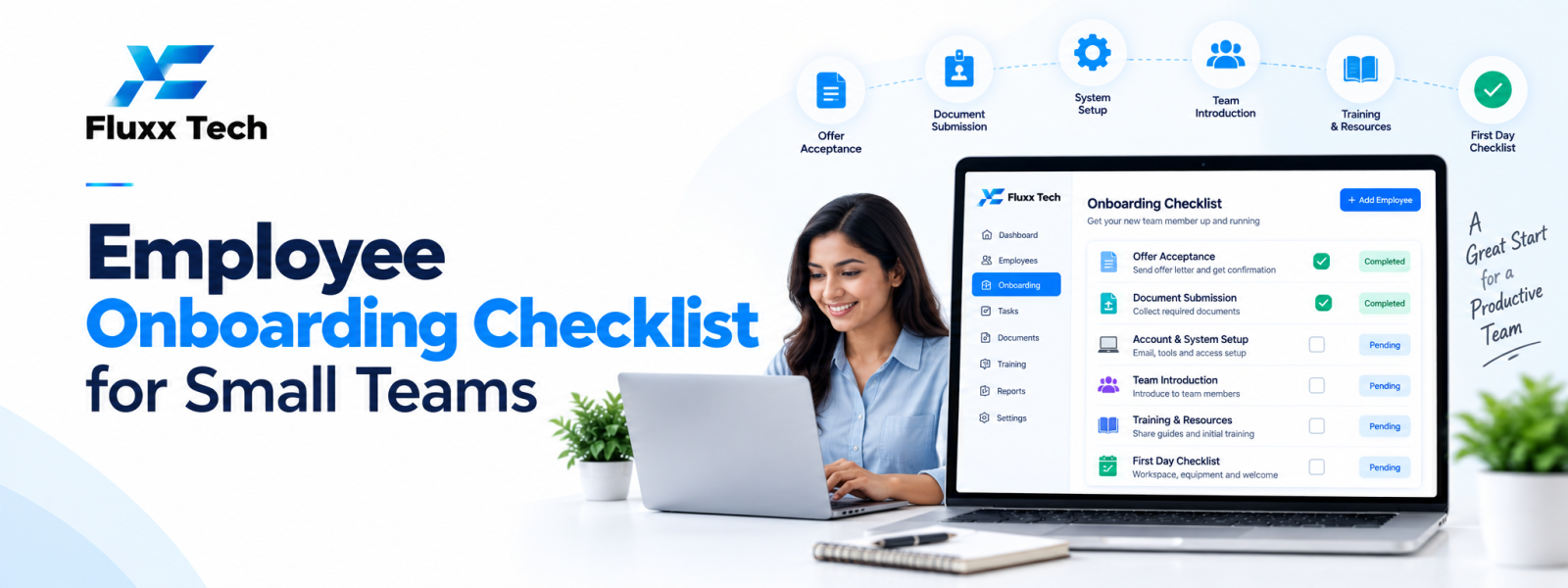
An employee onboarding checklist helps a small team give every new hire a consistent start. Without a defined process, access requests, equipment, policy explanations and role expectations can be missed, leaving the employee unsure where to begin. A practical checklist assigns each task to an owner and sets a completion point. Onboarding software can help coordinate tasks, but the process still needs clear responsibilities and relevant human support.
Prepare before the joining date
Confirm the role, reporting manager, start date, work location and equipment needs. Prepare the workspace or remote setup, create required accounts and arrange access using the principle of least privilege.
Share the joining schedule, first-day contact, required documents and any instructions in advance. Collect only information that is necessary and handle it securely.
First-day checklist
Welcome the employee and introduce the team, manager and key contacts. Explain the role, immediate priorities, communication channels and how to ask for help.
Review workplace policies, security expectations, working hours, attendance, leave and any safety requirements relevant to the role. Confirm that the employee can access essential tools and knows how to report access or equipment issues.
Documents and administration
Use an approved checklist for employment documentation, payroll details, policy acknowledgements and other required records. The exact documents depend on the organisation and applicable rules, so verify requirements with the responsible HR professional.
Store records in an authorised location, restrict access and track missing items without circulating sensitive details in open channels.
Role training and early goals
Create a role-specific learning plan that includes product or process knowledge, tools, quality standards and relevant security practices. Assign a buddy or subject-matter contact when practical.
Set achievable goals for the first week and month. Explain what success looks like, schedule regular check-ins and give the employee an opportunity to ask questions.
Follow up at 30, 60 and 90 days
Use check-ins to discuss progress, workload, training gaps and team integration. Ask what remains unclear and record agreed actions with owners and dates.
The exact cadence can be adjusted for the role. The important point is to continue support beyond the first day and ensure the employee understands expectations.
How onboarding software helps
Onboarding software can assign tasks, send reminders, collect acknowledgements and show which steps remain incomplete. It may connect with HRMS records and access provisioning workflows.
Choose tools that match the team's size and protect employee data. A well-maintained shared checklist may be sufficient for a very small team, while a growing organisation may benefit from automation and reporting.
Conclusion
In conclusion, the right HR and payroll process helps a business manage employee information more consistently, reduce avoidable manual work and give teams better visibility into day-to-day operations. Start by identifying the organisation’s actual requirements, checking compliance needs and involving the people who will use the system. Compare solutions carefully, test important workflows before rollout and review the results after implementation. A well-planned approach can make HR operations more reliable as the organisation grows.
Frequently Asked Questions
Who should own onboarding?
HR or operations can coordinate the process, while managers, IT and team members own the tasks relevant to their responsibilities.
Should every employee follow the same checklist?
Use a common foundation but tailor training, access and safety steps to the role and work location.
Can onboarding be automated?
Reminders and task tracking can be automated, but conversations, role guidance and feedback still require people.


