 Fluxx Tech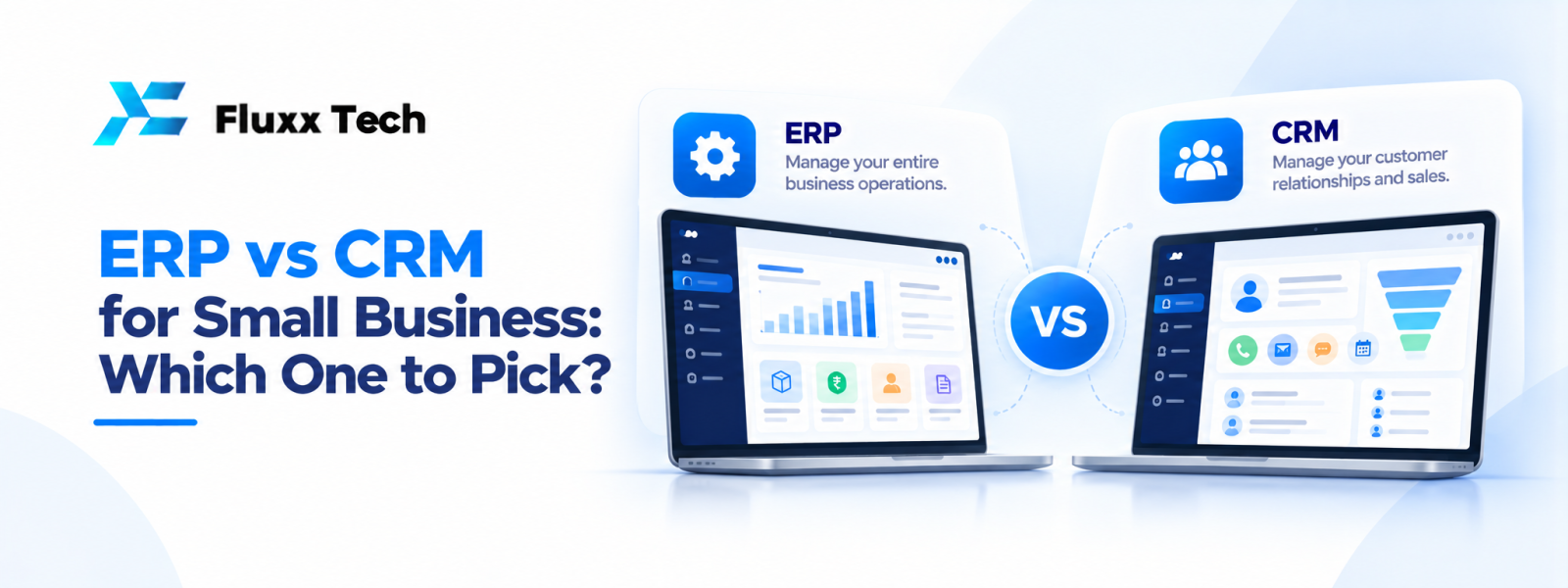
As a business grows, information can become scattered across spreadsheets, email threads and separate applications. Two systems that can help are Enterprise Resource Planning (ERP) and Customer Relationship Management (CRM). Understanding ERP vs CRM for small business helps you choose the system that addresses your biggest operational problem instead of paying for features your team may not use.
What does a CRM system do?
CRM software helps a business organise relationships with leads and customers. Typical features include contact records, lead stages, follow-up reminders, sales pipelines, communication history and sales reports. A CRM can help sales teams see who needs a call, what was discussed and which opportunities may need attention.
For service businesses, a CRM may also support enquiries, quotations, customer communication and handover to delivery teams. It is especially useful when leads are missed because information is stored in individual employees’ inboxes or personal spreadsheets.
What does an ERP system do?
ERP software connects important internal business operations through shared data. Depending on the product, it may cover purchasing, inventory, order processing, finance, production, employee information and reporting. The purpose is to reduce duplicate data entry and help teams work from consistent records.
A small distributor may need stock and purchasing visibility. A manufacturer may need production planning, raw-material tracking and order status. A service company may need project costs, billing and resource planning. ERP scope varies, so review the actual modules instead of assuming every system includes everything.
ERP vs CRM for small business: the key differences
Main focus: CRM concentrates on leads, sales and customer relationships. ERP focuses on internal operations and the flow of business resources.
Typical users: Sales and customer-facing teams commonly use CRM. Operations, inventory, finance and management teams may use ERP, depending on the modules selected.
Primary question: CRM helps answer, “What is happening with our leads and customers?” ERP helps answer, “What is happening across our operations, orders, stock and resources?”
Business impact: CRM can improve follow-up discipline and pipeline visibility. ERP can improve process coordination and operational reporting. Neither guarantees better results without clear processes and consistent use.
Which should you implement first?
Start with CRM if your main challenge is missed leads, inconsistent follow-ups, poor sales visibility or customer information spread across employees. A well-configured CRM can establish a clear process from enquiry to quotation and follow-up.
Consider ERP first if the biggest problems involve stock accuracy, purchasing, order fulfilment, production planning or financial information across departments. If you cannot confidently tell what is in stock or where an order stands, operational visibility may be the priority.
Some businesses need both eventually. That does not mean both must be launched at once. A phased rollout can reduce disruption and help staff learn each system properly.
Questions to ask before choosing
Identify the problem and the people affected. Write down the tasks that take too long, errors that happen repeatedly and reports management cannot easily produce. Then decide what the system must do on day one.
Ask vendors to demonstrate your real workflows rather than showing only generic dashboards. Check user permissions, mobile access, reporting, data import, integrations, backup arrangements, support and total cost. Confirm how the system will handle existing records and who will be responsible for data quality.
Also review adoption. A feature-rich system may fail if the interface is confusing or the process is too complicated. Involve employees who will use the tool every day and plan training before launch.
Can ERP and CRM work together?
Yes. Integration can allow sales information to connect with orders, delivery status or invoices. For example, a salesperson may need to know whether an order is available and whether a previous invoice remains unpaid. The exact data shared depends on the systems and integration design.
Before integrating, decide which system is the source of truth for each type of record. Define how customer names, product codes and order numbers will match. Plan for failed synchronisation, duplicate records and access control. An integration should remove repeated work, not create another place employees must check.
A simple selection plan
1. Rank your three biggest business process problems.
2. Decide whether each is customer-facing or operational.
3. Document essential workflows and reports.
4. Shortlist systems that fit your business size and industry.
5. Compare implementation, subscription, training and support costs.
6. Test with a small team before expanding.
7. Measure adoption and business outcomes after launch.
Conclusion
ERP vs CRM for Small Business is ultimately about choosing a practical response to a real business need. Define the problem, document the workflow, compare realistic options and plan for testing, training and maintenance. A phased approach with clear priorities helps teams make informed decisions and avoid unnecessary complexity.
Frequently Asked Questions
Q: Can a small business use CRM without ERP?
A: Yes. A CRM can be useful on its own when the main need is lead, sales and customer management.
Q: Can ERP include CRM features?
A: Some ERP platforms include customer management modules, while others integrate with a separate CRM. Check the specific product’s capabilities.
Q: Is ERP more expensive than CRM?
A: ERP can be more complex when several operational modules are required, but prices vary widely by product, users and implementation scope.
Q: Can I move from spreadsheets to ERP or CRM gradually?
A: Yes. Start with a clear scope, clean the existing data and migrate a manageable set of records before expanding.


