 Fluxx Tech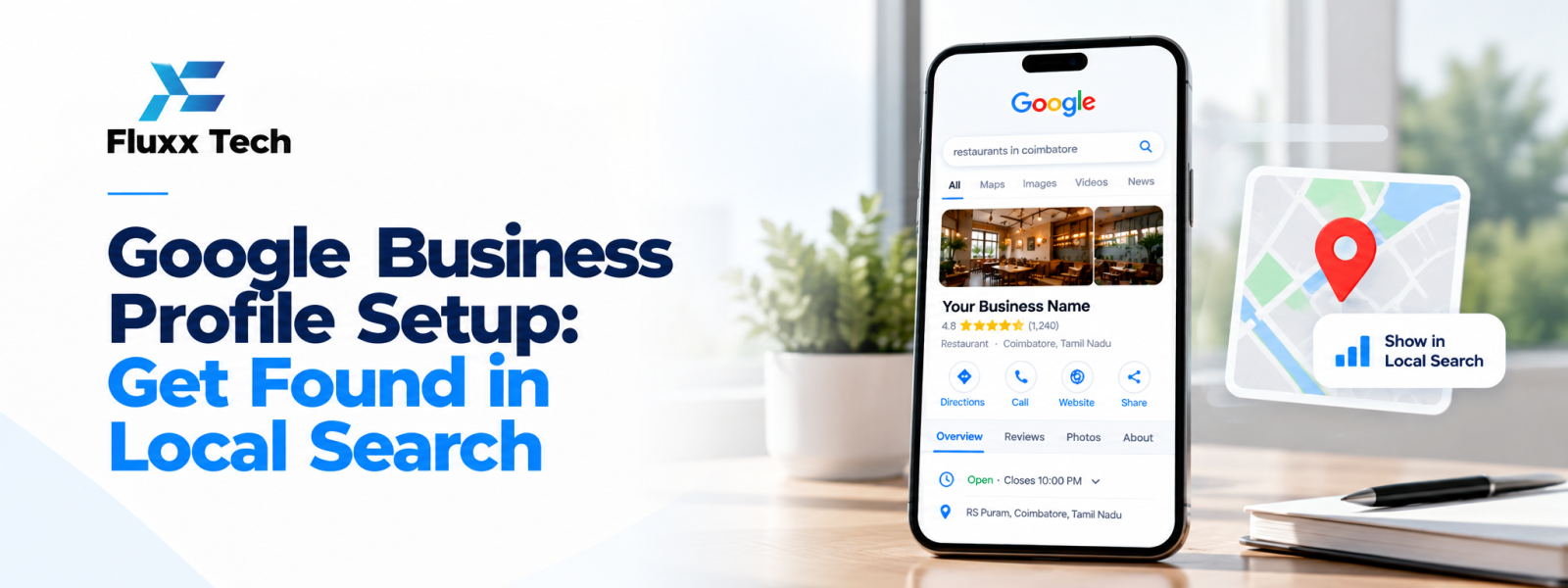
A complete Google Business Profile setup guide helps eligible businesses manage how their information appears across Google Search and Maps. A profile can help people find your location, understand your services and contact you. It does not guarantee a particular Google Maps ranking, but accurate information and ongoing management can make the business easier for customers to evaluate.
Check eligibility and choose the right profile
Review Google’s current eligibility rules before creating a profile. A business generally needs to make in-person contact with customers in a way that meets Google’s guidelines. Online-only businesses may not qualify. Use the real business name and choose the appropriate business type; do not add keywords to the name unless they are genuinely part of the business name.
Enter accurate business information
Provide the correct address or service area, phone number, website, hours and business category. If customers visit your premises, use the actual location. If you travel to customers and do not serve them at your address, follow Google’s guidance for service-area businesses. Avoid using a virtual office or misleading address.
Complete verification
Follow the verification method Google offers for the profile. Available methods can vary. Provide requested evidence accurately and do not attempt to bypass verification. Once verified, review the profile to ensure the information is displayed correctly.
Add services, descriptions and photos
Describe what the business actually offers using clear customer-friendly language. Add relevant services, products or appointment details if available. Use genuine photos of the premises, team, work or products. Images should help customers understand the business rather than misrepresent its location or capabilities.
Manage reviews professionally
Invite genuine customers to leave honest feedback without offering rewards in exchange for positive reviews. Respond politely to reviews, including critical ones. Do not disclose private customer information in public replies. If a review appears to violate platform policies, use the official reporting process rather than threatening the reviewer.
Support local SEO beyond the profile
Keep the website consistent with the profile. Create a useful page describing the business and its service area, include contact details and explain the services clearly. Ensure relevant directory listings are accurate. Local discovery also depends on relevance, distance and prominence, so no checklist can guarantee a top Google Maps position.
Maintain the profile
Review opening hours during holidays, update phone numbers and service details when they change, and monitor suggested edits. Check performance data when available, but interpret it in context. Calls, website visits and direction requests can help you understand how customers use the profile.
Common mistakes to avoid
Do not create duplicate profiles for the same business without a valid reason, use a fake address, stuff keywords into the business name or buy reviews. Avoid selecting unrelated categories. If information changes, update the existing profile through the normal process.
Conclusion
A useful digital marketing plan is built around customer needs, clear goals and consistent measurement. Start with the steps that matter most to your business, test changes carefully and improve using real results. Avoid guarantees and make sure the website, follow-up process and customer experience support the campaign.
Frequently Asked Questions
Q: Is Google Business Profile free?
A: Creating and managing a profile is generally free, subject to Google’s current product terms.
Q: Can an online-only business create a profile?
A: Online-only businesses generally do not meet the in-person contact eligibility requirements. Check Google’s current guidelines.
Q: How do I improve Google Maps ranking?
A: Keep information accurate, choose relevant categories, earn genuine reviews and build a useful local web presence. Rankings are not guaranteed.
Q: Can I hide my home address?
A: Eligible service-area businesses may be able to hide their address when customers are not served there. Follow the current profile settings and guidelines.


