 Fluxx Tech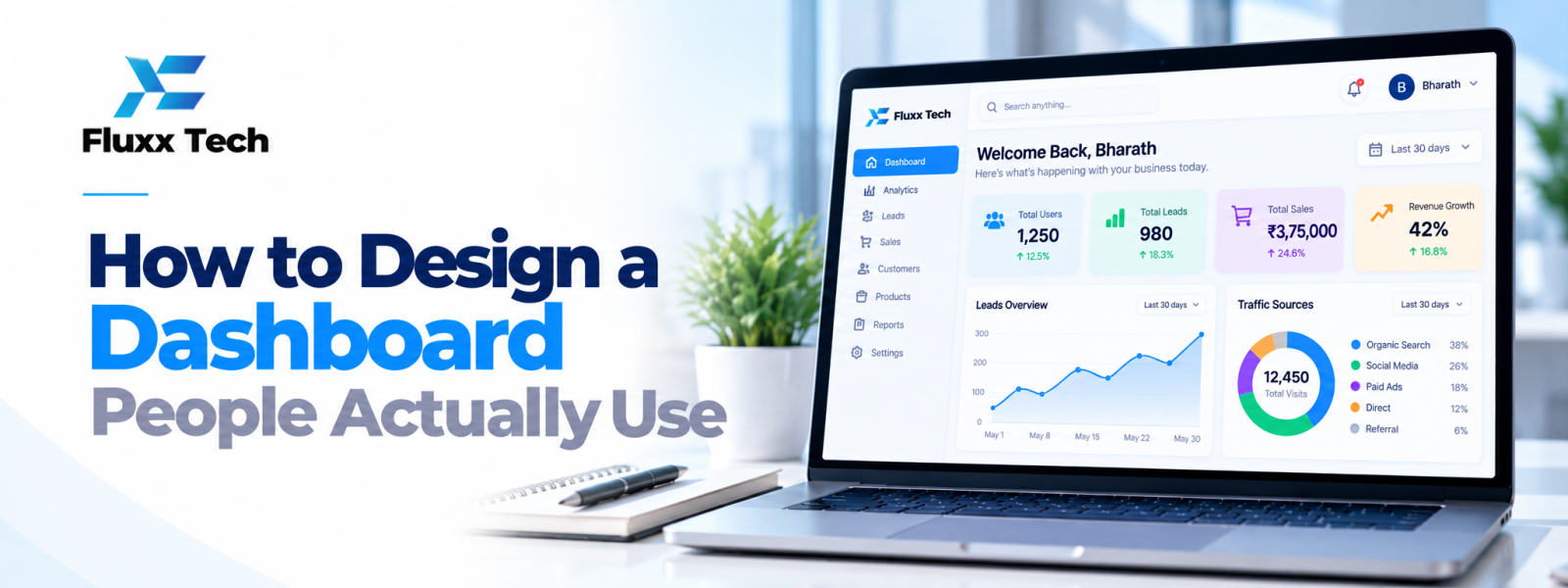
A dashboard should help people understand what is happening and decide what to do next. Effective dashboard UI design is not about filling a screen with charts. It is about choosing the right information, organising it clearly and making important patterns or actions easy to find. Good dashboard UX starts with the decisions users need to make.
Understand the dashboard user
Identify who will use the dashboard, how often they use it and what decisions they make. An owner may need a high-level view of sales and operations, while an operations manager may need exceptions and task status. One dashboard cannot serve every role equally well without careful prioritisation.
Define the key questions first
Before choosing charts, write down the questions the dashboard must answer. Examples include which orders need attention, how many tasks remain open or which products are low in stock. Each metric should support a decision or monitoring need. If a chart does not help answer a question, reconsider whether it belongs.
Create a clear information hierarchy
Place the most important indicators where users can find them quickly. Group related information and use headings that explain the purpose of each section. Avoid making every card equally prominent. Visual hierarchy should reflect priority, not simply make the page look balanced.
Choose suitable visualisations
Use tables for precise records, line charts for change over time, bar charts for category comparisons and simple status indicators for operational states. Avoid complex charts when a simpler form communicates the point better. Label axes and units clearly and provide context for dates, filters and comparisons.
Make filters and drill-downs understandable
Users may need to filter by date, location, team or product. Keep common filters visible and show which filters are active. When a user opens a detailed view, preserve enough context to help them understand how they arrived there. Make reset and empty states clear.
Design for exceptions and actions
A dashboard becomes more useful when it highlights items that need attention and provides a sensible next step. Use clear labels for overdue tasks, failed transactions or low stock, based on defined rules. Do not rely on colour alone to communicate status; include text or icons where appropriate.
Handle data quality and loading states
Display when data was last updated and explain limitations when information is delayed or unavailable. Provide useful loading, empty and error states. Ensure totals and chart values use consistent definitions. A visually polished dashboard can lose trust quickly if numbers do not match other reports.
Support responsive and accessible use
Test the dashboard on the devices users actually use. Dense tables may need a different mobile presentation. Use readable text, sufficient contrast, keyboard access and clear focus states where relevant. Do not make the interface depend only on hover or colour.
Test with real tasks
Ask representative users to find a metric, investigate an exception and complete a common task. Observe where they hesitate or misinterpret the data. Use their feedback to simplify layout and labels. Continue reviewing usage after launch because real workflows may reveal needs that were missed in early design.
Conclusion
Strong UI/UX work begins with user needs and clear business goals. Focus on the tasks people need to complete, test important flows, and refine the interface using evidence. A practical design process helps teams make better decisions before and after development.
Frequently Asked Questions
Q: What should a business dashboard show?
A: It should show the metrics and exceptions users need for specific decisions. The exact content depends on the role and workflow.
Q: How many charts should a dashboard have?
A: There is no universal ideal number. Include only visualisations that answer useful questions and remain readable.
Q: Should every metric use colour?
A: No. Use colour consistently and support it with labels or other cues so the information remains understandable.
Q: What is dashboard UX?
A: Dashboard UX is the overall experience of understanding data, navigating details and taking action through a dashboard.


