 Fluxx Tech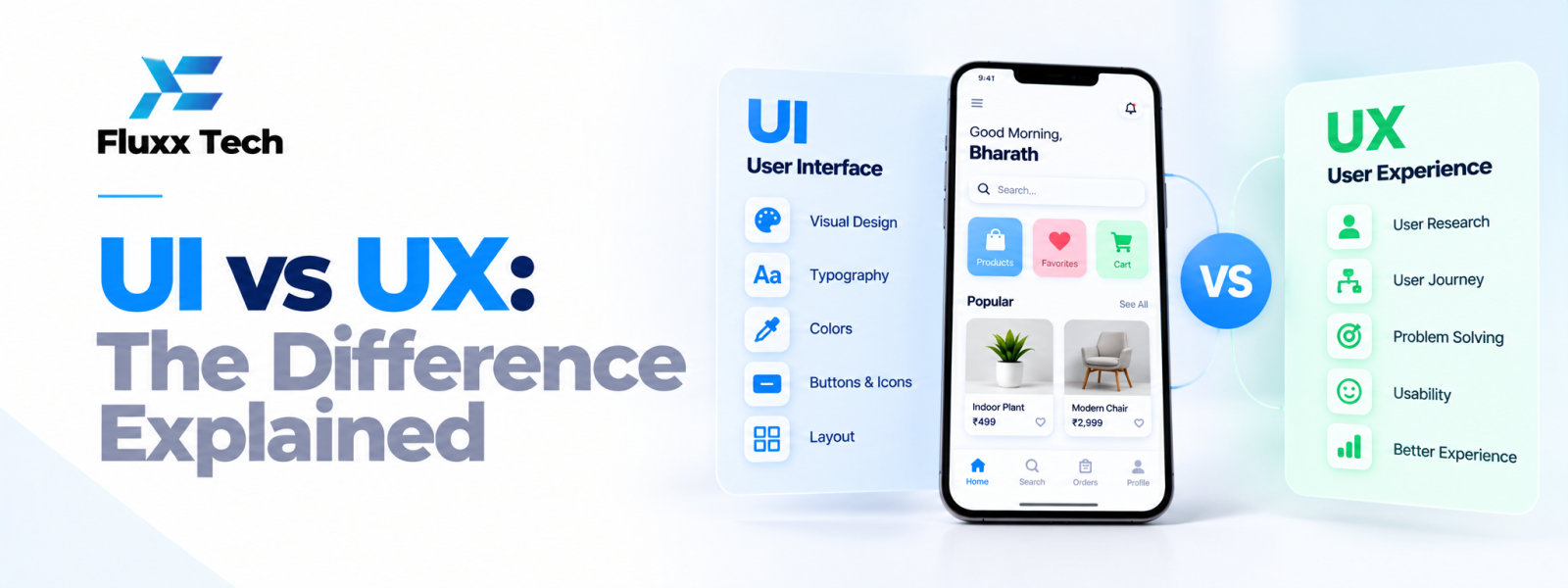
The UI vs UX difference is easier to understand when you look at a product from the user’s point of view. UI, or User Interface, focuses on the screens and controls people interact with. UX, or User Experience, looks at the wider journey and whether the product helps people complete their goals. Both are important when designing an app, website or business system.
What is UI?
User Interface design covers the visual and interactive elements of a product: buttons, forms, menus, icons, typography, colour, spacing and screen layouts. It helps people recognise actions and understand information. A consistent interface makes similar tasks feel familiar across different parts of a product.
What is UX?
User Experience design looks at how people experience the product as a whole. It includes understanding needs, structuring information, planning user journeys, testing task completion and reducing friction. UX asks whether the product is useful and understandable, not just whether it looks good.
UI vs UX difference with an example
Imagine a customer booking an appointment online. UI includes the calendar, time-slot buttons, form fields and confirmation screen. UX includes the entire process: finding the service, understanding available options, selecting a time, entering details, confirming the booking and knowing what happens next.
A polished calendar may still be frustrating if users cannot tell which time zone applies or whether their booking was saved. That is why interface design and the wider experience must be considered together.
How UI and UX teams work together
UX research and journey mapping help identify what users need to do. Wireframes establish structure and navigation. UI design then develops the visual system and interaction states. Prototypes allow the team to test the combined experience before developers implement it.
The process is collaborative rather than strictly linear. Visual choices may reveal a usability problem, and technical constraints may require the journey to be revised. Regular reviews help prevent design from becoming disconnected from development.
What businesses should expect as deliverables
Depending on project scope, deliverables may include user research findings, personas or audience summaries, user flows, information architecture, wireframes, high-fidelity screens, clickable prototypes, component libraries and handoff notes. Not every project needs every deliverable. The important point is that the work should support decisions and implementation.
Common misconceptions
One misconception is that UX means making a product look modern. Another is that UI is only about colour and style. In practice, both involve decisions that affect clarity and interaction. A further misconception is that design ends when mockups are approved. Real devices, content and development details can introduce issues that require review.
How to choose what your project needs
A new product with uncertain user needs may benefit from research and journey mapping before detailed visuals. A mature product with inconsistent screens may need a UI audit and design system. A checkout with high abandonment may need usability investigation and testing. Start with the problem rather than purchasing a fixed list of design deliverables.
How to measure the result
Choose measures tied to the user task, such as completion rate, errors, time, drop-off or support requests. Ask users what was confusing and observe them using the product. These findings can guide iterative improvements.
Conclusion
Strong UI/UX work begins with user needs and clear business goals. Focus on the tasks people need to complete, test important flows, and refine the interface using evidence. A practical design process helps teams make better decisions before and after development.
Frequently Asked Questions
Q: Can one person do both UI and UX?
A: Yes, depending on the project and the person’s skills. Larger or more complex projects may benefit from specialised roles.
Q: Which comes first, UI or UX?
A: Teams often understand user needs and structure journeys before refining the interface, but design work is iterative and the stages can overlap.
Q: Is UX more important than UI?
A: Neither should be ignored. The balance depends on the product, but users need both a usable journey and a clear interface.
Q: Does a UI/UX designer write code?
A: Some designers can code, but the core role is usually research, interaction and interface design. Development responsibilities should be agreed for each project.


