 Fluxx Tech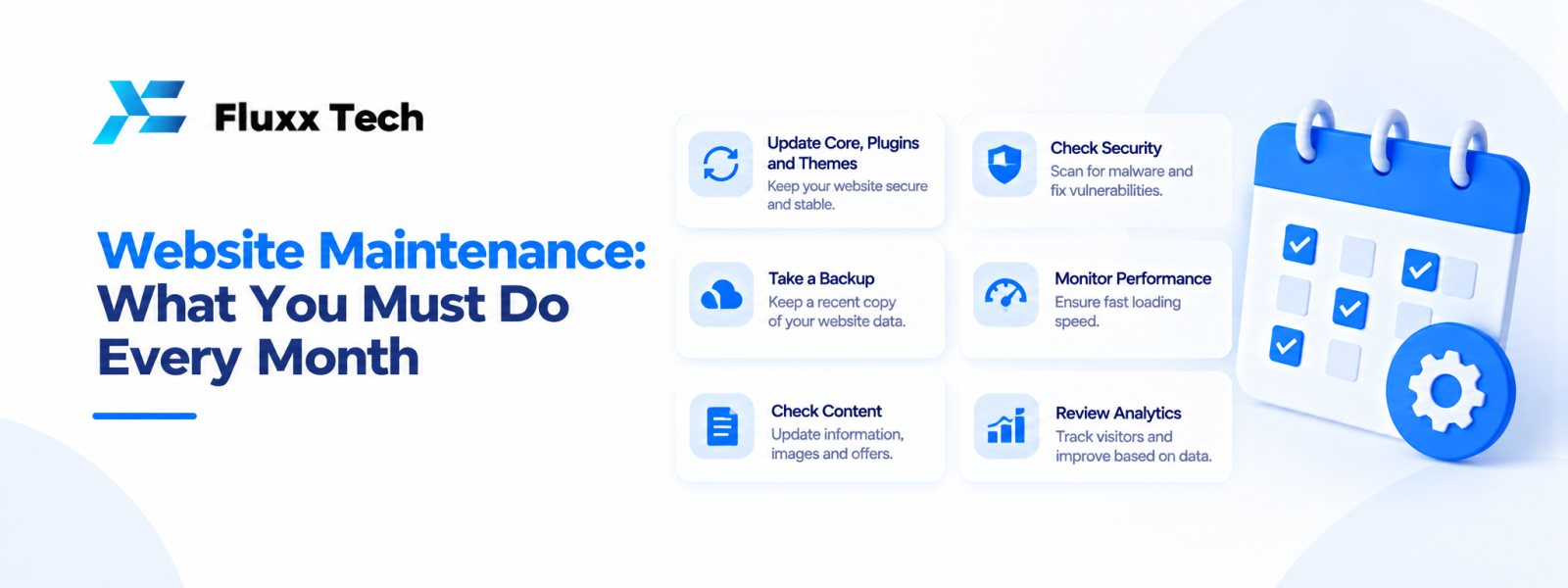
A website can continue to work after launch while quietly developing problems: outdated plugins, broken forms, expired certificates, slow pages or missing backups. A website maintenance checklist helps business owners review these areas consistently. Maintenance does not need to mean changing the design every month. It means checking that the site remains accessible, safe, accurate and useful to visitors. The right schedule depends on the platform, site complexity and business risk, but assigning clear responsibilities prevents important tasks from being forgotten.
Website maintenance checklist for every month
1. Check important pages
Open the homepage, service pages, product pages and contact page. Look for missing images, outdated information, broken links and unexpected layout changes.
2. Test forms and key actions
Submit enquiry forms using a controlled test, check booking journeys and verify that confirmation messages reach the right place. Avoid creating real transactions unless the test process supports them.
3. Review backups
Confirm that backups are running and that recovery procedures are documented. A backup is useful only if the business can restore it when needed.
4. Apply updates carefully
Review updates for the CMS, themes, plugins, libraries and server components. Test changes in a suitable environment when possible and keep a rollback plan for important sites.
5. Review security signals
Check available security alerts, unusual account activity and relevant logs. Limit administrator access and remove accounts that are no longer needed.
6. Check SSL and domain status
Verify that the certificate is valid and the domain registration is not approaching an unexpected expiry. Keep renewal contacts and payment arrangements current.
7. Review performance
Check whether key pages load reliably and investigate significant changes. Large images, scripts, hosting issues or third-party services may contribute to slow performance.
8. Check analytics and tracking
Confirm that analytics and conversion events still work as intended. Avoid collecting unnecessary personal data and ensure tracking reflects the site's actual behaviour.
9. Update content
Refresh service details, prices where published, team information, policies and contact details when they change. Remove obsolete announcements.
10. Review access and vendors
Check who has access to hosting, CMS, domain and analytics accounts. Use individual accounts where possible and protect administrator access.
Website maintenance services: what may be included
Technical updates
CMS and dependency updates, compatibility checks and basic troubleshooting may be included in a maintenance agreement.
Backups and recovery
Confirm backup frequency, retention, storage location and who is responsible for restoration.
Security checks
Clarify whether the service includes monitoring, malware investigation, vulnerability remediation or only routine updates.
Performance monitoring
Some plans include periodic checks and recommendations. Confirm whether implementation work is included or quoted separately.
Content support
Small text or image changes may be covered by some agreements, while new pages and redesign work may require a separate estimate.
Website updates without unnecessary risk
Review before publishing
Check content, links, forms and layouts before changes go live.
Use least-privilege access
Give each user only the permissions needed for their role.
Record important changes
Keep a short record of updates, dates and any issues discovered.
Plan for recovery
For significant changes, confirm that a usable backup exists and that the team knows how to restore the site.
Create a maintenance routine
Assign an owner
Decide who checks the site and who handles technical fixes.
Set a recurring review
Use a calendar or task tracker so checks happen consistently. Higher-risk sites may require more frequent monitoring.
Prioritise by impact
A broken checkout or enquiry form is more urgent than a minor cosmetic issue. Define how incidents are escalated.
Review the plan periodically
As the site gains features or traffic, update the maintenance routine and support agreement.
Frequently Asked Questions
What is included in a website maintenance checklist?
It commonly covers page checks, forms, backups, software updates, security, certificates, performance, analytics and content.
How often should a website be maintained?
Review important areas regularly. The exact frequency depends on platform updates, site complexity and business risk.
Are website updates included in maintenance services?
It depends on the agreement. Confirm whether routine updates, new features and content changes are treated differently.
Why are backups important?
They can support recovery after accidental changes, technical failures or security incidents, provided the backups are usable.
Can I maintain my website myself?
Yes, if you have the skills and time to handle updates, backups, security and troubleshooting. Otherwise, consider a clearly scoped support plan.
Conclusion
A consistent website maintenance checklist helps keep a site accurate, functional and better prepared for unexpected problems. Review forms, backups, updates, security, performance and account access, and document who is responsible. Treat maintenance as part of running the website, not an occasional emergency task.


